Quick answer
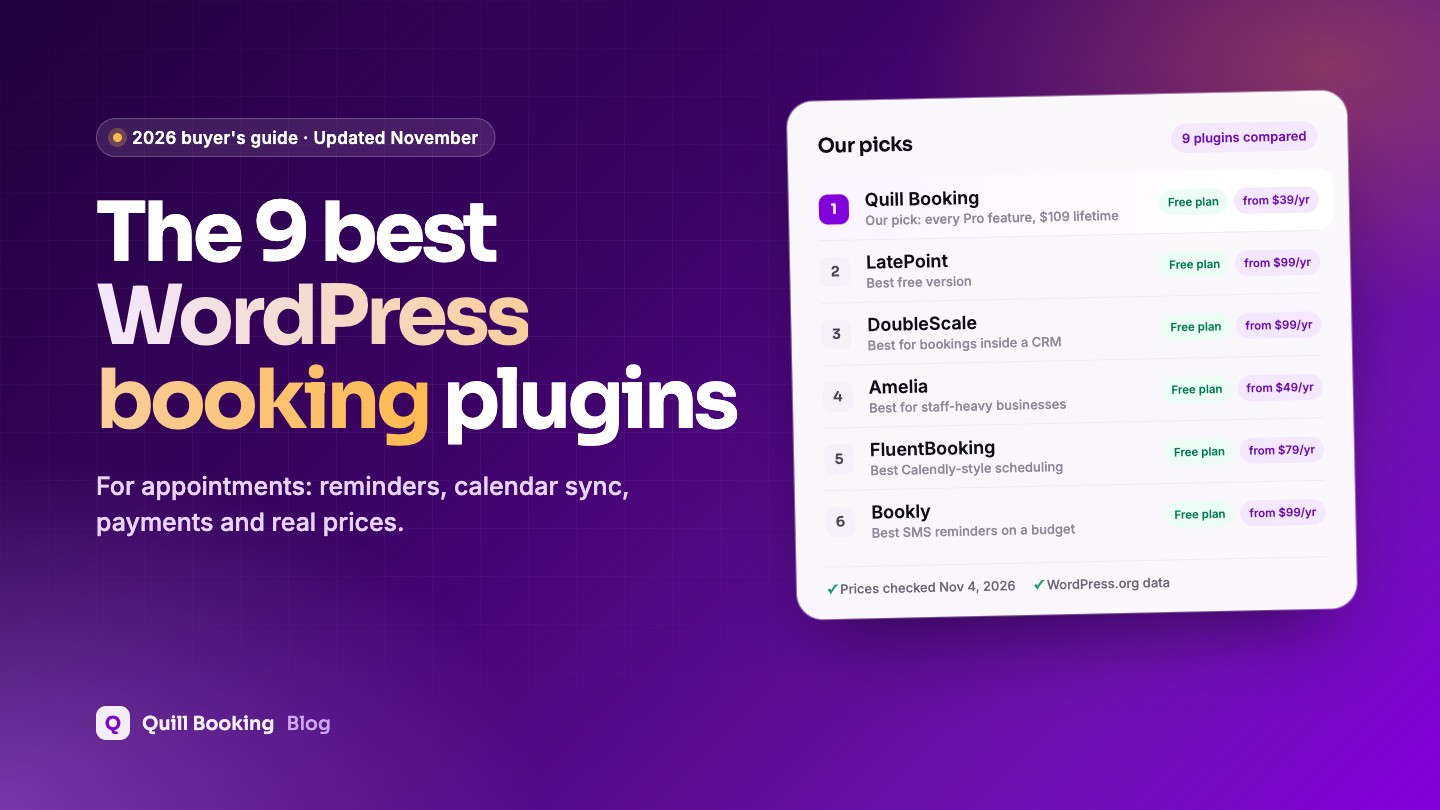
Our top pick is Quill Booking, our own plugin. It gives you booking pages, calendar sync, Zoom, Meet and Teams links, payments and SMS reminders from $39 a year, or $109 for a lifetime licence, among the lowest prices in this guide. LatePoint has the most polished free version, with online payments included. DoubleScale is best if you want every booking to land in a CRM. Amelia suits salons and clinics with many staff, and FluentBooking is a strong Calendly-style option if you already use FluentCRM.
An appointment booking plugin replaces the back-and-forth of “does Tuesday work?” with a page where clients pick a free slot, answer a few questions and get a confirmation straight away. Choosing one is harder than it looks: most plugins put calendar sync, payments or reminders behind a paid plan, and prices for the same features range from under $40 to almost $500 a year.
We compared nine WordPress appointment booking plugins on the features scheduling software users rate most important, from reminders to calendar sync. Every price, plan limit and WordPress.org figure below was checked on the vendor’s own pages and the WordPress.org directory on November 4, 2026.
Disclosure: Quill Booking is our plugin, so we put it first. DoubleScale is a sister product from the same team. We list the same facts for every plugin, including what each one does not do well, so you can make your own call.
WordPress appointment booking plugins compared
| Plugin | Best for | Free version | Yearly from (1 site) | Lifetime from |
|---|---|---|---|---|
| Quill Booking | Best value, all-in-one scheduling | Yes, one-on-one meetings | $39 | $109 |
| LatePoint | Best free version | Yes, with payments | $99 ($79 intro) | $249 ($199 intro) |
| DoubleScale | Bookings inside a CRM | Yes, booking pages | $99 | $299 |
| Amelia | Salons, clinics, many staff | Yes (Lite) | $49 (Starter) | $299 (Standard) |
| FluentBooking | Calendly-style meetings | Yes, one-on-one | $79 ($63 first year) | $249 |
| Bookly | SMS reminders on a budget | Yes, up to 5 services | $99 (Pro) | $129 (Pro) |
| Simply Schedule Appointments | Simple consultations | Yes, unlimited calendars | $129 ($99 intro) | None |
| Easy Appointments | Free multi-location basics | Yes | $39 | $499 (unlimited sites) |
| WooCommerce Bookings | Selling bookable products | No | $249 | None |
What is an appointment booking plugin?
An appointment booking plugin adds a scheduling page to your WordPress site. You set your services, working hours and rules such as buffers and minimum notice; clients choose a time that suits them, answer your intake questions and, if you want, pay up front. The plugin then confirms the booking, adds it to your calendar, sends reminders and lets the client reschedule or cancel without emailing you.
Compared with a hosted tool such as Calendly, a plugin keeps bookings and customer details in your own WordPress database, matches your site’s design and usually costs less per year, because you pay per site rather than per user.
What to look for in a booking plugin
Capterra’s analysis of verified user ratings names the five features scheduling software users value most. We used them as our main criteria, then added three that matter for WordPress plugins specifically:
- Confirmations and reminders. Automatic email reminders, ideally SMS or WhatsApp too, because reminders are the most effective way to cut no-shows.
- Online booking. A clear booking page with intake questions, time zones and self-service rescheduling and cancellation.
- Calendar management. Two-way sync with Google, Outlook or Apple Calendar so you are never double-booked, plus Zoom, Meet or Teams links.
- Mobile access. Booking pages that work well on phones, where most clients book.
- Customer database. A record of every client and booking, and ideally a link to your CRM or email tool.
- Payments. Deposits or full payment with Stripe, PayPal or WooCommerce, and which plan unlocks them.
- Team scheduling. Multiple staff, round-robin assignment, group sessions and recurring appointments.
- Price and upkeep. What the free version covers, the yearly or lifetime cost, update frequency and security record.
1. Quill Booking: best value all-in-one scheduling plugin
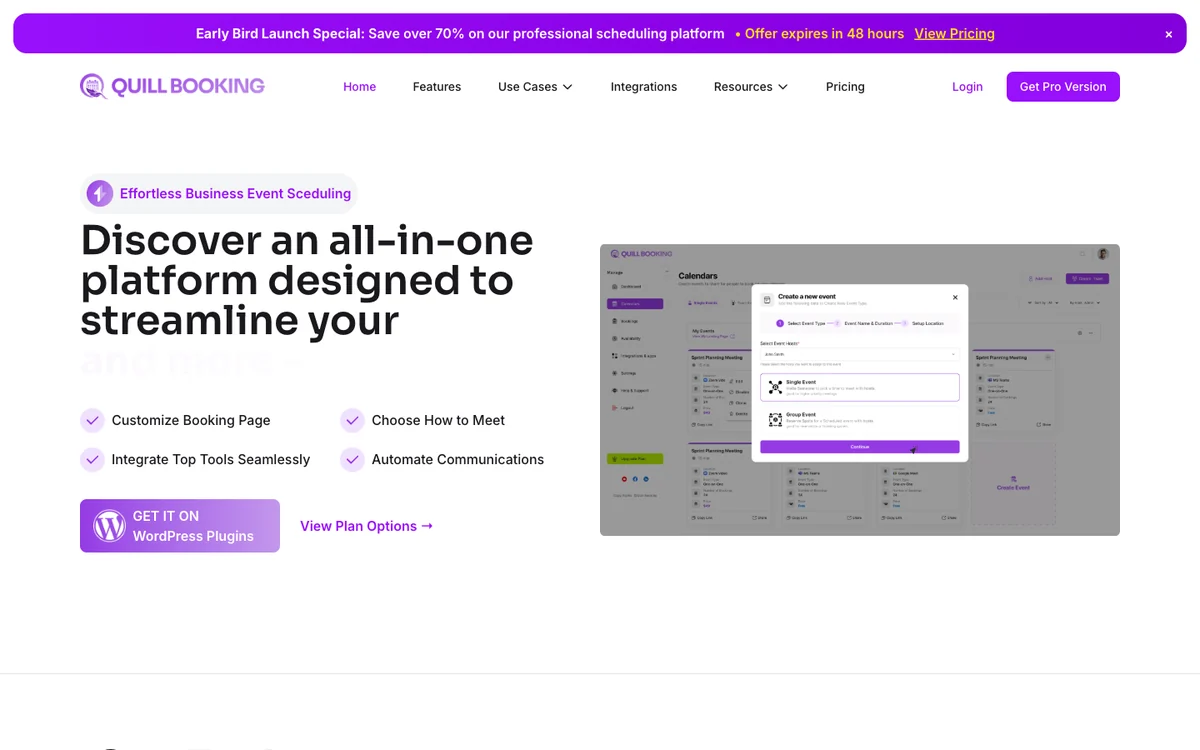
Quill Booking is a Calendly-style scheduling plugin for WordPress. You create event types and share a booking page, and clients book into your real availability, with buffers, limits and time-zone conversion.
- Free version
- One-on-one meetings
- Paid from
- $39/year, 1 site
- Calendar sync
- Google, Outlook, Apple (Pro)
- WordPress.org
- 5.0★ (1 rating)
What you get
The free plugin covers one-on-one meetings with availability rules, intake questions and email confirmations, reschedule and cancel emails. Pro adds group, round-robin and one-off events, Google, Outlook and Apple Calendar sync, Zoom, Meet and Teams links, Stripe, PayPal, Google Pay, Apple Pay and WooCommerce payments, and Twilio SMS and WhatsApp. Every Pro plan includes all features; plans differ mainly by the number of sites.
Pros
- Among the lowest prices for a full feature set
- Lifetime licence from $109
- Works with Quill Forms for longer intake forms
Cons
- Young plugin with a small WordPress.org user base
- Free version is limited to one-on-one meetings
- Latest WordPress.org release is tested up to WordPress 6.9
Best for: Consultants, coaches, agencies and small teams who want Calendly-style scheduling on their own site at the lowest cost.
2. LatePoint: best free appointment booking plugin
LatePoint is the most installed plugin in this guide, with more than 100,000 active sites and a 4.9-star rating from 107 reviews. Its booking flow is polished, and the free version is unusually generous.

- Free version
- Unlimited appointments, payments
- Paid from
- $99/year ($79 intro)
- Calendar sync
- Google, Outlook, Apple (Pro)
- WordPress.org
- 4.9★ (107 ratings)
What you get
The free plugin includes unlimited appointments, events with capacity, a customer dashboard with cancellation, email notifications and Stripe, PayPal and Razorpay payments with deposits. Pro adds multiple staff and locations, group and recurring bookings, rescheduling, calendar sync, Zoom, Meet and Teams, SMS and WhatsApp, custom fields and webhooks. All paid plans include every feature.
Pros
- Online payments in the free version
- Large user base and high rating
- Clean, modern booking flow
Cons
- Custom booking fields and rescheduling are Pro-only
- Single location and email-only notifications in the free version
- Introductory price renews at full price
Best for: Businesses that want to take paid bookings without buying a licence first.
3. DoubleScale: best for bookings inside a CRM
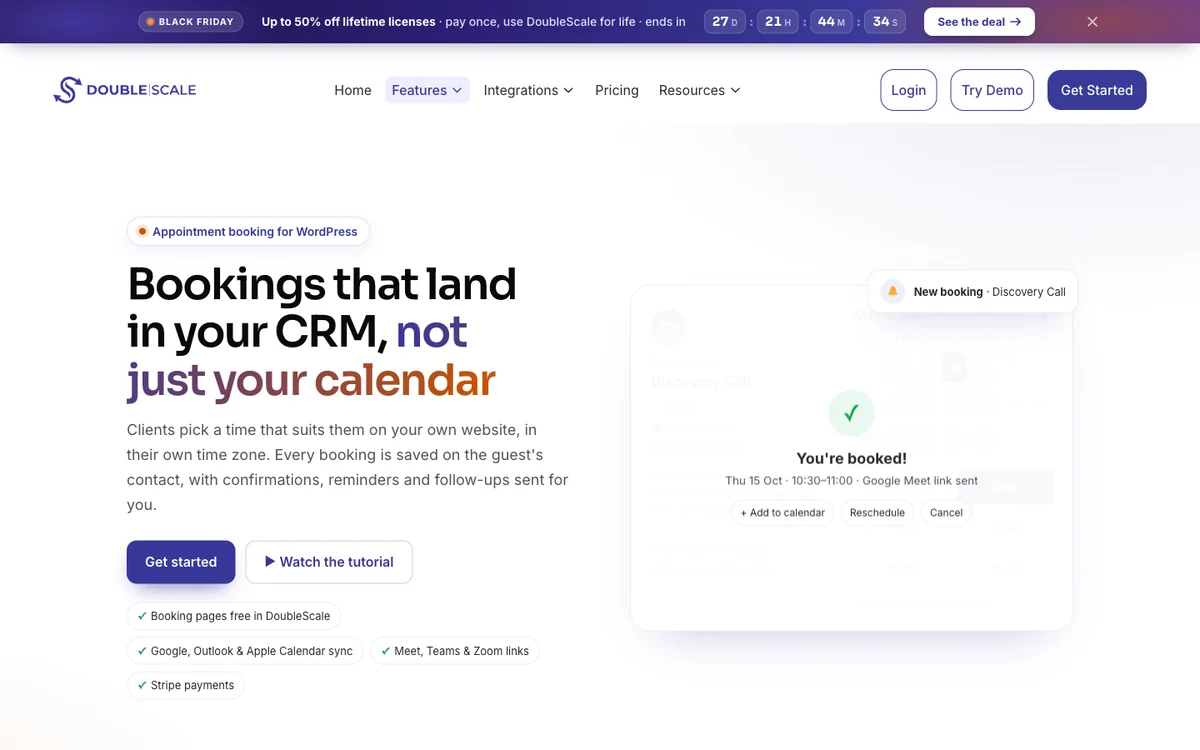
DoubleScale is a WordPress CRM with a built-in booking module. Every booking creates or updates a contact, appears on that person’s timeline next to emails, deals and tickets, and can start a follow-up automation.
- Free version
- Booking pages, group events
- Paid from
- $99/year, 1 site
- Calendar sync
- Google, Outlook, Apple (Basic)
- WordPress.org
- 5.0★ (7 ratings)
What you get
The free version includes one-to-one and group events, public booking pages, availability limits and buffers, attendee cancel and reschedule, in-person, phone and multiple locations, and email reminders with calendar invites. The Basic plan adds round-robin and collective team events, a waiting list, calendar sync, Meet, Zoom and Teams links, custom booking questions, SMS notifications and Stripe, PayPal and four more gateways.
Pros
- Bookings land in a full CRM with email and automations
- Group events and rescheduling in the free version
- Round-robin and collective team events
Cons
- Small user base (70+ active installs)
- Calendar sync and custom questions need Basic
- More than you need if you only want a booking page
Best for: Service businesses that want bookings, client records, email follow-ups and invoices in one place.
4. Amelia: best for salons, clinics and staff-heavy businesses
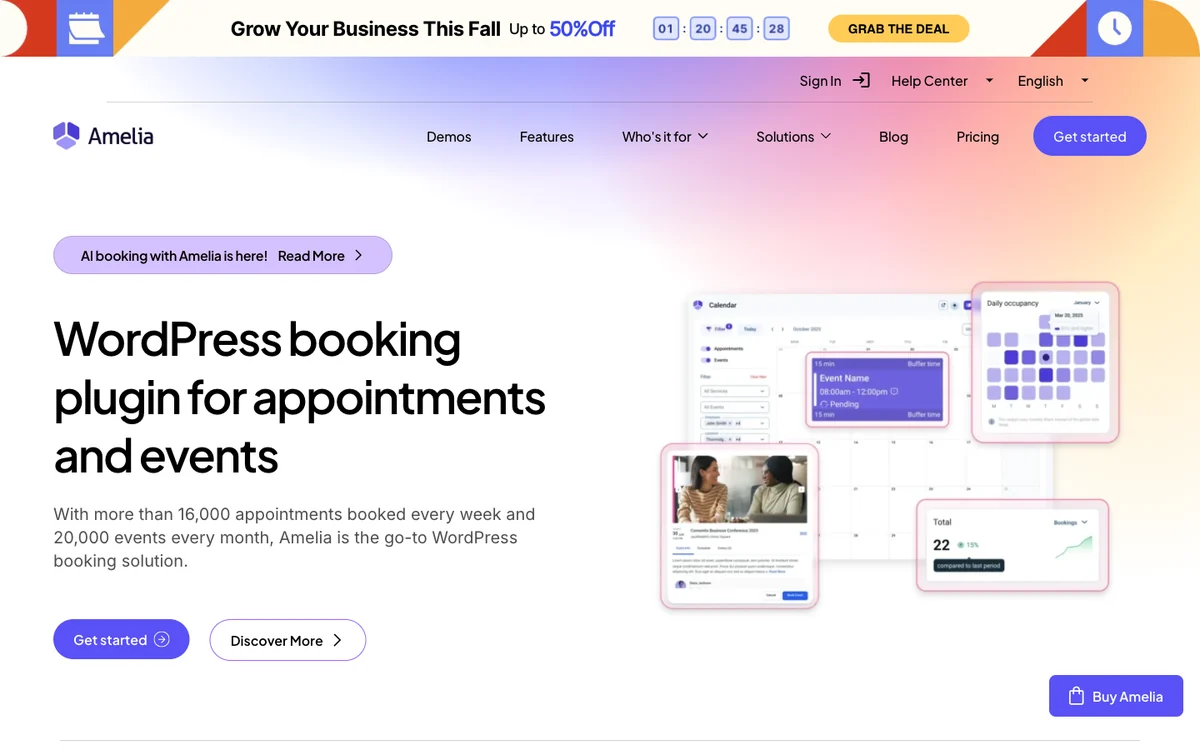
Amelia is built for businesses with many employees, services and locations, and it also handles events. It has more than 90,000 active installs and a 4.6-star rating from 793 reviews.
- Free version
- Yes (Lite)
- Paid from
- $49/year (Starter)
- Calendar sync
- Google, Outlook, Apple (Standard)
- WordPress.org
- 4.6★ (793 ratings)
What you get
Amelia Lite includes a back-end calendar, events, email and SMS booking notifications and free Square payments. Most businesses need the Standard plan ($99 a year), which adds calendar sync, Zoom, Meet and Teams, Stripe, PayPal and WooCommerce, reminders, recurring appointments, custom fields, multiple locations and webhooks. WhatsApp and the REST API need Pro.
Pros
- Strong employee, location and event management
- Square payments in the free version
- Large, active user base
Cons
- Reminders and calendar sync need Standard
- Customer panel is not in the free version
- Several serious security fixes in 2026, so keep it updated
Best for: Salons, spas, clinics and studios with several staff members and locations.
5. FluentBooking: best Calendly-style scheduling
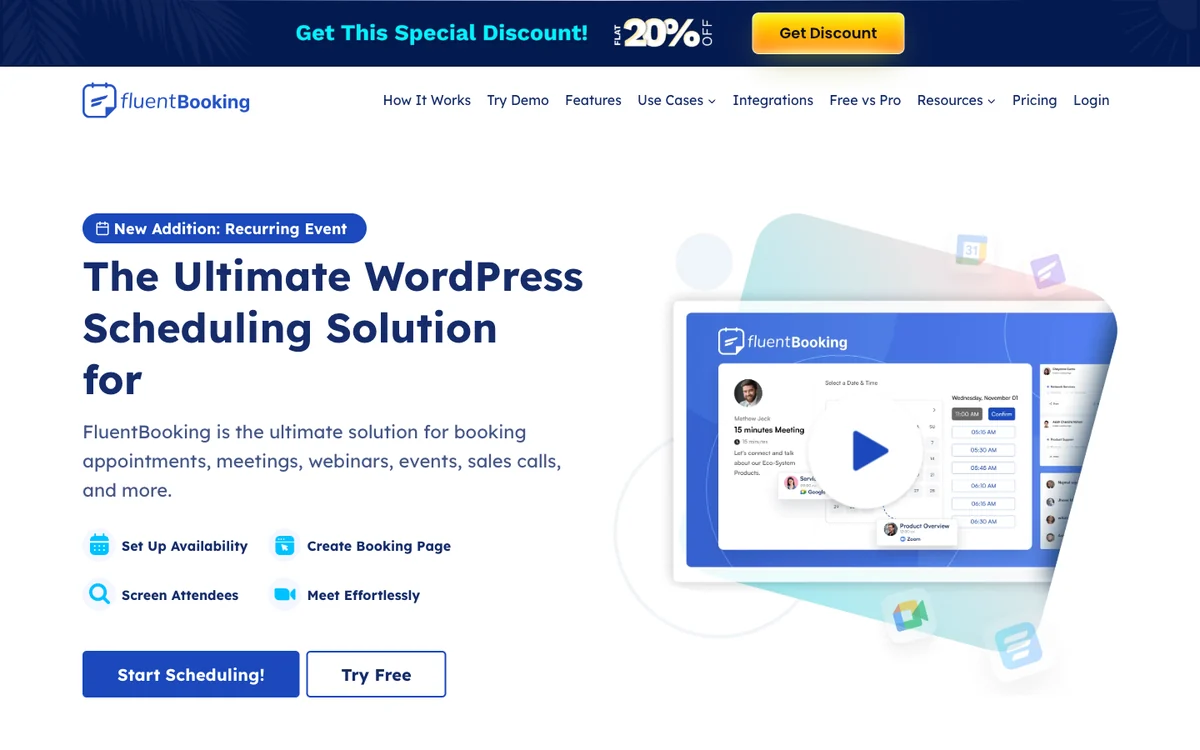
FluentBooking comes from the team behind FluentCRM and Fluent Forms. It focuses on meeting scheduling for individuals and sales teams, with more than 20,000 active installs.
- Free version
- One-on-one meetings
- Paid from
- $79/year ($63 first year)
- Calendar sync
- Google, Outlook, Apple (Pro)
- WordPress.org
- 4.7★ (46 ratings)
What you get
The free plugin covers one-on-one meetings with unlimited hosts and calendars, booking questions, email notifications and native FluentCRM and Fluent Forms integrations. Pro adds group, round-robin and one-off events, two-way calendar sync, Zoom, Meet and Teams, Stripe, PayPal and Apple Pay, Twilio SMS and WhatsApp, and Zapier, Make and webhooks.
Pros
- Unlimited hosts and calendars in the free version
- Deep FluentCRM integration
- Round-robin for sales teams
Cons
- Payments and calendar sync are Pro-only
- Best value only if you use other Fluent plugins
- First-year discount renews at full price
Best for: Sales teams and consultants who already use FluentCRM or Fluent Forms.
6. Bookly: best for SMS reminders on a budget
Bookly is one of the longest-running WordPress booking plugins, with more than 60,000 active installs. Its free version is limited, but it can send SMS and WhatsApp notifications through Bookly Cloud on a pay-as-you-go basis.
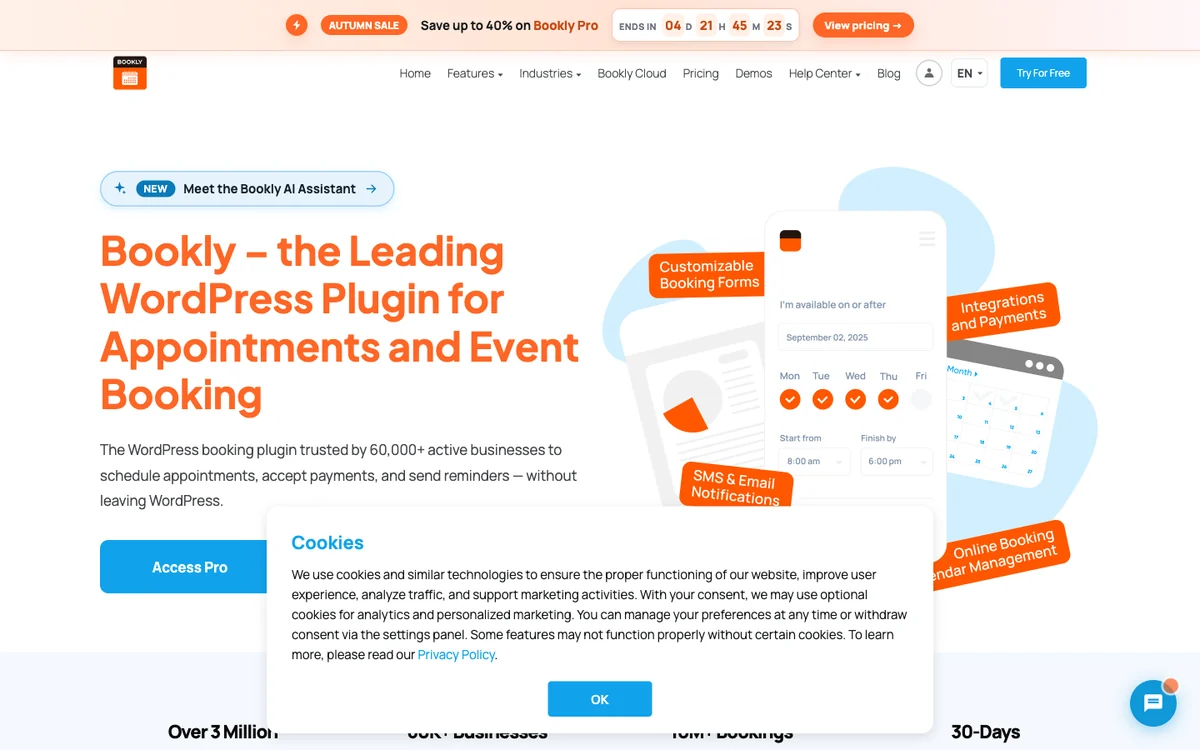
- Free version
- Up to 5 services
- Paid from
- $99/year (Pro)
- Calendar sync
- Google (Pro), Outlook (Business)
- WordPress.org
- 4.4★ (586 ratings)
What you get
The free version allows up to five services with local payments and email, SMS and WhatsApp notifications. Pro adds unlimited staff and services, Google Calendar sync, Zoom and Meet, and WooCommerce. Stripe and PayPal, group and recurring bookings, the customer cabinet and custom fields need the Business plan.
Pros
- SMS and WhatsApp notifications without a paid plan
- Large add-on catalogue
- Lifetime licences available
Cons
- Stripe and PayPal need the Business plan
- Free version capped at five services
- Features are spread across many tiers and add-ons
Best for: Small businesses that rely on text reminders and want to start for free.
7. Simply Schedule Appointments: best for simple consultations
Simply Schedule Appointments focuses on an easy setup for consultants and small businesses. It has more than 50,000 active installs and a 5.0-star rating from 155 reviews.
- Free version
- Unlimited calendars
- Paid from
- $129/year ($99 intro)
- Calendar sync
- Google (Plus)
- WordPress.org
- 5.0★ (155 ratings)
What you get
The free plugin includes unlimited booking calendars and appointment types, blackout dates and customisable email notifications. Plus adds Google Calendar, custom fields, Zoom and Meet and group events; Professional adds Stripe, PayPal, Twilio SMS and webhooks; team scheduling needs the Business plan.
Pros
- Very quick to set up
- Top rating on WordPress.org
- Unlimited calendars in the free version
Cons
- Payments need the $249 Professional plan
- Team scheduling needs the $499 Business plan
- No lifetime licence
Best for: Solo consultants who want a simple booking calendar and do not need payments.
8. Easy Appointments: best free multi-location basics
Easy Appointments is a long-standing free plugin that handles multiple locations, services and workers without a paid licence. It has more than 10,000 active installs.
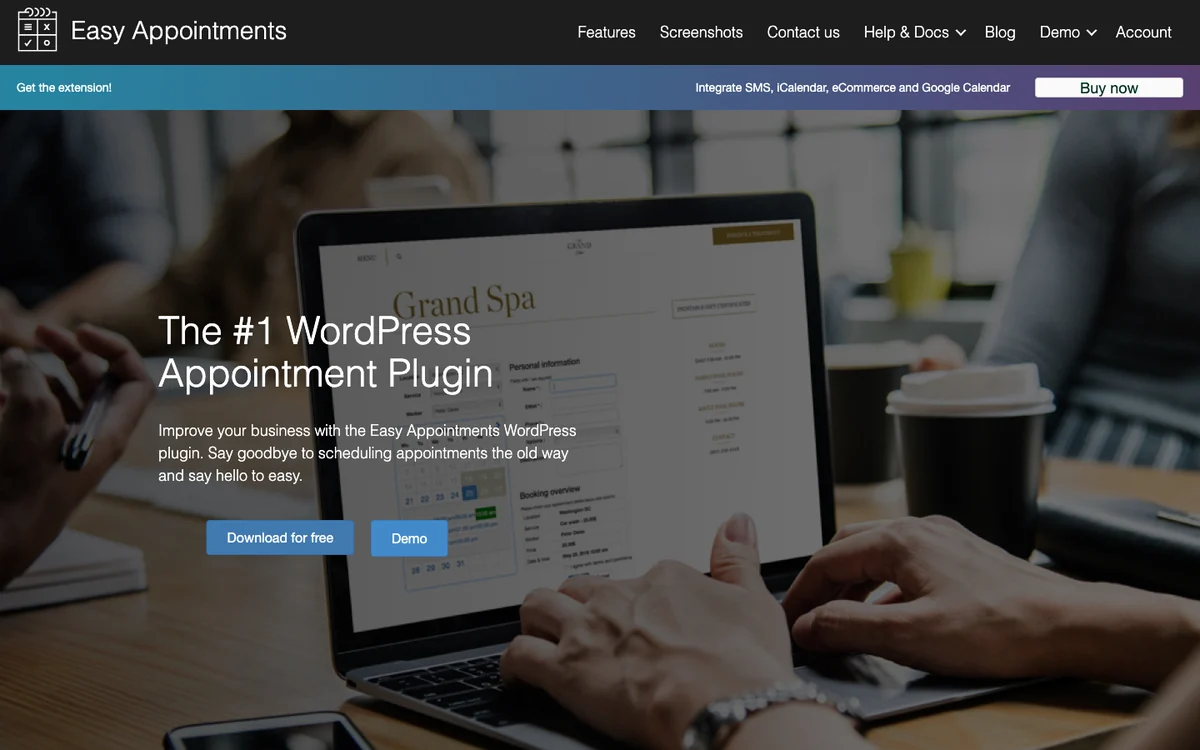
- Free version
- Locations, services, workers
- Paid from
- $39/year
- Calendar sync
- Google (Pro)
- WordPress.org
- 4.3★ (131 ratings)
What you get
The free version includes multiple locations, services and workers, email notifications with confirm and cancel links, custom fields and CSV export. The Pro extension adds two-way Google Calendar sync, Twilio SMS and WhatsApp, Stripe, PayPal and WooCommerce payments and iCal feeds.
Pros
- Multiple locations and workers for free
- Low yearly price
- Simple and lightweight
Cons
- Calendar sync and payments need Pro
- No video meeting integration listed
- Many security fixes in 2025 and 2026
Best for: Small multi-location businesses on a tight budget.
9. WooCommerce Bookings: best for selling bookable products
WooCommerce Bookings is the official WooCommerce extension for turning products into bookable slots, rooms, rentals or classes. It suits stores more than service providers.
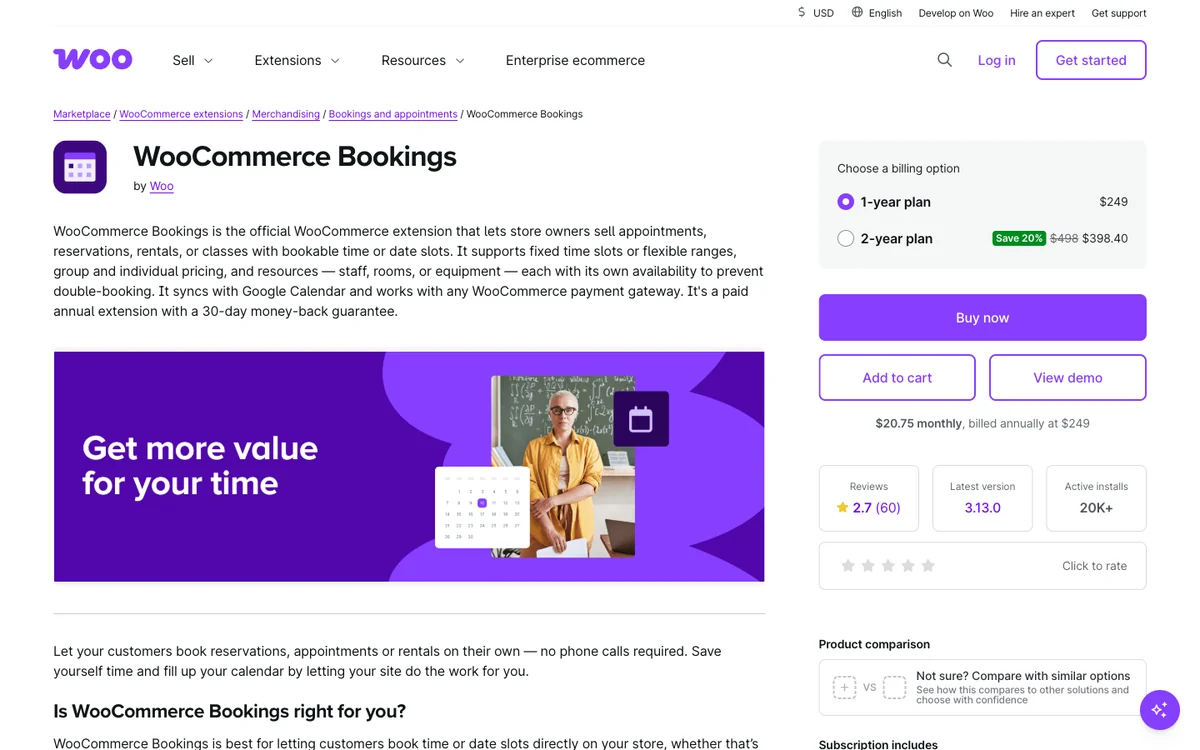
- Free version
- No
- Paid from
- $249/year
- Calendar sync
- Google Calendar
- Marketplace
- 2.7★ (60 reviews)
What you get
You get fixed or flexible time slots, resources such as staff, rooms or equipment with automatic assignment, pricing per person or group, Google Calendar sync, email reminders, customer time zones and checkout through any WooCommerce payment gateway. Deposits and recurring payments need separate extensions.
Pros
- Works with every WooCommerce payment gateway
- Good for rentals, rooms and classes
- Official WooCommerce extension
Cons
- Highest price here and no free version
- Low marketplace rating
- No Zoom, Outlook or SMS on the product page
Best for: WooCommerce stores that sell bookable products, rentals or classes.
Calendar sync, video links, payments and reminders compared
These are the features that most often sit behind a paid plan. “Free” means included in the free version; otherwise the table names the cheapest plan that includes it.
| Plugin | Calendar sync | Video links | Online payments | SMS / WhatsApp |
|---|---|---|---|---|
| Quill Booking | Pro ($39) | Pro ($39) | Pro ($39) | Pro ($39) |
| LatePoint | Pro | Pro | Free | Pro |
| DoubleScale | Basic | Basic | Basic | SMS: Basic |
| Amelia | Standard | Standard | Free (Square) | SMS: Free, WhatsApp: Pro |
| FluentBooking | Pro | Pro | Pro | Pro |
| Bookly | Pro | Pro | Business | Free (pay as you go) |
| Simply Schedule Appointments | Plus | Plus | Professional | Professional |
| Easy Appointments | Pro | No | Pro | Pro |
| WooCommerce Bookings | No | Any WooCommerce gateway | No |
Teams, group sessions and recurring appointments
| Plugin | Round-robin teams | Group bookings | Recurring appointments |
|---|---|---|---|
| Quill Booking | Pro | Pro | Not listed |
| LatePoint | Not listed | Pro | Pro |
| DoubleScale | Basic (plus collective) | Free | Not listed |
| Amelia | Not listed | Paid plans | Standard |
| FluentBooking | Pro | Pro | Listed as new |
| Bookly | Not listed | Business | Business |
| Simply Schedule Appointments | Business (team scheduling) | Plus | Not listed |
| Easy Appointments | Not listed | Not listed | Not listed |
| WooCommerce Bookings | Auto-assigned resources | Per-person pricing | No |
Booking plugin pricing in 2026
Most vendors sell yearly licences per site, and several also offer lifetime licences. Many are running autumn or Black Friday sales right now, so we show regular prices first.
| Plugin | Yearly, 1 site | Current offer | Lifetime, 1 site |
|---|---|---|---|
| Quill Booking | $39 | None listed | $109 |
| LatePoint | $99 | $79 introductory | $249 ($199 introductory) |
| DoubleScale | $99 (Basic) | Lifetime sale to Dec 1 | $299 ($199 on sale) |
| Amelia | $49 Starter, $99 Standard | Up to 50% off | $299 Standard ($229 on sale) |
| FluentBooking | $79 | $63 first year | $249 ($199 on sale) |
| Bookly | $99 (Pro) | $39 autumn sale | $129 ($99 on sale) |
| Simply Schedule Appointments | $129 (Plus) | $99 introductory | None |
| Easy Appointments | $39 | None listed | $499 (unlimited sites) |
| WooCommerce Bookings | $249 | None listed | None |
Security and updates
Booking plugins handle customer names, emails and sometimes payments, so updates matter. This table shows how recently each plugin was updated on WordPress.org and how many vulnerability reports Wordfence published for it in 2025 and 2026. Popular plugins attract more security research, so a higher count partly reflects scrutiny; what matters most is that you run the latest version.
| Plugin | Last updated | Tested up to | Wordfence reports 2025–26 |
|---|---|---|---|
| Quill Booking | Feb 15, 2026 | WordPress 6.9 | None |
| LatePoint | Nov 3, 2026 | WordPress 7.1 | None |
| DoubleScale | Nov 4, 2026 | WordPress 7.1 | 1 |
| Amelia | Oct 27, 2026 | WordPress 7.1 | 20 |
| FluentBooking | Sep 24, 2026 | WordPress 7.1 | 5 |
| Bookly | Oct 26, 2026 | WordPress 7.1 | 20 |
| Simply Schedule Appointments | Nov 3, 2026 | WordPress 7.1 | 20 |
| Easy Appointments | Oct 21, 2026 | WordPress 7.1 | 17 |
| WooCommerce Bookings | Version 3.13.0 | Not on WordPress.org | 1 |
How to set up appointment booking in WordPress
- List your services. Name, length, price and who delivers each one. Keep the first version short; you can add more later.
- Set your availability. Working hours, days off, buffers between meetings, minimum notice and a daily limit so you are never overbooked.
- Connect your calendar. Sync Google, Outlook or Apple Calendar so busy times block new bookings, and connect Zoom, Meet or Teams for online sessions.
- Write your intake questions. Ask only what you need to prepare, such as the client’s goal or project budget.
- Turn on reminders. Send an email reminder a day before and, if you can, an SMS an hour before.
- Add payments if needed. Take a deposit or full payment with Stripe or PayPal to reduce no-shows for paid sessions.
- Publish and test. Add the booking page to your menu, book a test appointment from your phone and check every email.
Five ways to reduce no-shows
- Send two reminders. One a day before and one an hour before, by email and SMS where possible.
- Make rescheduling easy. A one-click reschedule link turns a no-show into a moved appointment.
- Take a deposit. Even a small upfront payment makes clients far more likely to turn up.
- Add the meeting link to the invite. Calendar invites with the Zoom, Meet or Teams link remove the “where do I join?” problem.
- Set a cancellation policy. State the notice you need and show it on the booking page.
Booking plugin or Calendly?
Calendly and similar hosted tools are quick to start and need no WordPress maintenance. A WordPress plugin is usually the better long-term choice if you want bookings on your own domain, your own branding, client data in your own database and one price per site instead of per user. If you already run your business on WordPress, a plugin also connects more easily to your forms, CRM and WooCommerce store.
Head-to-head comparisons
Deciding between two of these plugins? Our side-by-side comparisons go deeper on pricing, features and security.
- FluentBooking vs Amelia
- LatePoint vs Bookly
- Amelia vs Bookly
- Amelia vs LatePoint
- Amelia vs Simply Schedule Appointments
- Bookly vs Simply Schedule Appointments
- LatePoint vs FluentBooking
- LatePoint vs Simply Schedule Appointments
- FluentBooking vs Bookly
- FluentBooking vs Simply Schedule Appointments
More booking guides
Alternatives and price guides
- Best Calendly alternatives for WordPress
- Best Acuity Scheduling alternatives
- Best Amelia alternatives
- Best Bookly alternatives
- Best LatePoint alternatives
- Best free WordPress booking plugins
- Booking plugins with a lifetime licence
- Calendly pricing explained
Booking plugins by industry
- Consultants and coaches
- Therapists and counsellors
- Doctors, dentists and clinics
- Salons and spas
- Tutors and online teachers
- Personal trainers and fitness studios
- Agencies
- Interview scheduling
- Sales demo scheduling
How-to guides
- How to add a booking calendar to WordPress
- How to take payments for appointments
- How to book Zoom, Google Meet and Teams meetings
- How to sync bookings with Google Calendar
- How to reduce no-shows
- 30 appointment reminder templates
- Cancellation policy template and generator
- What is round-robin scheduling?
Related guides
- 8 best WordPress CRM plugins in 2026: where your booking contacts should go next.
Frequently asked questions
What is the best appointment booking plugin for WordPress?
Our pick is Quill Booking, our own plugin, because it includes calendar sync, video links, payments and SMS reminders from $39 a year, or $109 for a lifetime licence. Among other plugins, LatePoint has the best free version, DoubleScale is best if you want bookings inside a CRM, and Amelia suits businesses with many staff.
Is there a free appointment booking plugin for WordPress?
Yes. Quill Booking, LatePoint, DoubleScale, Amelia, FluentBooking, Bookly, Simply Schedule Appointments and Easy Appointments all have free versions on WordPress.org. LatePoint is the only one that includes Stripe and PayPal payments for free, and Amelia includes Square payments.
Which WordPress booking plugin syncs with Google Calendar?
All nine plugins in this guide can sync with Google Calendar, but usually on a paid plan. Quill Booking, LatePoint, Amelia, FluentBooking and DoubleScale also sync with Outlook and Apple Calendar on their paid plans.
Can a WordPress booking plugin take payments?
Yes. Most plugins accept Stripe and PayPal on a paid plan, and some add Google Pay, Apple Pay or WooCommerce checkout. LatePoint includes Stripe and PayPal in its free version, and WooCommerce Bookings works with any WooCommerce payment gateway.
Which booking plugin sends SMS reminders?
Quill Booking, LatePoint, FluentBooking, DoubleScale, Simply Schedule Appointments and Easy Appointments send SMS reminders on paid plans, mostly through Twilio. Bookly can send SMS and WhatsApp notifications from its free version through its pay-as-you-go cloud service.
Do booking plugins support team scheduling and round-robin?
Quill Booking, FluentBooking and DoubleScale offer round-robin team events on their paid plans, and DoubleScale adds collective events where several people must be free. Amelia and Bookly focus on assigning bookings to individual employees.
Is a lifetime licence worth it for a booking plugin?
If you plan to use the plugin for more than two or three years, a lifetime licence usually costs less overall. Quill Booking’s lifetime licence starts at $109, Bookly’s at $129 and LatePoint’s and FluentBooking’s at $249 regular price.
Should I use a booking plugin or Calendly?
Use a WordPress plugin if you want bookings on your own domain, your own branding, data in your own database and a per-site price. Use a hosted tool like Calendly if you do not want to maintain WordPress plugins at all.
The bottom line
Choose a booking plugin by the features you will use every week: reminders, calendar sync and an easy booking page come first, then payments and team scheduling. Quill Booking gives you all of them from $39 a year, or $109 for life. LatePoint is the strongest free option, DoubleScale is the pick if bookings should feed a CRM, and Amelia remains the go-to for busy salons and clinics.
Try Quill BookingBooking pages, calendar sync, video links, payments and reminders on your own WordPress site.
See pricingSources
Checked on November 4, 2026: the WordPress.org plugin directory for every plugin with a listing; Wordfence Intelligence vulnerability pages; Capterra key appointment scheduling features; pricing pages for Quill Booking, LatePoint, DoubleScale, Amelia, FluentBooking, Bookly, Simply Schedule Appointments, Easy Appointments and WooCommerce Bookings. Prices change often; if you spot an outdated figure, tell us and we will update this page.