Quick answer
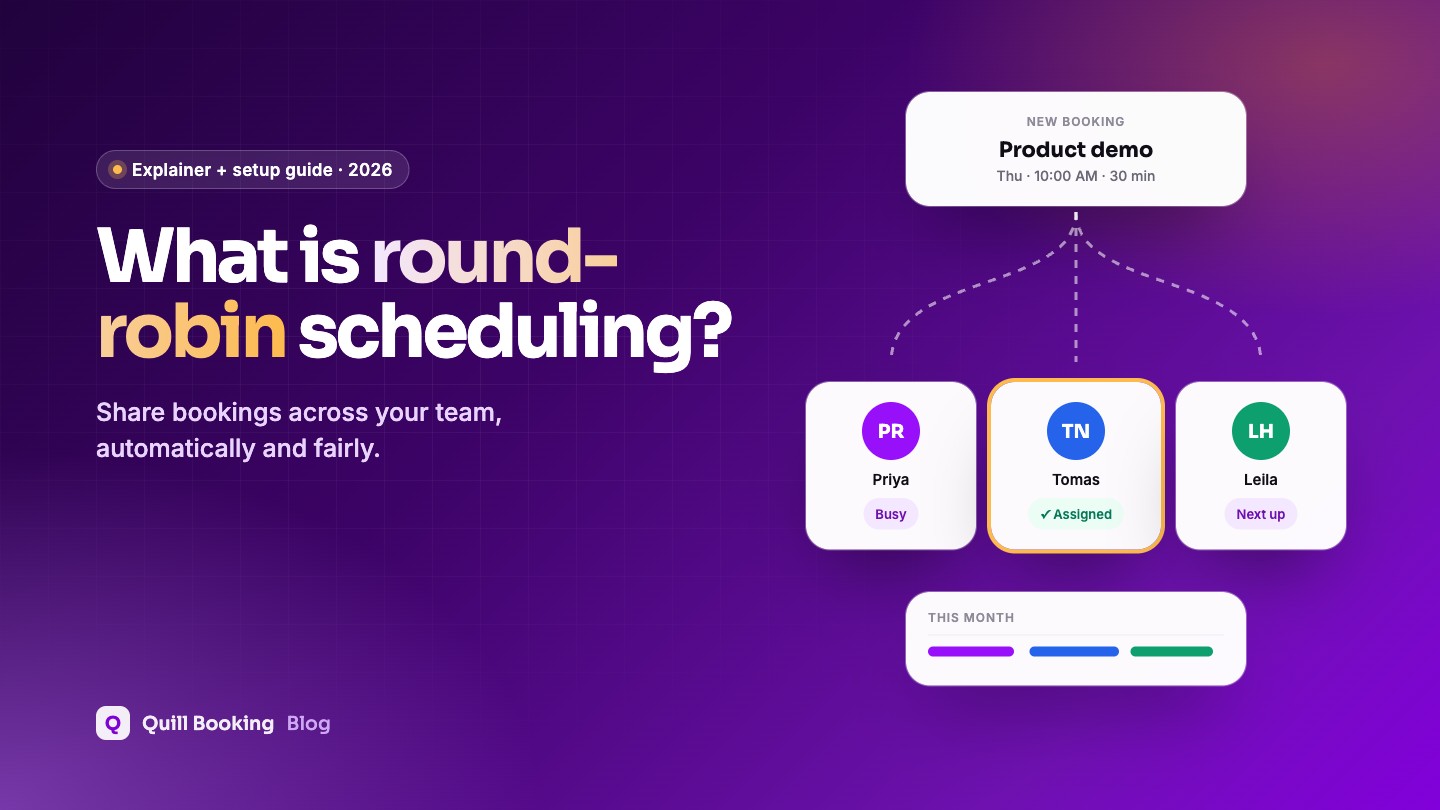
Round-robin scheduling automatically shares incoming bookings between several team members. The client picks a time from the team’s combined availability, and the system assigns the meeting to a host who is free at that time. Sales, support and recruiting teams use it to respond faster and spread the workload fairly. It differs from collective scheduling, where every selected host must attend.
When several people can take the same kind of meeting, such as a product demo, an intro call or an interview, someone has to decide who takes each one. Round-robin scheduling makes that decision automatically, so clients see more available times and no booking waits in a shared inbox.
Disclosure: We make Quill Booking, so we use it for the screenshots and examples. The advice works with most booking plugins and scheduling tools.
How round-robin scheduling works
- You create a team and choose who can take the meeting.
- The booking page combines their availability. If any host is free at 10:00, the 10:00 slot appears.
- The client books a time without choosing a person.
- The system assigns a host who is free at that time, so the work rotates through the team.
- That host gets the booking in their calendar, with the meeting link and the client’s answers.
Round-robin vs collective vs one-to-one
| Type | Who attends | Use it for |
|---|---|---|
| One-to-one | One specific host | Personal services, a named consultant or therapist |
| Round-robin | One host from the team, assigned automatically | Sales demos, support calls, first interviews, intro calls |
| Collective | All selected hosts | Panel interviews, account reviews, meetings that need two specialists |
| Group | One host, many attendees | Classes, workshops, webinars |
Why teams use round-robin
- Faster response. Clients can book the soonest slot anyone on the team has, not just one person’s calendar.
- Fair workload. Meetings are spread across the team instead of piling up on whoever replies first.
- More bookings. More available times means fewer visitors leave without booking.
- No manual routing. Nobody needs to watch a shared inbox and forward leads.
Speed matters most in sales. In a study of more than 15,000 leads, InsideSales.com and MIT researchers reported that the odds of contacting a lead were 100 times lower when the call came 30 minutes after the enquiry rather than within 5 minutes (Lead Response Management study, 2007; vendor-backed, not peer-reviewed). A round-robin booking page lets prospects pick the first free slot right away, instead of waiting for someone to reply.
Who should use round-robin scheduling?
| Team | Typical round-robin event |
|---|---|
| Sales | Product demos and discovery calls |
| Customer success and support | Onboarding sessions and help calls |
| Recruiting | First-round screening interviews |
| Agencies | Free consultations and strategy calls |
| Clinics and studios | Assessments or first visits with any available practitioner |
How to set up round-robin scheduling in WordPress
Here is how it works in Quill Booking Pro. Each team member first needs their own host calendar, with their availability and, ideally, their calendar and video accounts connected.
- Go to Quill Booking → Calendars and click Create Team. Give the team a name, such as “Sales team”, and select its members.
- Open the Team Events tab and click Create New Event.
- Select the team members, choose Round Robin, and add the event name, description and duration.
- Choose the location, for example Google Meet or Zoom. Each member should connect their own account so links are created under their name.
- Set availability: use each host’s own schedule, or set custom hours for this event.
- Review the Assignment section on the Event Details tab to manage which members are in the rotation.
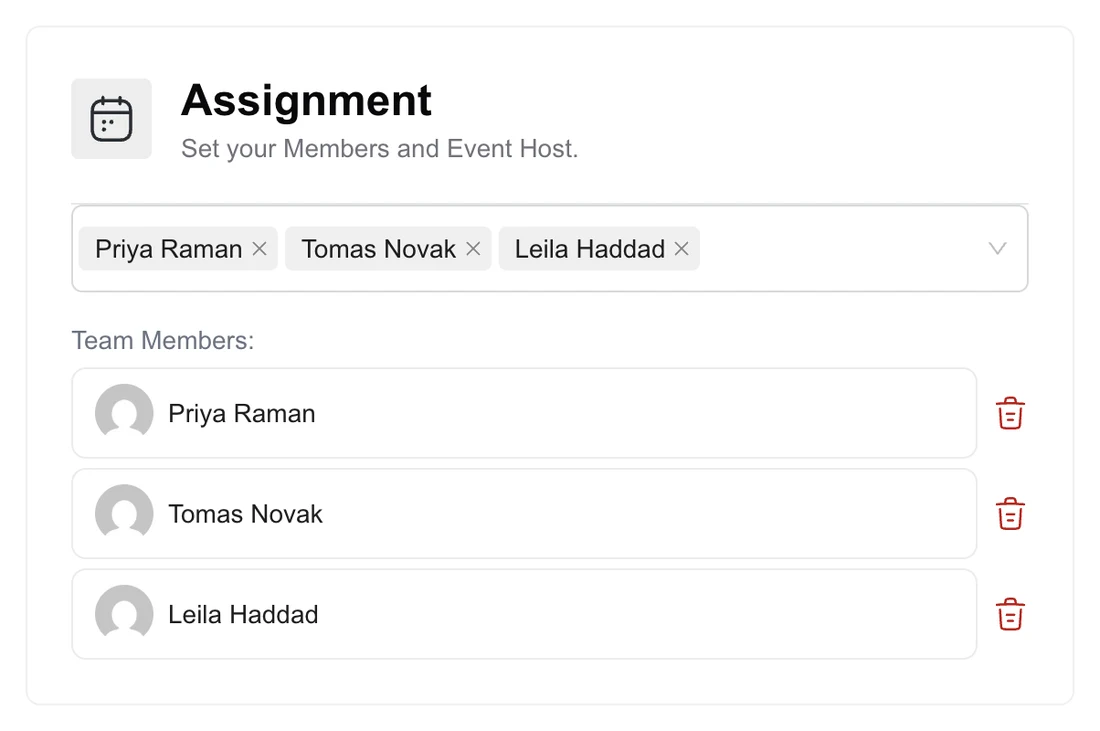
Round-robin events support the same settings as other events: booking limits, email and SMS notifications, payments and advanced options. Read the round-robin setup guide for every option, and the collective events guide if everyone needs to attend.
Best practices
- Keep calendars connected. Round-robin only works if each host’s real availability is up to date. See how to sync with Google Calendar.
- Use the same event length and questions for everyone, so clients get the same experience whoever they meet.
- Add buffers so hosts are not booked back to back.
- Pass context along. Ask one or two qualifying questions on the booking form so the assigned host can prepare.
- Review the spread monthly and adjust membership if someone is overloaded or under-used.
Frequently asked questions
What is round-robin scheduling?
A way of sharing bookings between team members automatically. Clients pick a time from the team’s combined availability, and the system assigns the meeting to a host who is free at that time.
What is the difference between round-robin and collective scheduling?
In round-robin scheduling one available team member takes each meeting. In collective scheduling every selected host attends, so only times when all of them are free are shown.
Is round-robin scheduling fair?
It spreads meetings across the team rather than giving them all to one person, but the exact split depends on each person’s availability. Hosts with more open hours will usually take more meetings.
Can I use round-robin scheduling on WordPress?
Yes. Booking plugins such as Quill Booking Pro, FluentBooking Pro and DoubleScale offer round-robin team events on their paid plans.
Does every team member need a WordPress account?
In Quill Booking, each team member is a WordPress user with their own host calendar, so they can manage their availability and connect their own calendar and video accounts.
Related guides
- How to sync WordPress bookings with Google Calendar
- How to book Zoom, Google Meet and Teams meetings in WordPress
- How to add a booking calendar to WordPress
- 8 best WordPress CRM plugins: where your sales bookings go next.
Share bookings across your teamQuill Booking Pro includes round-robin and collective team events from $39 a year.
See pricing