Quick answer
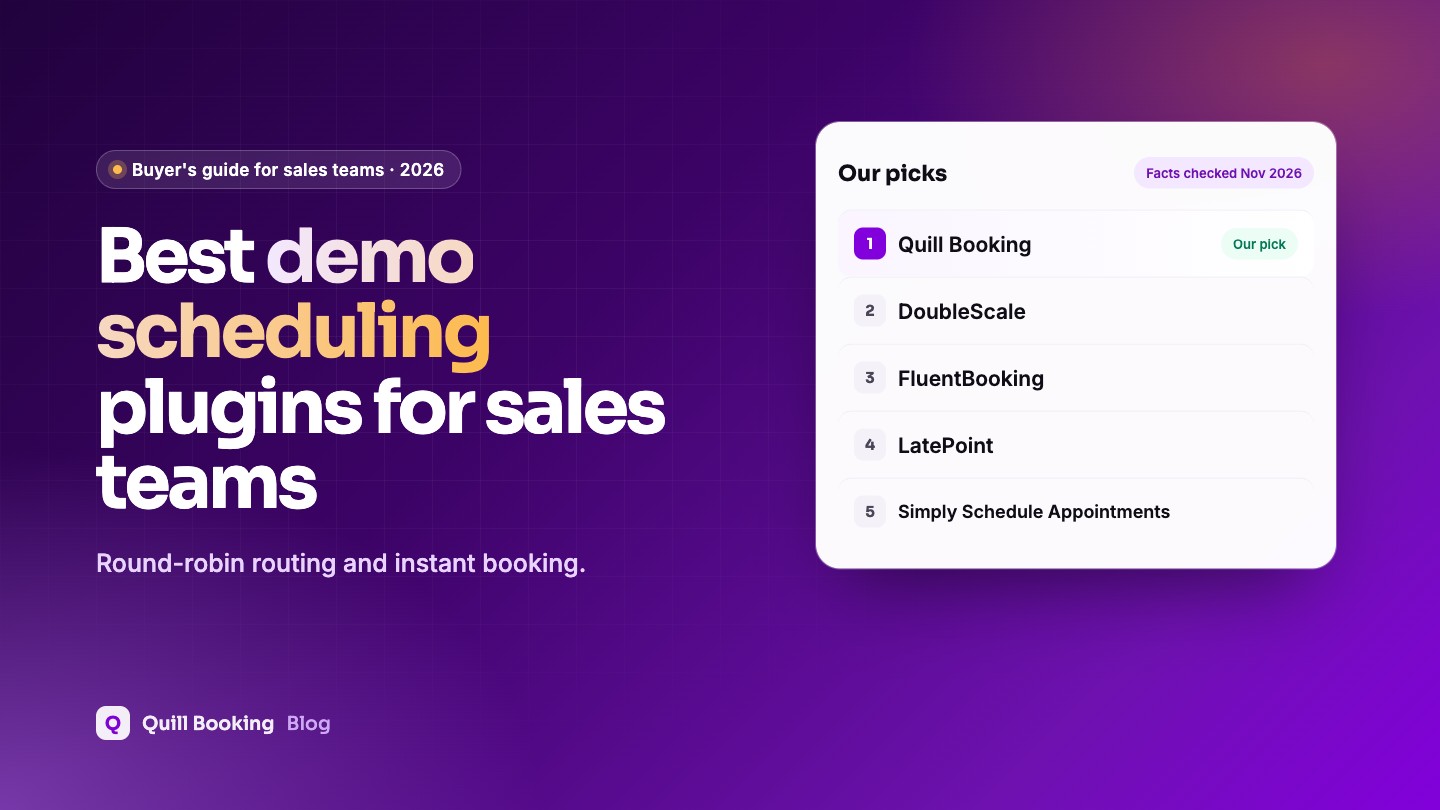
For sales teams on WordPress, our pick is Quill Booking, our own plugin: round-robin demo routing, qualifying questions, video links and webhooks to your CRM from $39 a year. DoubleScale books demos straight into a CRM with deals and automations, and FluentBooking suits teams on FluentCRM. All charge per site, not per sales rep.
Speed matters in sales: in one widely cited study of more than 15,000 leads, the odds of reaching a lead fell sharply when the first call came 30 minutes after the enquiry instead of 5. Letting prospects book a demo straight from your site, with the next available rep, removes the wait completely.
Disclosure: Quill Booking is our plugin, so we put it first. DoubleScale is a sister product from the same team. We list the same facts for every product, including what each one does not do well, so you can make your own call.
Compared at a glance
| Plugin | Best for | Free version | Paid from (1 site) | Lifetime from |
|---|---|---|---|---|
| Quill Booking | Best overall for demo booking | One-on-one meetings | $39/year | $109 |
| DoubleScale | Best with a built-in CRM | Yes, booking pages and group events | $99/year | $299 |
| FluentBooking | Best with FluentCRM | Yes, one-on-one | $79/year ($63 first year) | $249 |
| LatePoint | Best free option | Yes, with payments | $99/year ($79 intro) | $249 ($199 intro) |
| Simply Schedule Appointments | Simplest setup | Yes, unlimited calendars | $129/year ($99 intro) | None |
What B2B sales teams need from a booking plugin
- A “Book a demo” page with the soonest available times.
- Round-robin across reps.
- Two or three qualifying questions, not ten.
- Instant CRM record and follow-up.
- Reminders with the meeting link to cut demo no-shows.
How we chose
We checked every product’s own pricing and feature pages and its WordPress.org listing, then judged it on what matters most for this use:
- Round-robin routing to the next available rep.
- Qualifying questions on the booking form.
- CRM follow-up after the booking.
- Video links and calendar sync.
- Price per team rather than per seat.
1. Quill Booking: best overall for demo booking
Quill Booking routes demos with round-robin team events, asks qualifying questions, adds Zoom, Meet or Teams links and sends every booking to your CRM through webhooks, Zapier or Make on Pro.
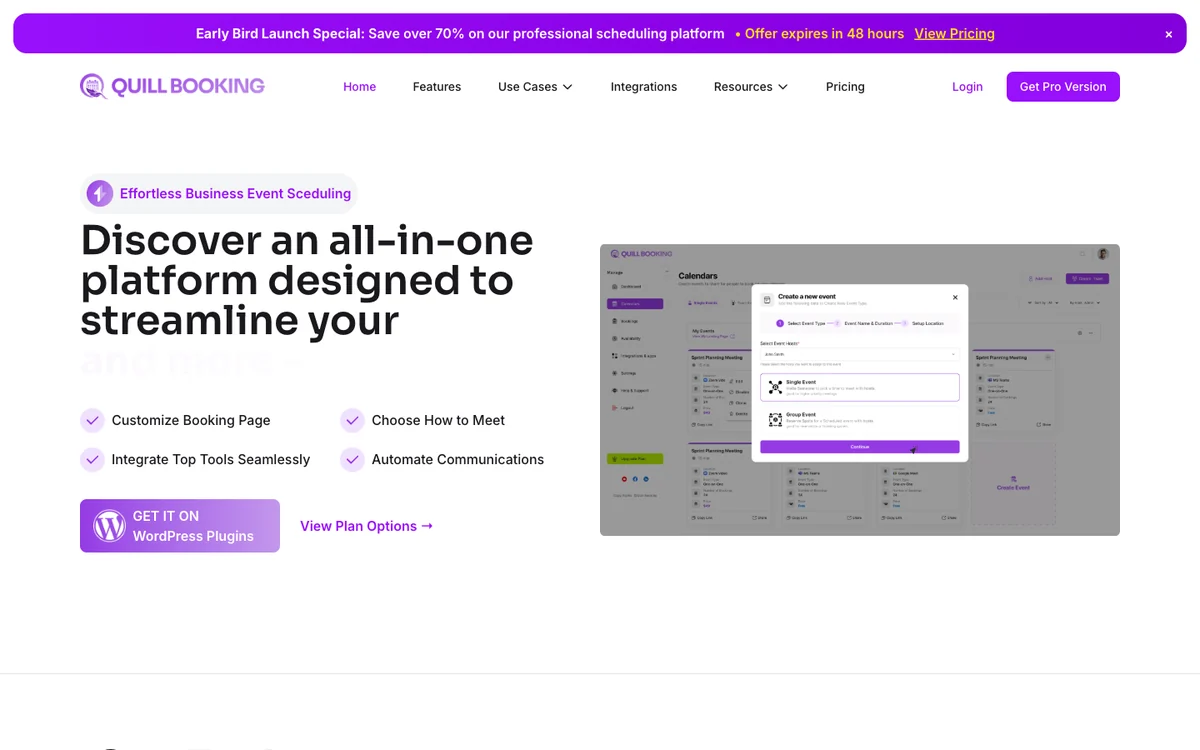
- Free version
- One-on-one meetings
- Paid from
- $39/year, or $109 lifetime
- Calendar sync
- Google, Outlook, Apple (Pro)
- WordPress.org
- 5.0★ (1 rating)
What you get
The free plugin covers one-on-one meetings with availability rules, buffers, booking questions and email confirmations and reminders. Pro adds group, round-robin and collective events, Google, Outlook and Apple Calendar sync, Zoom, Meet and Teams links, Stripe, PayPal and WooCommerce payments, Twilio SMS and WhatsApp, and Zapier, Make and webhooks. Every Pro plan includes every feature; plans differ by the number of sites.
Pros
- Every Pro feature from $39 a year
- Lifetime licence from $109, the lowest here
- Works with Quill Forms for longer intake forms
Cons
- Young plugin with a small WordPress.org user base
- Free version is limited to one-on-one meetings
- Latest WordPress.org release is tested up to WordPress 6.9
Best for: Best overall for demo booking. Visit Quill Booking
2. DoubleScale: best with a built-in CRM
DoubleScale books the demo, creates or updates the contact and can start a follow-up automation and a deal in the same plugin.
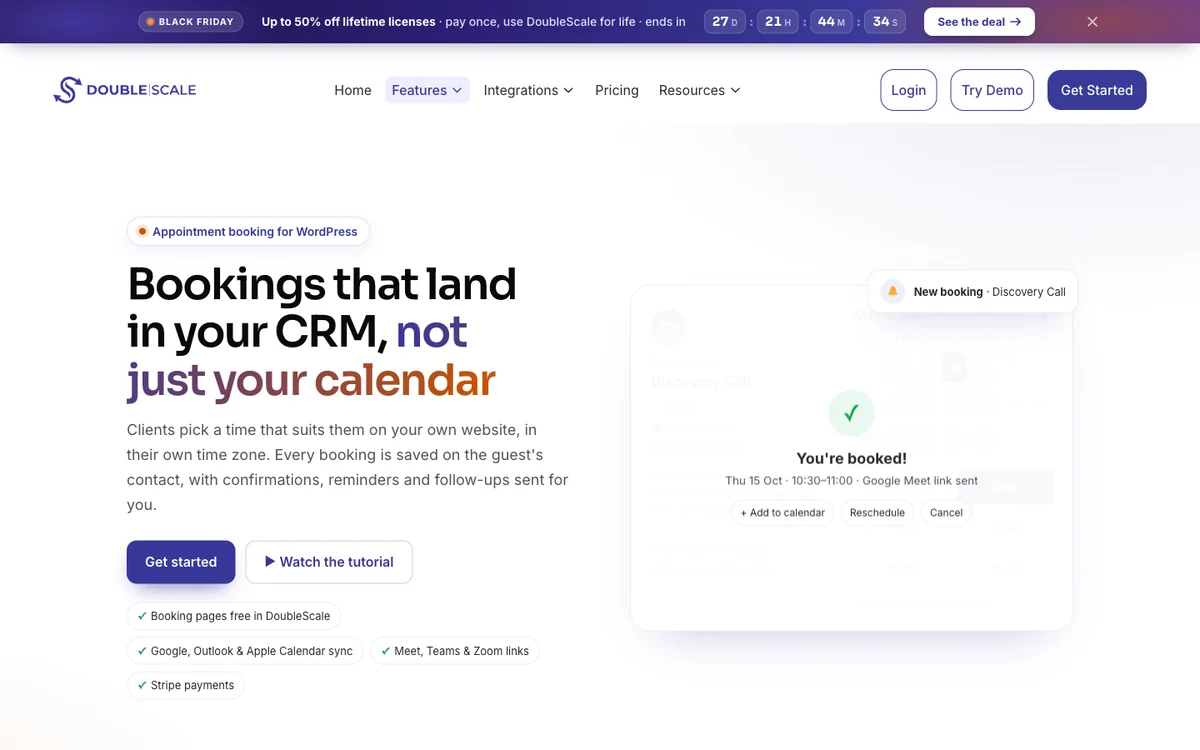
- Free version
- Booking pages, group events
- Paid from
- $99/year, 1 site
- Calendar sync
- Google, Outlook, Apple (Basic)
- WordPress.org
- 5.0★ (7 ratings)
What you get
DoubleScale is a WordPress CRM with a built-in booking module, so every booking creates or updates a contact record. The free version includes one-to-one and group events, booking pages, buffers, attendee reschedule and cancel, and email reminders. The Basic plan adds round-robin and collective events, a waiting list, calendar sync, Meet, Zoom and Teams, custom booking questions, SMS and Stripe and PayPal payments.
Pros
- Bookings land in a full CRM with email and automations
- Group events and rescheduling in the free version
- Round-robin and collective team events
Cons
- Small user base
- Calendar sync and custom questions need Basic
- More than you need if you only want a booking page
Best for: Best with a built-in CRM. Visit DoubleScale
3. FluentBooking: best with FluentCRM
FluentBooking Pro has round-robin and two-way calendar sync and adds prospects to FluentCRM natively.
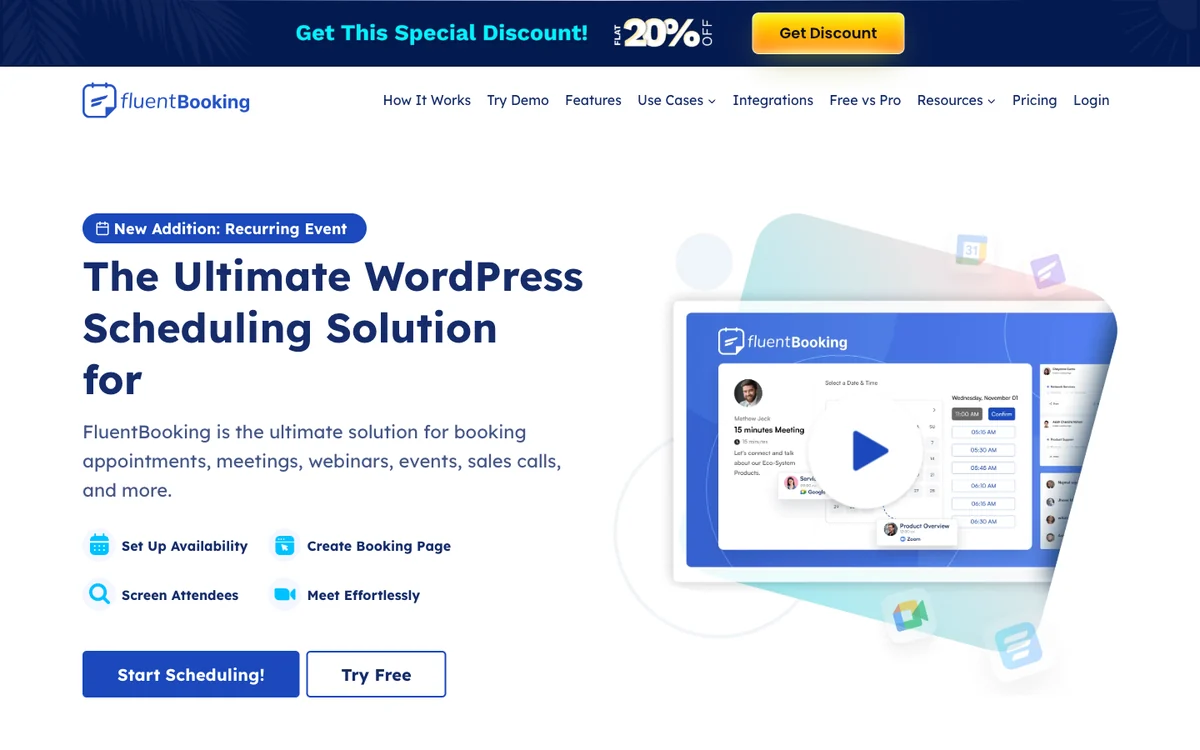
- Free version
- One-on-one meetings
- Paid from
- $79/year ($63 first year)
- Calendar sync
- Google, Outlook, Apple (Pro)
- WordPress.org
- 4.7★ (46 ratings), 20,000+ sites
What you get
FluentBooking is a Calendly-style scheduler from the FluentCRM team. The free version covers one-on-one meetings with unlimited hosts and calendars, booking questions and native FluentCRM and Fluent Forms integrations. Pro adds group, round-robin and one-off events, two-way calendar sync, Zoom, Meet and Teams, Stripe and PayPal, Twilio SMS and WhatsApp, and Zapier, Make and webhooks.
Pros
- Unlimited hosts and calendars for free
- Deep FluentCRM integration
- Round-robin for sales teams
Cons
- Payments and calendar sync are Pro-only
- Best value only if you use other Fluent plugins
- First-year discount renews at full price
Best for: Best with FluentCRM. Visit FluentBooking
4. LatePoint: best free option
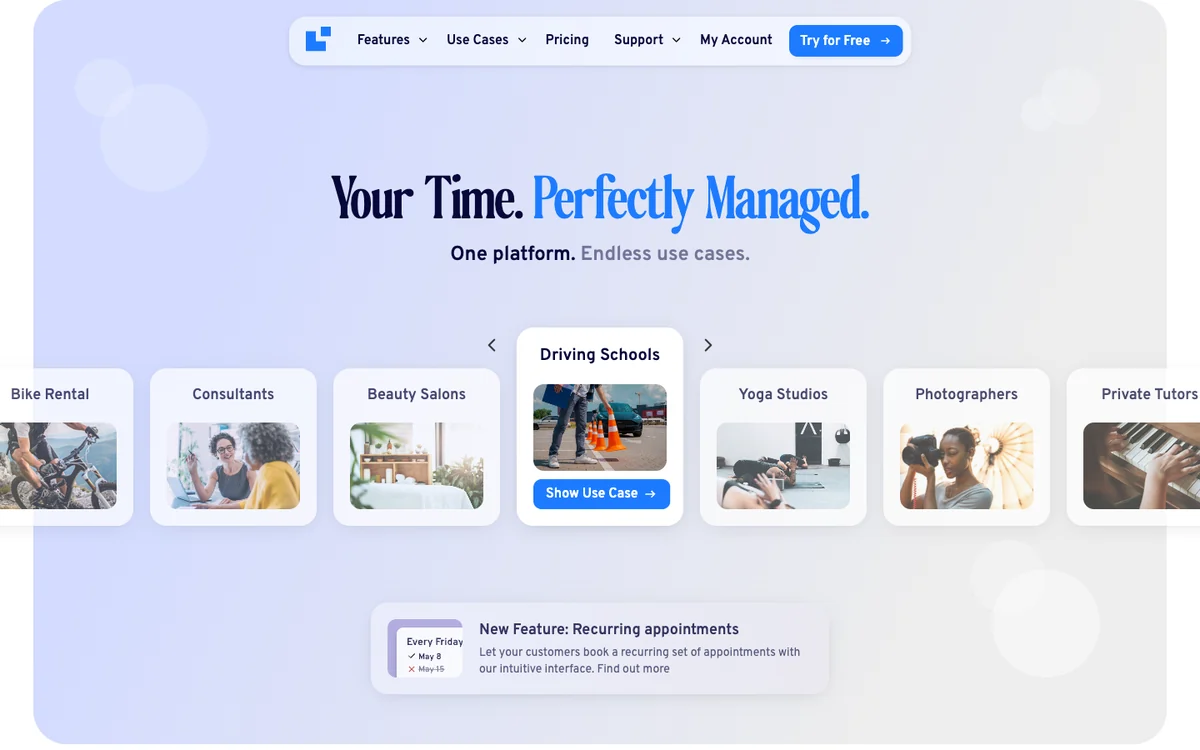
LatePoint suits simple demo booking with one rep and has a polished booking flow.
- Free version
- Unlimited appointments, payments
- Paid from
- $99/year ($79 intro)
- Calendar sync
- Google, Outlook, Apple (Pro)
- WordPress.org
- 4.9★ (107 ratings), 100,000+ sites
What you get
The free plugin includes unlimited appointments, events with capacity, a customer dashboard, email notifications and Stripe, PayPal and Razorpay payments with deposits. Pro adds multiple staff and locations, group and recurring bookings, rescheduling, calendar sync, Zoom, Meet and Teams, SMS and WhatsApp, custom fields and webhooks.
Pros
- Online payments in the free version
- Most installed booking plugin on WordPress.org
- No Wordfence vulnerability reports in 2025 or 2026
Cons
- Custom fields and rescheduling are Pro-only
- Email-only notifications in the free version
- Introductory price renews at full price
Best for: Best free option. Visit LatePoint
5. Simply Schedule Appointments: simplest setup
Simply Schedule Appointments is quick for a single rep; team scheduling needs its Business plan.
- Free version
- Unlimited calendars
- Paid from
- $129/year ($99 intro)
- Calendar sync
- Google (Plus)
- WordPress.org
- 5.0★ (155 ratings), 50,000+ sites
What you get
Simply Schedule Appointments is built for a fast setup. The free version includes unlimited booking calendars and appointment types, blackout dates and email notifications. Plus adds Google Calendar, custom fields, Zoom, Meet and group events; Professional ($249) adds Stripe, PayPal, Twilio SMS and webhooks; team scheduling needs Business ($499).
Pros
- Very quick to set up
- 5.0-star rating on WordPress.org
- Unlimited calendars in the free version
Cons
- Payments need the $249 Professional plan
- Team scheduling needs the $499 Business plan
- No lifetime licence
Best for: Simplest setup. Visit Simply Schedule Appointments
Frequently asked questions
How do I add a “book a demo” calendar to WordPress?
Create a round-robin event for your sales team in a booking plugin such as Quill Booking or DoubleScale, then add its shortcode to your demo page.
Do WordPress booking plugins integrate with HubSpot or Salesforce?
Many send bookings to other tools through webhooks, Zapier or Make. DoubleScale includes its own CRM, and FluentBooking integrates natively with FluentCRM.
What is a normal demo no-show rate?
One vendor benchmark of 6,428 B2B meetings found a 6.5% no-show rate overall, with large differences by industry. Reminders with the meeting link help.
Is round-robin fair to sales reps?
It spreads demos across the team based on availability. Reps with more open hours usually take more meetings.
Related guides
- What is round-robin scheduling?
- How to reduce no-shows
- How to book Zoom, Google Meet and Teams meetings in WordPress
- 9 best WordPress appointment booking plugins
Try Quill BookingBooking pages, calendar sync, video links, payments and reminders on your own WordPress site.
See pricingSources
Checked on November 5, 2026: the WordPress.org plugin directory and the official pricing or product pages of Quill Booking, DoubleScale, FluentBooking, LatePoint, Simply Schedule Appointments. Prices change often; if you spot an outdated figure, tell us and we will update this page.