Quick answer
Choose Amelia if you have staff, locations or events and want payments and reminders on a mid-priced plan. Choose Simply Schedule Appointments if you are a solo consultant who wants unlimited booking calendars for free and the quickest possible setup.
If you want calendar sync, video links, payments and SMS reminders for less than either, Quill Booking (our plugin) includes all of them from $39 a year.
Amelia and Simply Schedule Appointments sit at opposite ends of the booking-plugin market. Amelia is a full system for businesses with employees, locations and events; Simply Schedule Appointments is a lightweight scheduler for consultants who want to be live in minutes.
We compared Amelia and Simply Schedule Appointments on the eight things that decide which booking plugin fits a business, from the free version to security. Every price, plan limit and WordPress.org figure was checked on the vendors’ own pages and the WordPress.org directory on November 4, 2026.
Disclosure: We make Quill Booking, which we include as a third option. We are not affiliated with Amelia or Simply Schedule Appointments, and we use the same facts and sources for all three plugins.
Amelia vs Simply Schedule Appointments at a glance
| Amelia | Simply Schedule Appointments | Quill Booking | |
|---|---|---|---|
| Best for | Salons, clinics and businesses with many staff | Solo consultants who want a fast setup | Every Pro feature at the lowest price |
| Free version | Yes (Lite) | Yes, unlimited calendars | Yes, one-on-one |
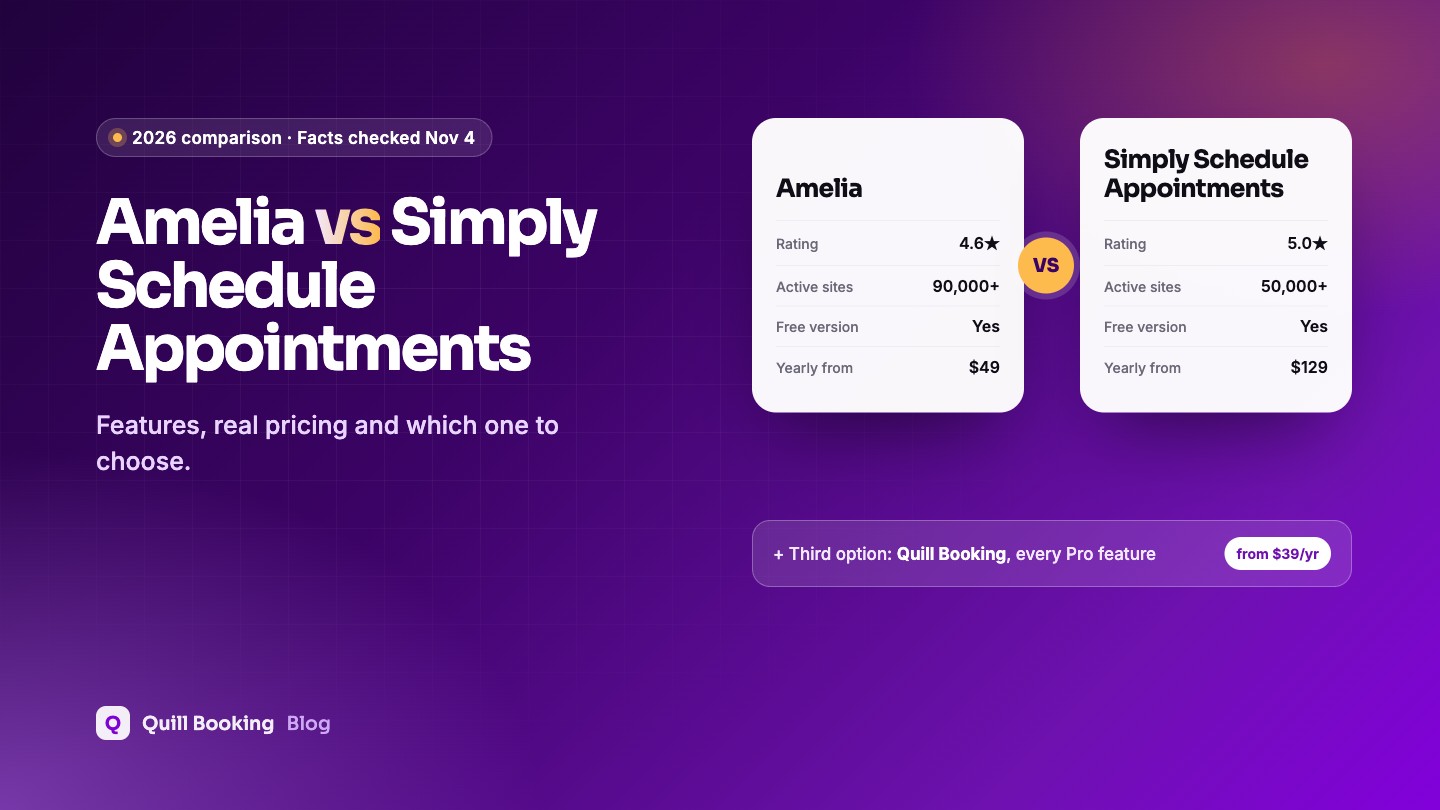
| Yearly from (1 site) | $49 (Starter) | $129 ($99 intro) | $39 |
| Sync, payments and SMS from | $99 (Standard) | $249 (Professional) | $39 |
| Lifetime licence | $299 (Standard) | None | $109 |
| Calendar sync | Standard plan | Google (Plus) | Pro |
| Zoom, Meet or Teams | Standard plan | Zoom, Meet (Plus) | Pro |
| Online payments | Square free; others Standard | Professional plan | Pro |
| SMS / WhatsApp | SMS in Lite; WhatsApp Pro | SMS (Professional) | Pro |
| Round-robin teams | Not listed | Business plan | Pro |
| Group bookings | Paid plans | Plus plan | Pro |
| Recurring appointments | Standard plan | Not listed | Not listed |
| WordPress.org rating | 4.6★ (793) | 5.0★ (155) | 5.0★ (1) |
| Active installs | 90,000+ | 50,000+ | 70+ |
| Last updated | Oct 27, 2026 | Nov 3, 2026 | Feb 15, 2026 |
Which should you choose?
Simply Schedule Appointments wins on simplicity and ratings, but its paid tiers climb quickly: payments need the $249 Professional plan and team scheduling the $499 Business plan. Amelia’s Standard plan at $99 a year covers calendar sync, payments, reminders and multiple locations.
In the head-to-head below, Amelia comes out ahead on pricing, calendar sync and video meetings, payments, reminders and notifications and staff, teams and group bookings; Simply Schedule Appointments on integrations.
Amelia overview
Amelia is a booking system for businesses with employees, services and locations, and it also sells events. It is one of the most installed booking plugins on WordPress.org.
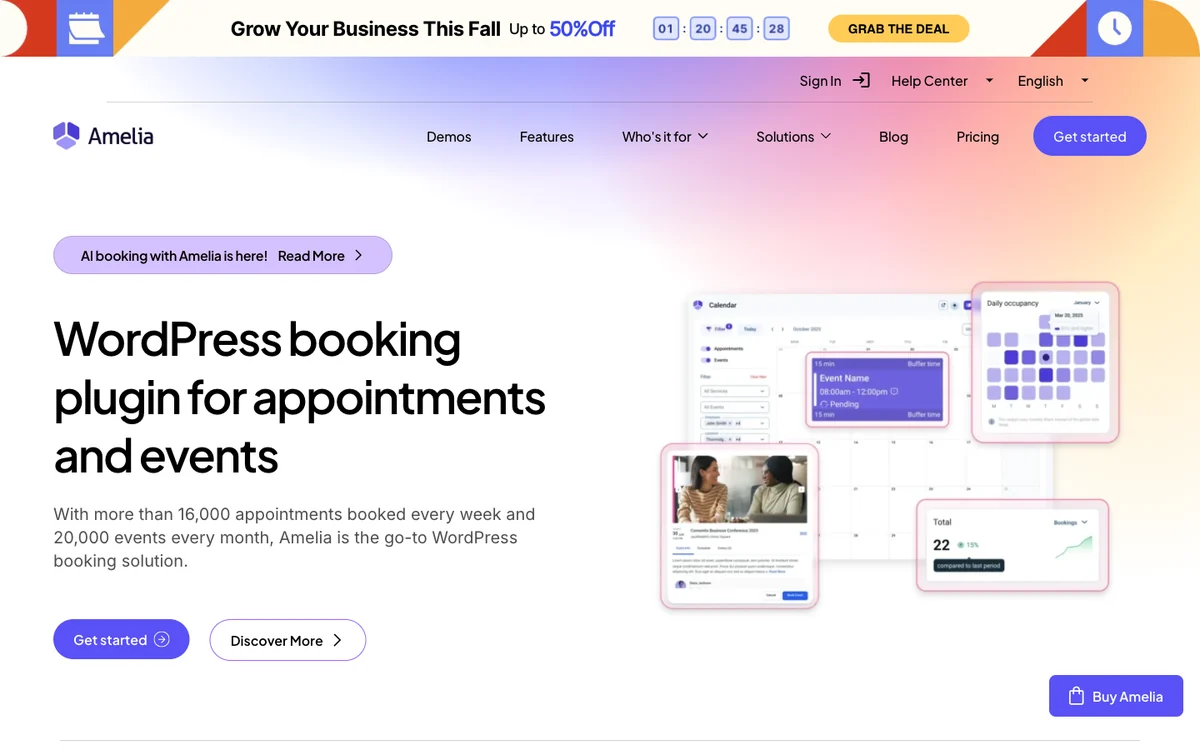
- Active installs
- 90,000+
- Rating
- 4.6★ (793)
- Yearly from
- $49 (Starter)
- Lifetime
- $299 (Standard)
Pros
- Strong employee, location and event management
- Square payments in the free version
- Large, active user base
Cons
- Reminders and calendar sync need Standard
- Customer panel is not in the free version
- Several serious security fixes in 2026, so keep it updated
Simply Schedule Appointments overview
Simply Schedule Appointments is a lightweight scheduler for consultants and small businesses, built for a fast setup and rated 5.0 stars on WordPress.org.
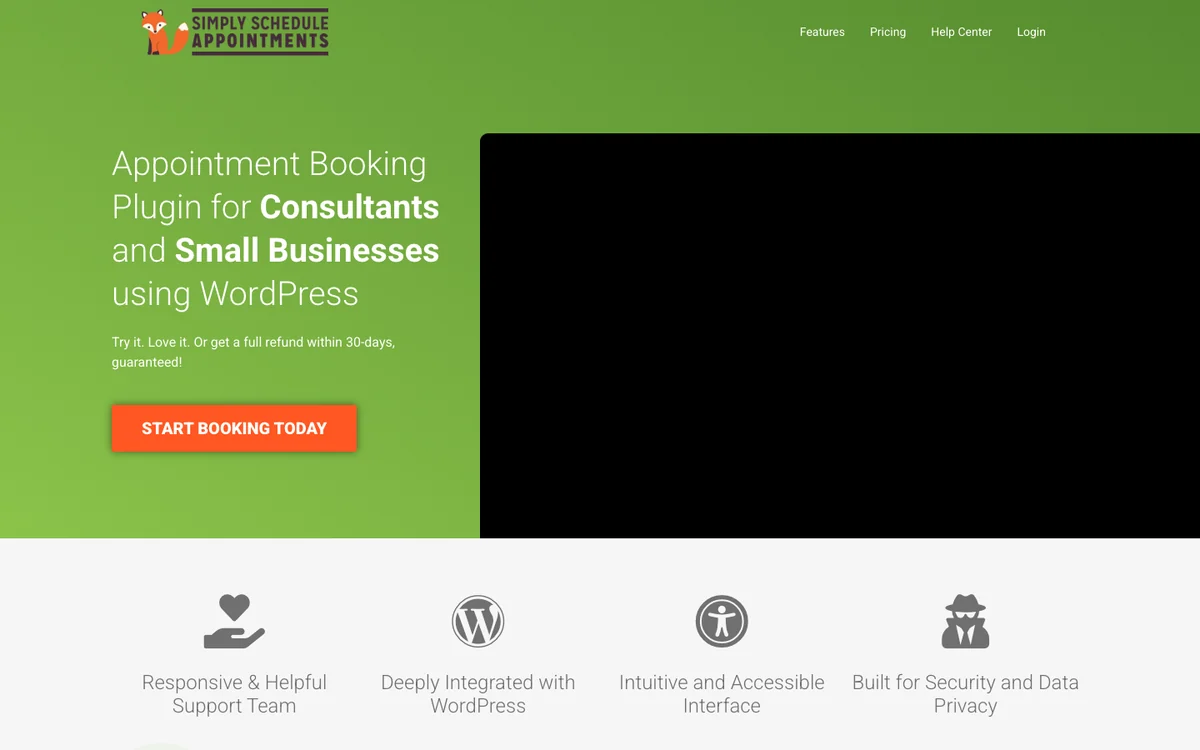
- Active installs
- 50,000+
- Rating
- 5.0★ (155)
- Yearly from
- $129 ($99 intro)
- Lifetime
- None
Pros
- Very quick to set up
- Top rating on WordPress.org
- Unlimited calendars in the free version
Cons
- Payments need the $249 Professional plan
- Team scheduling needs the $499 Business plan
- No lifetime licence
Free version: Amelia vs Simply Schedule Appointments
Amelia Lite includes a back-end calendar, events, email and SMS booking notifications and free Square payments. Reminders, the customer panel and unlimited employees need a paid plan.
Simply Schedule Appointments Free gives you unlimited booking calendars and appointment types, blackout dates and email notifications, but no calendar sync, payments or custom fields.
Quill Booking’s free version covers one-on-one meetings with availability rules, intake questions and email confirmations.
Edge: Tie: both are equally strong here.
Pricing: Amelia vs Simply Schedule Appointments
Amelia starts at $49 a year for Starter, but most businesses need Standard at $99 for calendar sync, payments and reminders; WhatsApp and the REST API need Pro at $199. A Standard lifetime licence is $299 at regular price.
Simply Schedule Appointments starts at $129 a year for Plus ($99 introductory); payments and SMS need Professional at $249 and team scheduling needs Business at $499. There is no lifetime licence.
Quill Booking includes every Pro feature from $39 a year, or $109 for a lifetime licence.
Edge: Amelia.
Calendar sync and video meetings: Amelia vs Simply Schedule Appointments
Amelia syncs with Google, Outlook and Apple Calendar and adds Zoom, Google Meet and Teams links on the Standard plan.
Simply Schedule Appointments syncs with Google Calendar and adds Zoom and Google Meet on the Plus plan.
Quill Booking Pro syncs with Google, Outlook and Apple Calendar and adds Zoom, Meet and Teams links.
Edge: Amelia.
Payments: Amelia vs Simply Schedule Appointments
Amelia takes Square payments even in the free version; Stripe, PayPal, WooCommerce, Mollie and Razorpay come with Standard.
Stripe and PayPal payments need the Professional plan at $249 a year.
Quill Booking Pro takes Stripe, PayPal, Google Pay, Apple Pay and WooCommerce payments.
Edge: Amelia.
Reminders and notifications: Amelia vs Simply Schedule Appointments
Amelia Lite sends email and SMS booking notifications, while scheduled reminders and custom notifications need Standard and WhatsApp needs Pro.
Simply Schedule Appointments sends email notifications for free; Twilio SMS reminders need Professional.
Quill Booking sends email confirmations for free and Twilio SMS and WhatsApp messages on Pro.
Edge: Amelia.
Staff, teams and group bookings: Amelia vs Simply Schedule Appointments
Amelia is built around employees, services and locations, with group bookings on paid plans and recurring appointments and multiple locations on Standard. Round-robin is not listed.
Group events and classes come with Plus, while team scheduling and resources need the Business plan at $499 a year.
Quill Booking Pro adds group, round-robin and one-off events.
Edge: Amelia.
Integrations: Amelia vs Simply Schedule Appointments
Amelia offers webhooks on Standard, a REST API on Pro and WooCommerce checkout, plus page-builder support.
Simply Schedule Appointments integrates with WP Fusion and The Events Calendar for free, adds Mailchimp, Gravity Forms and Formidable Forms on Plus, and webhooks on Professional.
Quill Booking connects to Quill Forms for longer intake forms and sends bookings to other tools through webhooks.
Edge: Simply Schedule Appointments.
Updates and security: Amelia vs Simply Schedule Appointments
Amelia is updated often (last on Oct 27, 2026) but Wordfence published about 20 vulnerability reports for it in 2025 and 2026, including a critical one fixed in September 2026.
Simply Schedule Appointments is updated often (last on Nov 3, 2026) but Wordfence published about 20 vulnerability reports for it in 2025 and 2026.
Quill Booking has no Wordfence reports, but its latest WordPress.org release (February 2026) is tested up to WordPress 6.9.
Edge: Tie: both are equally strong here.
What you pay for the same features
Plan names hide the real cost. This is what each plugin charges for one site per year to unlock calendar sync, online payments and SMS reminders together, at regular prices.
| Plugin | Plan you need | Yearly price | Lifetime option |
|---|---|---|---|
| Amelia | Standard | $99 | $299 (Standard) |
| Simply Schedule Appointments | Professional | $249 | None |
| Quill Booking | Pro (all plans include every feature) | $39 | $109 |
Quill Booking: the third option
Quill Booking is our scheduling plugin for WordPress. It takes the meeting-first approach of a Calendly-style tool and adds what service businesses ask for: group and round-robin events, Google, Outlook and Apple Calendar sync, Zoom, Meet and Teams links, Stripe, PayPal, Google Pay, Apple Pay and WooCommerce payments, and Twilio SMS and WhatsApp reminders.
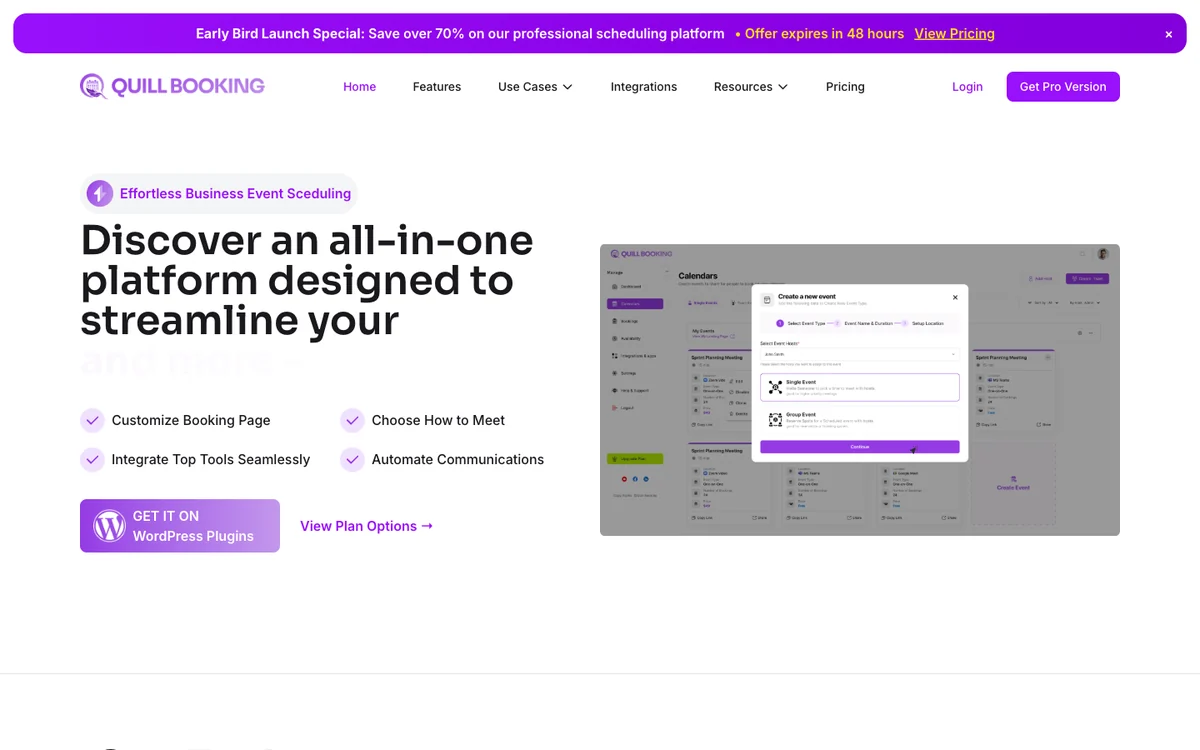
Every Pro plan includes all features, so the only question is how many sites you need: $39 a year for one site, $59 for five and $109 for unlimited, or a lifetime licence from $109. Compared with Amelia and Simply Schedule Appointments, that is the lowest price here for the full feature set.
Pros
- Every Pro feature from $39 a year
- Round-robin and group events
- Lifetime licence from $109
Cons
- Young plugin with a small WordPress.org user base
- Free version covers one-on-one meetings only
- Latest WordPress.org release is tested up to WordPress 6.9
Compare Quill Booking plansBooking pages, calendar sync, video links, payments and reminders on your own WordPress site.
See pricingAmelia vs Simply Schedule Appointments: the verdict
Amelia is the better choice if you have staff, locations or events and want payments and reminders on a mid-priced plan.
Simply Schedule Appointments is the better choice if you are a solo consultant who wants unlimited booking calendars for free and the quickest possible setup.
If neither fits, or you want every Pro feature without paying for a higher tier, try Quill Booking. For the wider market, see our guide to the best WordPress appointment booking plugins.
More booking plugin comparisons
- FluentBooking vs Amelia
- Amelia vs Bookly
- Amelia vs LatePoint
- Bookly vs Simply Schedule Appointments
- LatePoint vs Simply Schedule Appointments
- 9 best WordPress appointment booking plugins
Frequently asked questions
Is Simply Schedule Appointments free?
Yes. The free version includes unlimited booking calendars and appointment types with email notifications. Google Calendar sync starts on the Plus plan at $129 a year ($99 introductory) and payments on Professional at $249.
Which is easier to set up, Amelia or Simply Schedule Appointments?
Simply Schedule Appointments is built for a fast setup with fewer settings. Amelia takes longer because it models employees, services and locations, but that structure is what multi-staff businesses need.
Is there a cheaper alternative to Amelia and Simply Schedule Appointments?
Yes. Quill Booking includes calendar sync, Zoom, Meet and Teams links, Stripe and PayPal payments, SMS reminders and round-robin events in every Pro plan, from $39 a year for one site or $109 for a lifetime licence.
Can I switch from Amelia or Simply Schedule Appointments to another booking plugin?
Yes, but plan it. Recreate your services, availability and notifications in the new plugin, export your customer list, and keep the old plugin active until existing bookings have taken place. Test a few bookings before you change your public booking page.
Do Amelia and Simply Schedule Appointments work with Google Calendar?
Yes, both sync with Google Calendar on a paid plan: Amelia on its Standard plan and Simply Schedule Appointments on its Plus plan. Quill Booking syncs with Google, Outlook and Apple Calendar on every Pro plan.
Sources
Checked on November 4, 2026: the WordPress.org plugin directory; Wordfence Intelligence vulnerability pages; pricing pages for Amelia, Simply Schedule Appointments and Quill Booking. Prices change often; if you spot an outdated figure, tell us and we will update this page.