Quick answer
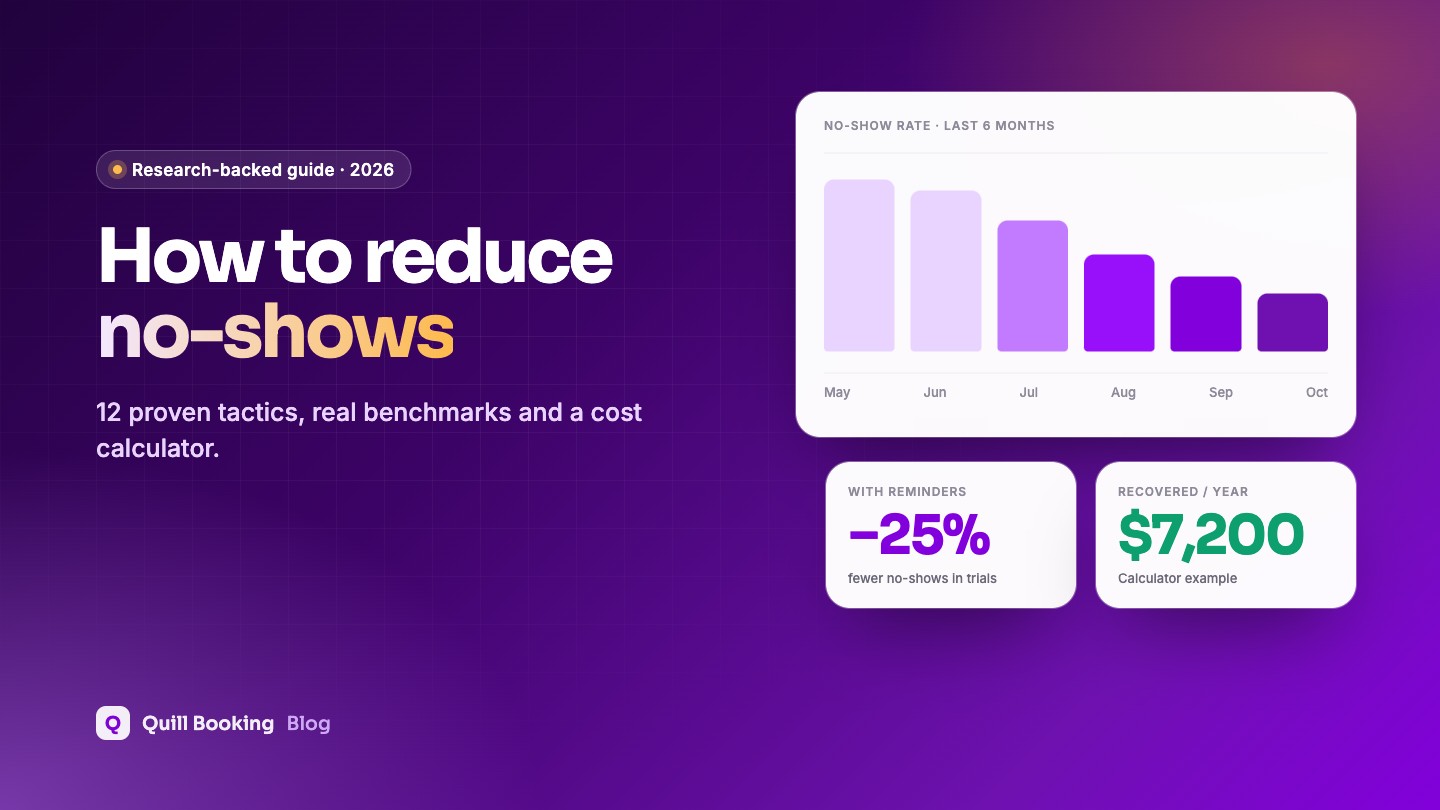
The most effective ways to reduce no-shows are: send automatic reminders (more than one), make rescheduling a one-click job, shorten the time between booking and appointment, and ask for a deposit or prepayment for high-value slots. A clear cancellation policy and a waiting list fill the gaps that are left. In clinical trials, text reminders alone cut no-shows by about a quarter.
A no-show is more than an empty chair. It is time you cannot resell, a client who did not get help, and often a slot someone else wanted. The good news: most people who miss appointments are not unreliable. They forgot, their plans changed, or cancelling felt like more effort than not turning up.
This guide covers 12 proven ways to reduce no-shows, what the research actually says, and a calculator to estimate what missed appointments cost you.
Disclosure: We make Quill Booking, so we use it for the screenshots and examples. The advice works with most booking plugins and scheduling tools.
How common are no-shows?
No-show rates vary a lot by industry, region and how far ahead people book. Healthcare has the best research; for other industries, most figures come from software vendors and should be read as rough benchmarks.
| Setting | No-show rate | Source |
|---|---|---|
| Outpatient clinics (105 studies, worldwide) | About 23% on average | Dantas et al., 2018 |
| US veterans’ clinics (one health system) | 18.8% | Kheirkhah et al., 2016 |
| B2B sales meetings (15 industries) | 6.5% overall; 18.1% in edtech | RevenueHero, 2024 (vendor) |
| US beauty and wellness businesses | About 1% to 2.4% by city | Booksy poll, 2021 (vendor) |
The same healthcare review found the two strongest predictors of a no-show were a long lead time (booking far in advance) and a history of previous no-shows. Both are things you can act on.
What do no-shows cost you?
Plug in your own numbers. The default reduction of 25% matches the drop in no-shows seen with text notifications in the BMJ Open review; your result will depend on your clients and how many of the steps below you use.
No-show cost calculator
Estimates only. Change any number to see the result update.
12 proven ways to reduce no-shows
1. Send automatic reminders, and send more than one
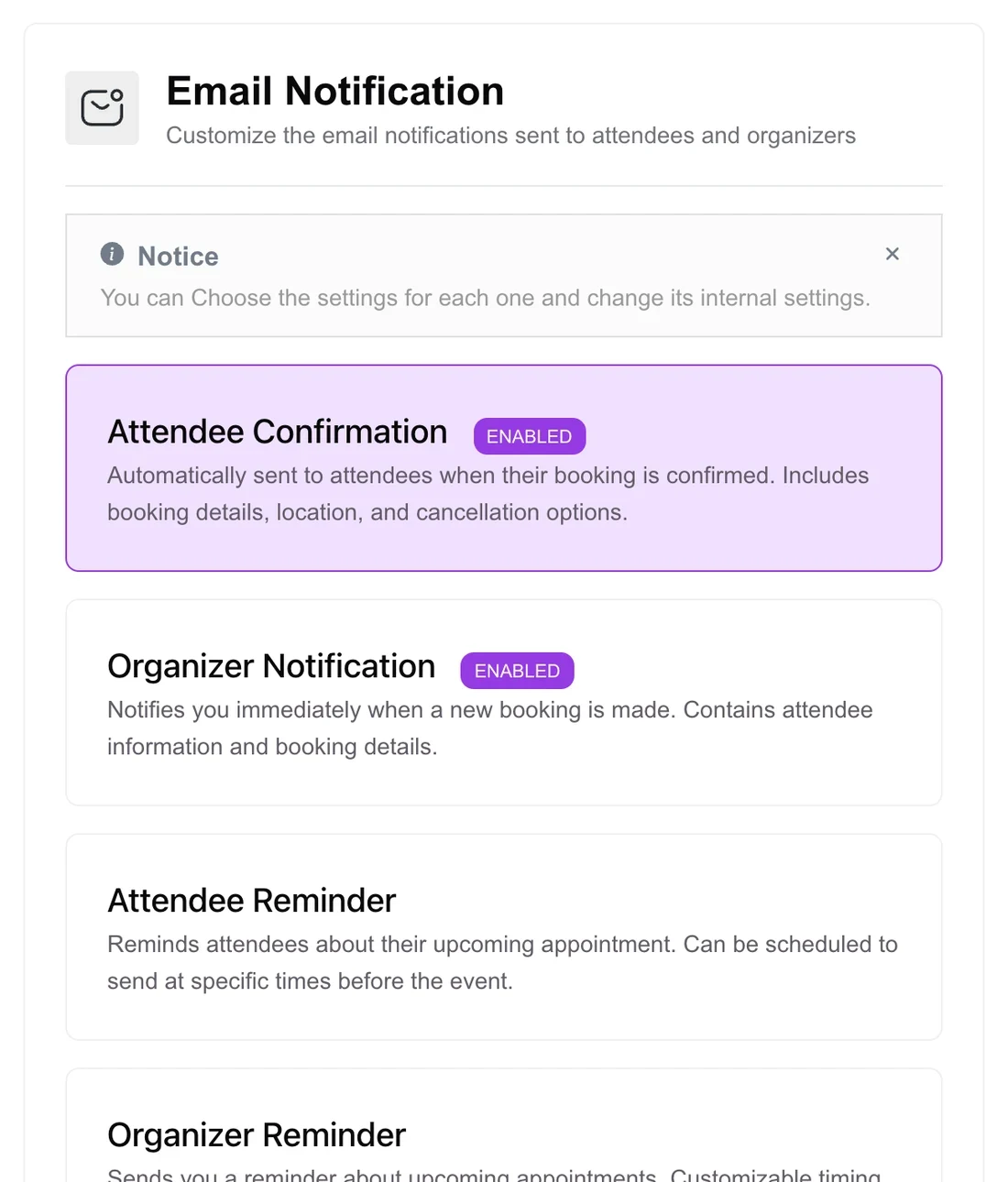
This is the biggest single lever. A Cochrane review found attendance rose from 67.8% with no reminder to 78.6% with a text reminder. The BMJ Open review of 21 trials found multiple reminders worked significantly better than a single one. A confirmation at booking, a reminder 24 to 48 hours ahead and a short same-day text cover most cases. Borrow wording from our 30 reminder templates.
2. Make rescheduling and cancelling effortless
If changing an appointment means a phone call during office hours, many people simply do not show up. Put a reschedule link and a cancel link in every confirmation and reminder. A cancellation 24 hours ahead is a slot you can refill; a no-show is not.
3. Shorten the lead time
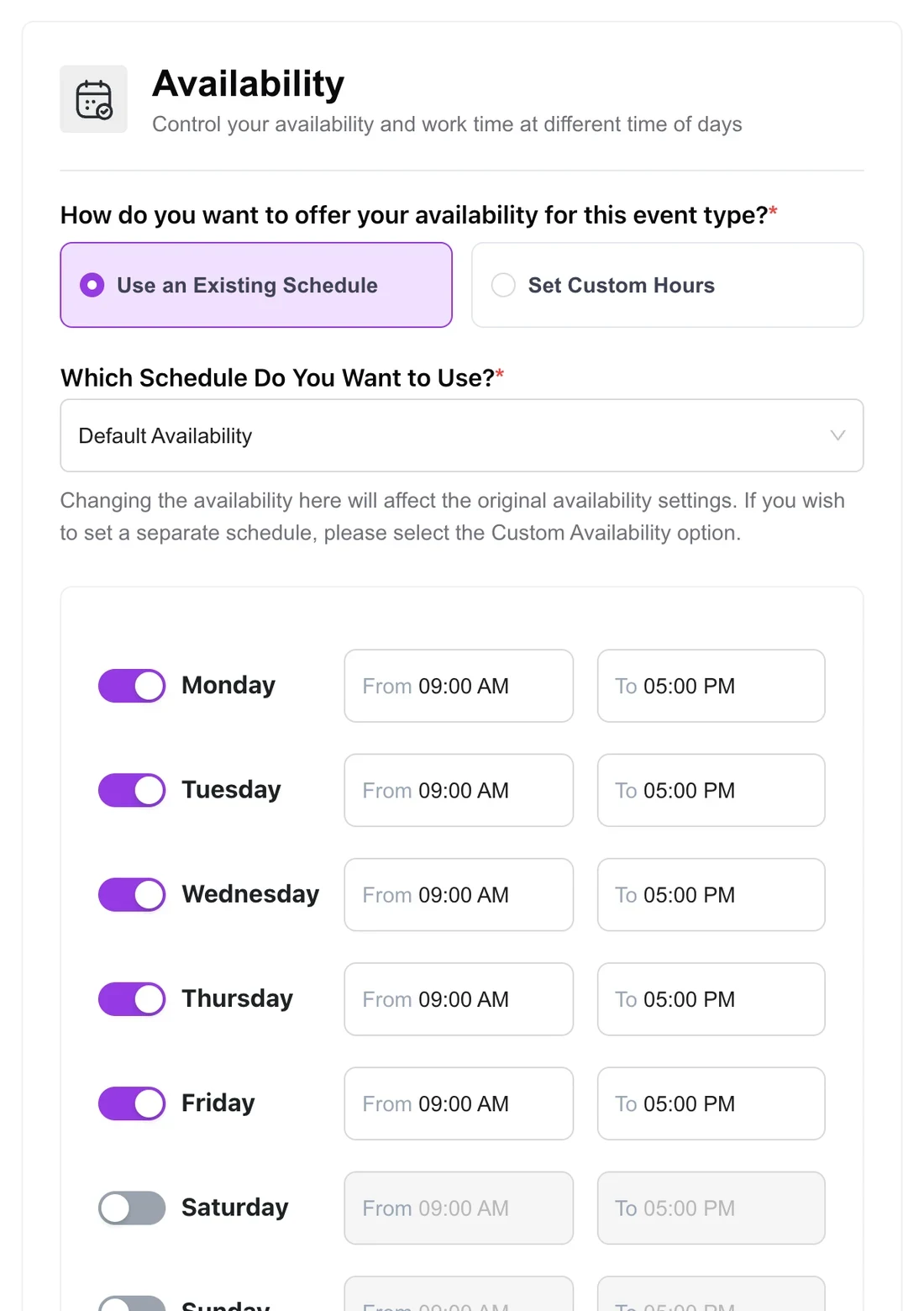
The further ahead an appointment is booked, the more likely it is to be missed. Limit how far into the future clients can book (for example, 30 or 60 days), keep some short-notice slots open, and send an extra reminder for anything booked weeks ahead.
4. Take a deposit or full payment up front
People rarely skip something they have already paid for. For long or high-value appointments, take a deposit or the full price at booking. Make the refund rules clear, and refund promptly when someone cancels in time. Our guide to taking appointment payments in WordPress shows how to set this up with Stripe, PayPal or WooCommerce.
5. Publish a clear cancellation policy
A short, friendly policy sets expectations: how much notice you need, and what happens if someone cancels late or misses the appointment. Show it on the booking page and in the confirmation. Use our free cancellation policy generator to write one in a minute.
6. Ask clients to confirm
A reminder that asks for a reply (“Reply C to confirm”) turns a passive message into a small commitment, and tells you early who is unlikely to come. Follow up by phone with anyone who has not confirmed for a high-value slot.
7. Get the appointment into their calendar
A booking that lives only in an email is easy to forget. Calendar invites put it next to everything else in the client’s day, with their own phone alerts. Booking plugins that sync with Google, Outlook or Apple Calendar can also block your busy times so you never create clashes that lead to cancellations. See how to sync bookings with Google Calendar.
8. Collect a mobile number and use the right channel
Email reminders are free, but texts and WhatsApp messages are read faster. Ask for a mobile number on the booking form and explain it is for reminders. Keep the form short otherwise. In the Cochrane review, text and phone-call reminders worked about equally well, and texts cost much less.
9. Use a waiting list to refill gaps
Even with every trick, some people will cancel. A waiting list automatically offers freed-up slots to the next person in line, so a late cancellation does not become an empty hour.
10. Tell clients exactly what to expect
Uncertainty causes no-shows. Say how long the appointment takes, where to go or which link to click, what to bring and what happens if they are late. For online meetings, a link that is created automatically and appears in every reminder removes the “where is the link?” problem; see how to add Zoom, Google Meet and Teams links.
11. Track no-shows and follow up
A history of no-shows is one of the strongest predictors of the next one. Mark no-shows in your booking system, send a friendly rebooking message the same day, and for repeat no-shows, ask for prepayment next time.
12. Set realistic buffers and notice periods
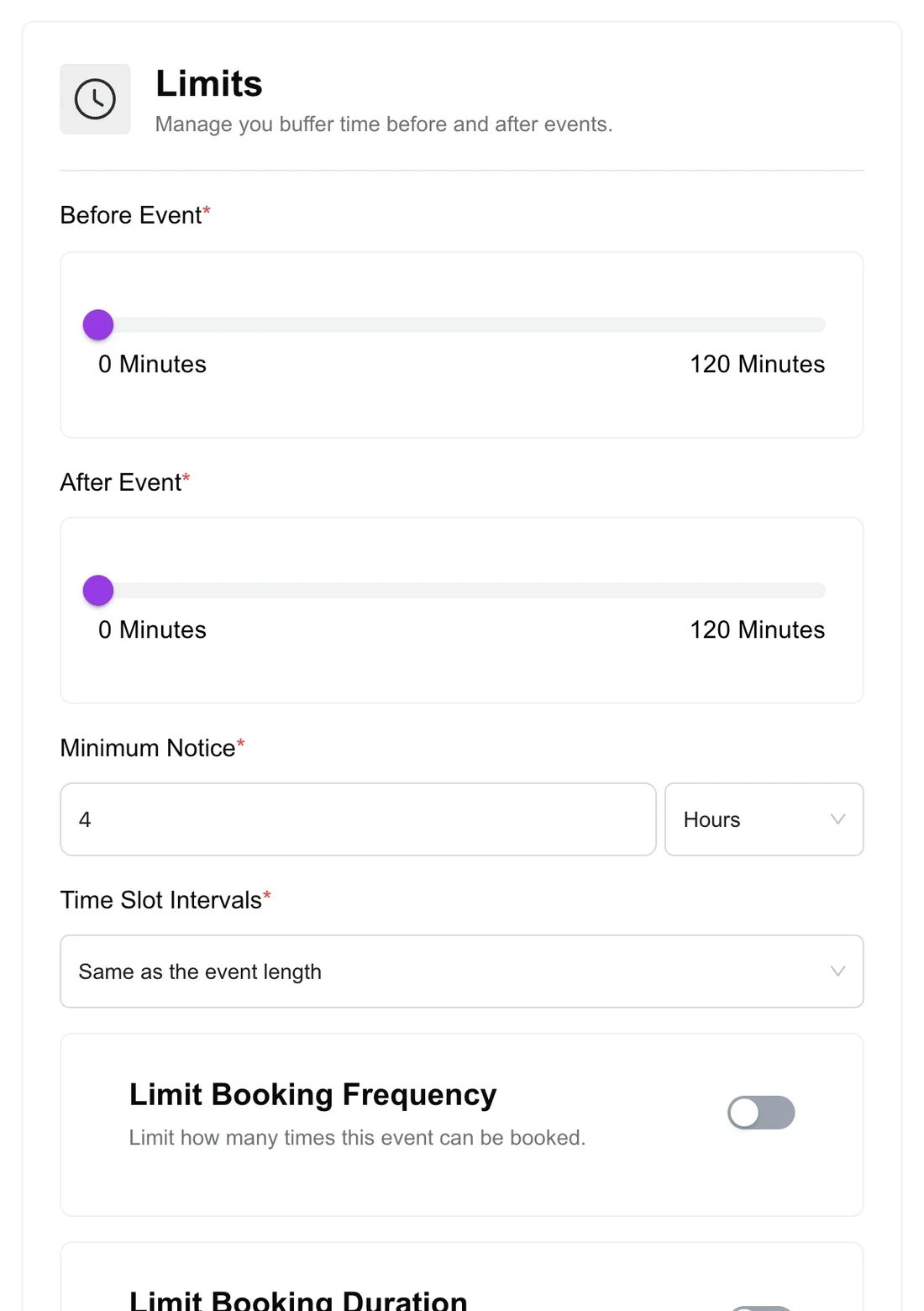
Back-to-back schedules make you late, and running late makes clients leave or stop coming. Add buffers before and after appointments and a minimum notice period, so last-minute bookings do not catch you unprepared.
What to do when someone does not show up
- Wait 10 to 15 minutes, then send a short, friendly message. Something may have gone wrong.
- Offer a new time with a booking link. Most people rebook if it is easy.
- Apply your policy consistently. If you charge a fee, charge everyone the same way.
- Record it, so you can spot repeat no-shows and ask them for a deposit next time.
Frequently asked questions
What is a normal no-show rate?
It depends on the industry. A review of 105 outpatient studies found an average of about 23%. Vendor data puts B2B sales meetings around 6.5% and beauty and wellness businesses at about 1% to 2.4%. Track your own rate for a month to get a baseline.
What is the most effective way to reduce no-shows?
Automatic reminders. Clinical trials found text reminders cut no-shows by about a quarter, and several reminders worked better than one. Easy rescheduling and deposits for high-value appointments add to the effect.
Should I charge a no-show fee?
A fee or deposit discourages no-shows, especially for long or high-value appointments. Publish the policy before people book, apply it consistently, and check the rules for your industry. For example, US medical practices may charge Medicare patients for missed appointments only if the same policy applies to all patients.
How far in advance should reminders be sent?
A reminder 24 to 48 hours before gives people time to reschedule. Research found no significant difference between reminders sent 24, 48 or 72 hours ahead, but sending more than one reminder helped.
Do reminder emails work as well as text messages?
There is little head-to-head research. Email is free and good for details and links, while texts and WhatsApp are read faster. Many businesses use email for the confirmation and a text for the final reminder.
Related guides
- 30 appointment reminder templates
- Appointment cancellation policy template
- How to take payments for appointments in WordPress
- How to add a booking calendar to WordPress
Reminders, deposits and waiting lists in one pluginQuill Booking sends reminders for free. Pro adds payments, SMS and WhatsApp reminders and calendar sync.
See pricingSources
Checked on November 5, 2026: Dantas et al., Health Policy 2018; Kheirkhah et al., BMC Health Services Research 2016; Cochrane review CD007458; Robotham et al., BMJ Open 2016; Guy et al., 2012; RevenueHero no-show benchmark; Salon Today on Booksy data; CMS MLN Matters MM5613.