Booking & Scheduling
Booking Plugin vs Booking Form: Which Do You Need?
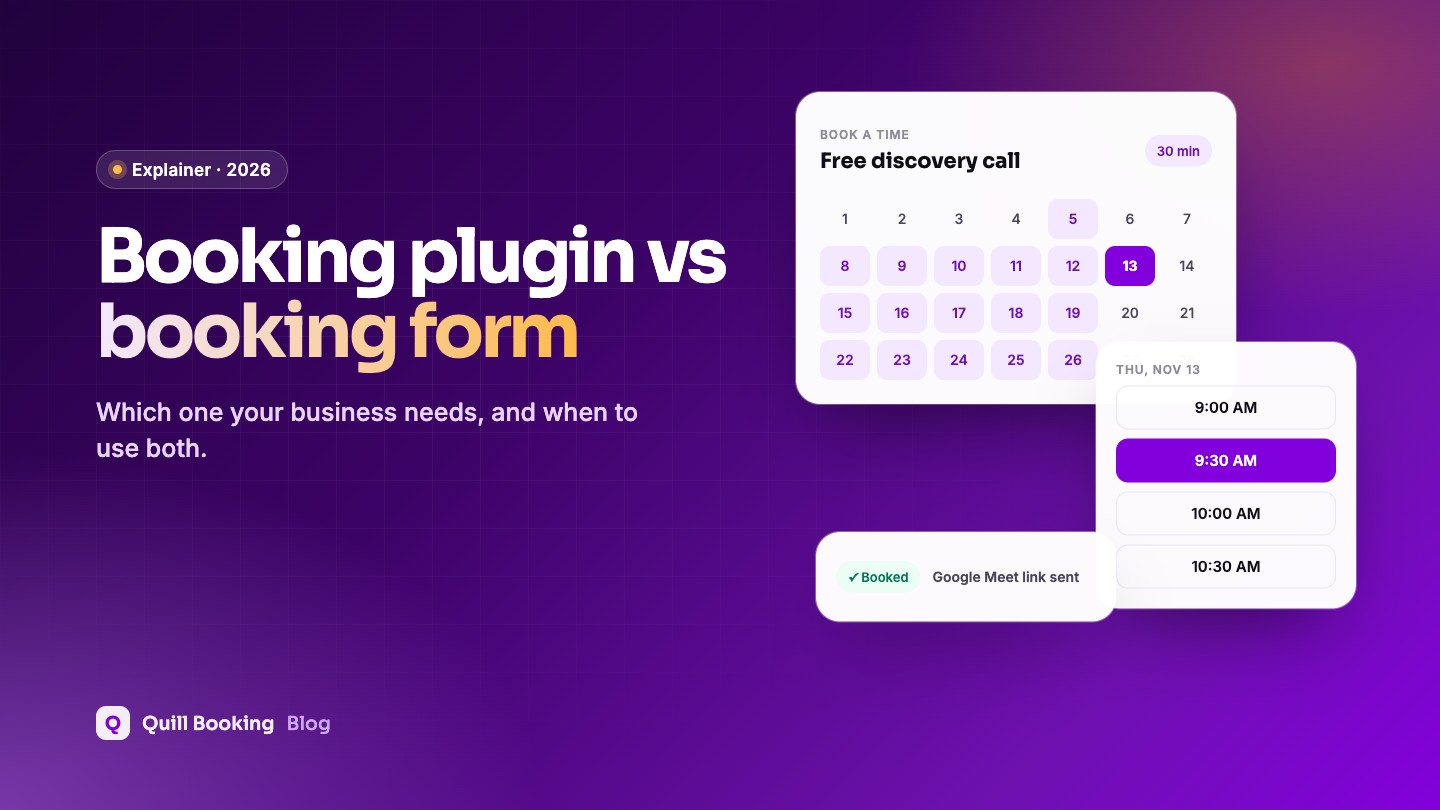
When to use a real-time booking plugin, when a request form is better, and how to combine them.
The Quill Booking Blog
Practical, tested advice on scheduling, CRM, forms, surveys and the WordPress plugins that connect them. Written by the people who build Quill Booking.
When to use a real-time booking plugin, when a request form is better, and how to combine them.
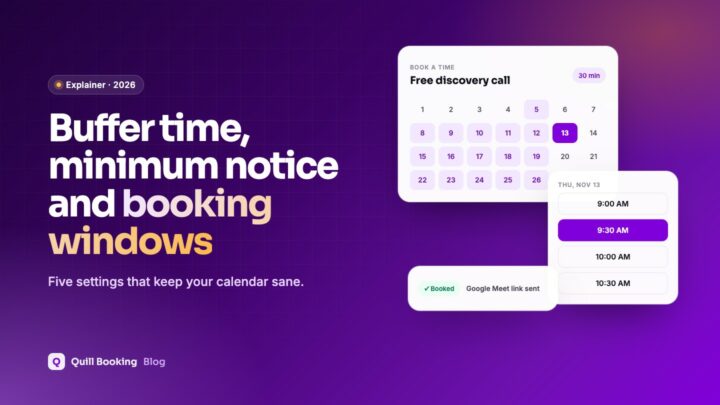
The five scheduling rules that keep your calendar realistic, what each means and sensible starting values by business type.
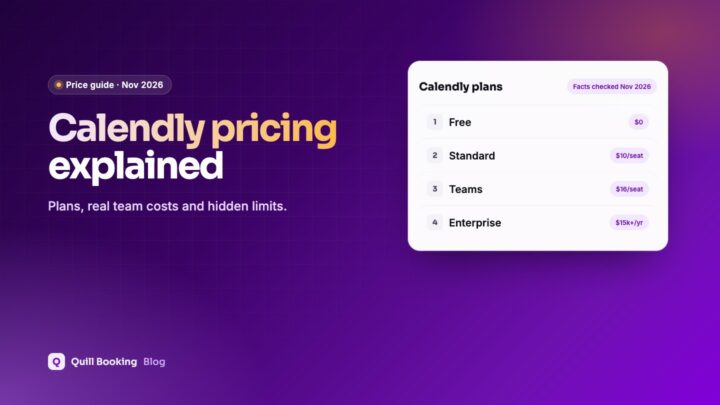
What each Calendly plan includes, what a team really pays per year, and which features need a paid seat.
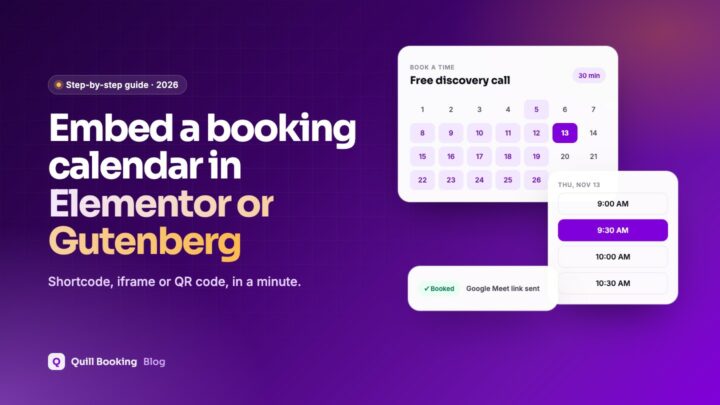
Put your booking calendar on any page with a shortcode, iframe or QR code, in Gutenberg, Elementor and other builders.
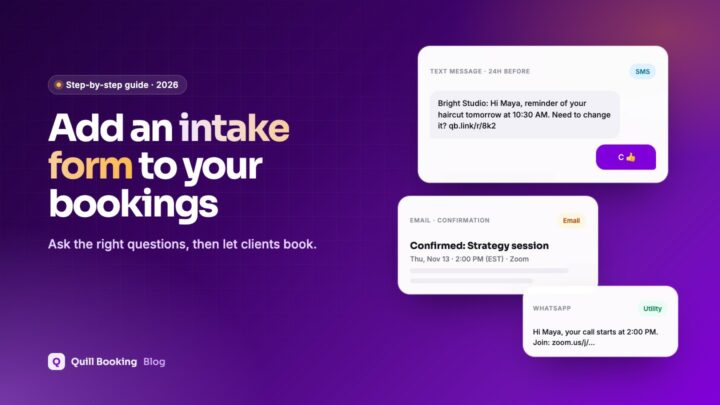
Short booking questions or a full intake form with a booking step: how to set up each, and which questions to ask.
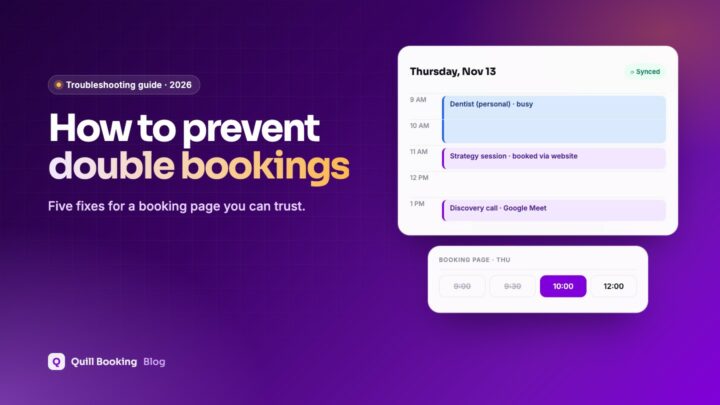
The four causes of double bookings and the fixes for each: calendar sync, buffers, one system and correct time zones.
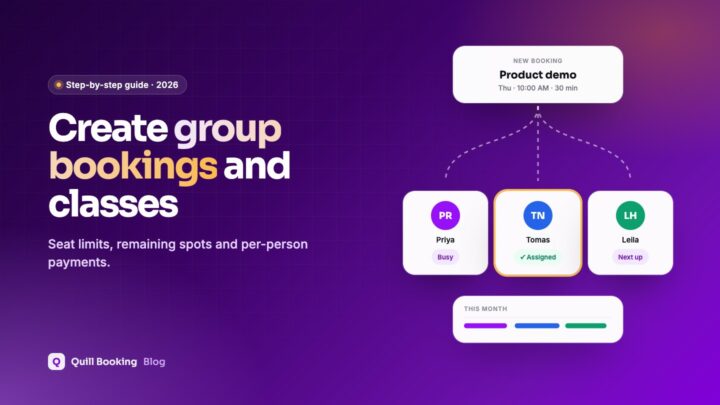
Set up classes, workshops and group sessions with seat limits, remaining-spot counters and per-person payments.
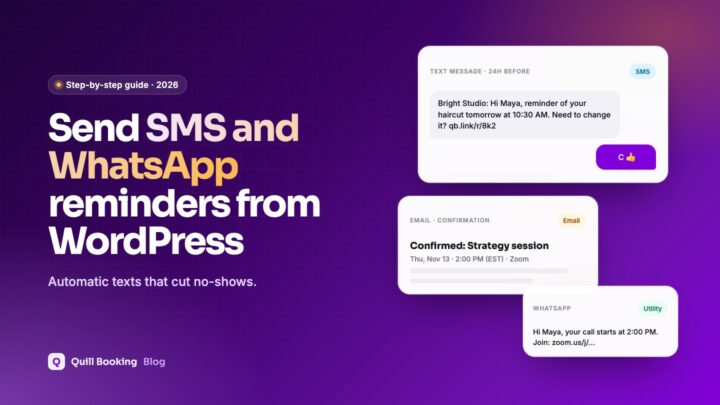
Connect Twilio, collect phone numbers and send automatic SMS or WhatsApp reminders for every booking.
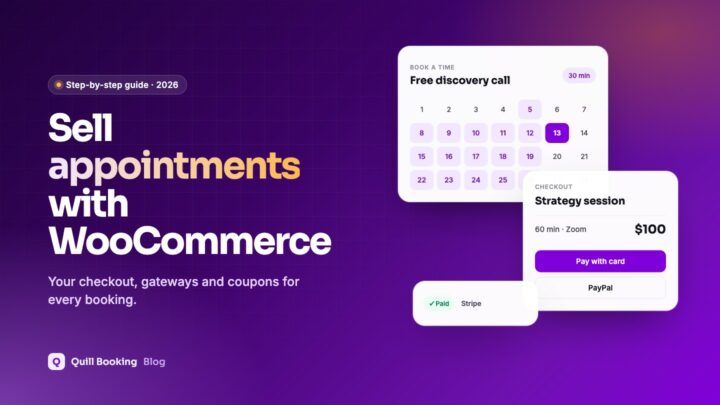
Use your WooCommerce checkout, gateways and coupons to sell appointments, with or without WooCommerce Bookings.
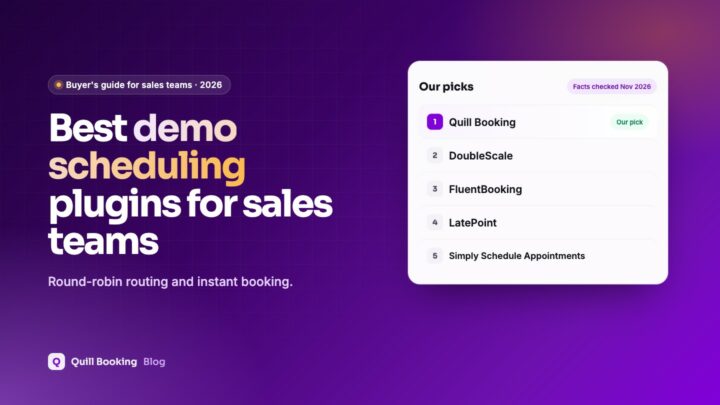
Booking plugins for sales teams that turn website visitors into booked demos, with round-robin routing and CRM follow-up.
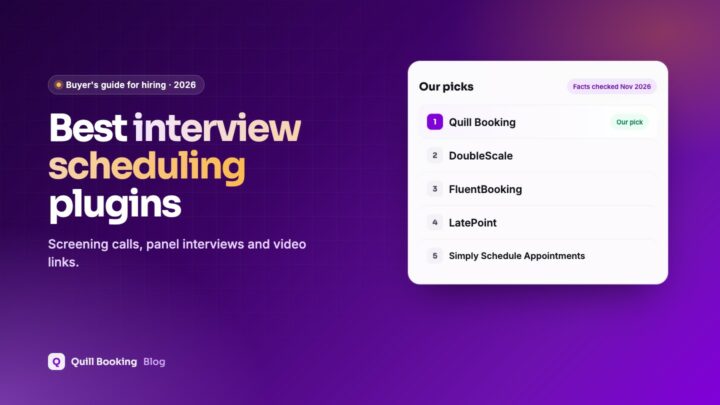
Booking plugins for scheduling candidate interviews from a WordPress careers page, from screening calls to panel interviews.
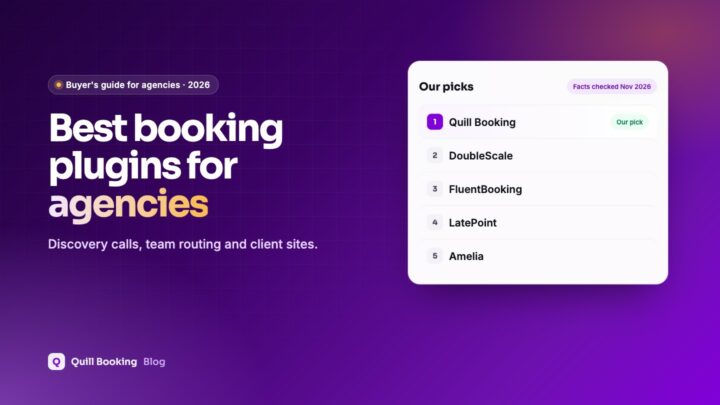
Booking plugins for agencies, covering discovery calls, team routing, CRM follow-up and licences for client sites.
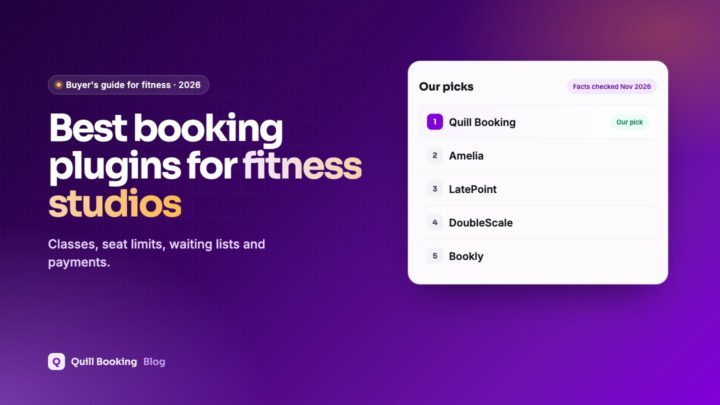
Booking plugins for trainers and studios, with class seat limits, waiting lists, payments and reminders.
Quill Booking
Booking pages, calendar sync, video links, reminders and payments in one plugin that lives on your own site.