Quick answer
To take group bookings in WordPress, create a group event in your booking plugin and set the maximum number of attendees per time slot. In Quill Booking Pro: create a new event, choose Group, then set Max invitees in a spot under Group Event Settings and tick Display Remaining Spots on Booking Page. Each person books their own seat until the slot is full.
Classes, workshops, webinars, open days and group coaching all have the same need: many people booking the same time, up to a limit. A group event handles that without spreadsheets or a separate ticketing tool.
Disclosure: We make Quill Booking, so we use it for the screenshots and examples. The advice works with most booking plugins and scheduling tools.
Group events vs other event types
| Type | Who books | Example |
|---|---|---|
| One-to-one | One person per slot | Consultation |
| Group | Several people per slot, up to a limit | Yoga class, workshop, group coaching |
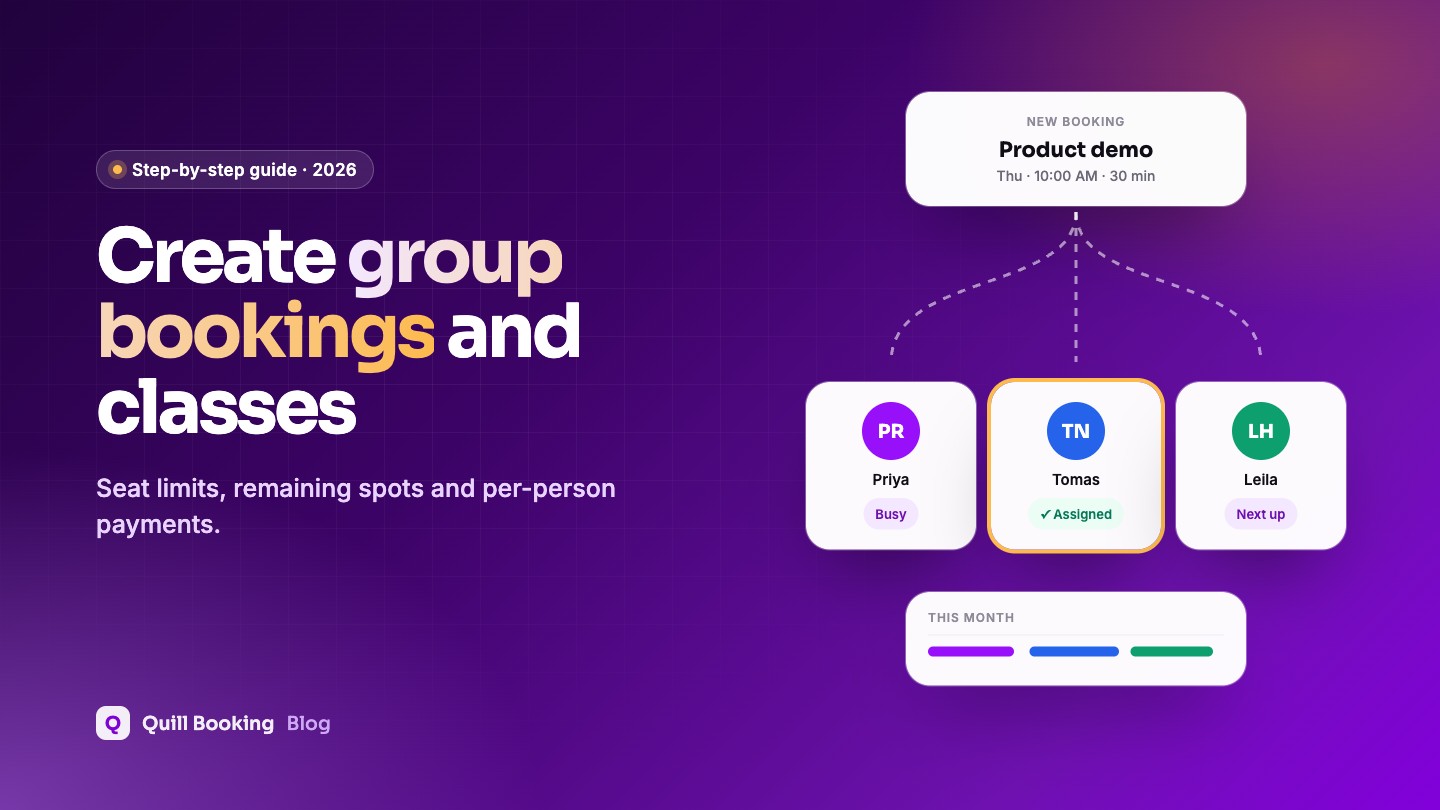
| Round-robin | One person, assigned to one of several hosts | Sales demo |
| Collective | One person, with several hosts attending | Panel interview |
Step 1: Create a group event
In Quill Booking → Calendars, click Add New Event and choose Group. Add the name, description, duration and location, such as a studio address or a Teams link.
Step 2: Set the seat limit
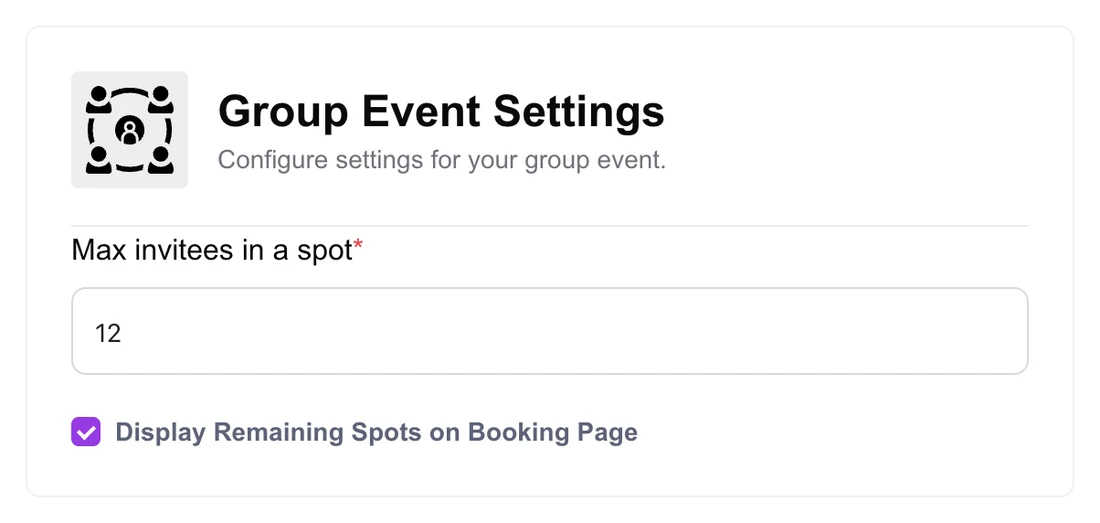
On the Event Details tab, find Group Event Settings, enter the maximum number of attendees per slot, and tick Display Remaining Spots on Booking Page to create a little urgency as the class fills up.
Step 3: Set when the class runs
Use the Availability & Limits tab to set the days and times the class is offered, for example Tuesdays and Thursdays at 6 pm, with date overrides for holidays.
Step 4: Add payment and reminders
Charge per person on the Payments tab (see taking payments), and switch on reminders so attendees remember to come. For popular classes, a waiting list fills seats freed by cancellations.
Tips for group sessions
- Show the seat limit and what is included in the description.
- Set a cancellation cut-off a few hours before the class, so waiting-list clients can take freed seats.
- Send the joining link or address in every reminder.
- Use a minimum notice so nobody books a class that has already started.
Frequently asked questions
How do I limit the number of people per booking slot?
Use a group event and set the maximum attendees. In Quill Booking Pro, it is the “Max invitees in a spot” setting under Group Event Settings.
Can I show how many spots are left?
Yes. Quill Booking can display the remaining spots on the booking page.
Can each attendee pay for their own seat?
Yes. With payments enabled on a group event, each person pays when they book their seat.
Which free plugins support group bookings?
LatePoint’s free version includes events with capacity, DoubleScale’s free version includes group events and Amelia Lite includes events. In Quill Booking, group events are part of Pro.
Related guides
- How to take payments for appointments in WordPress
- How to reduce no-shows
- How to add a booking calendar to WordPress
Run classes and workshops from your siteQuill Booking Pro includes group events with seat limits, from $39 a year.
See pricing