
Set Booking Limits
QuillBooking allows you to fine-tune how and when your events can be booked by setting up smart booking limits. These options help you manage breaks, scheduling intervals, and booking frequency to ensure a smooth experience for both hosts and attendees.
Event Limits
To set up limits for a booking event:
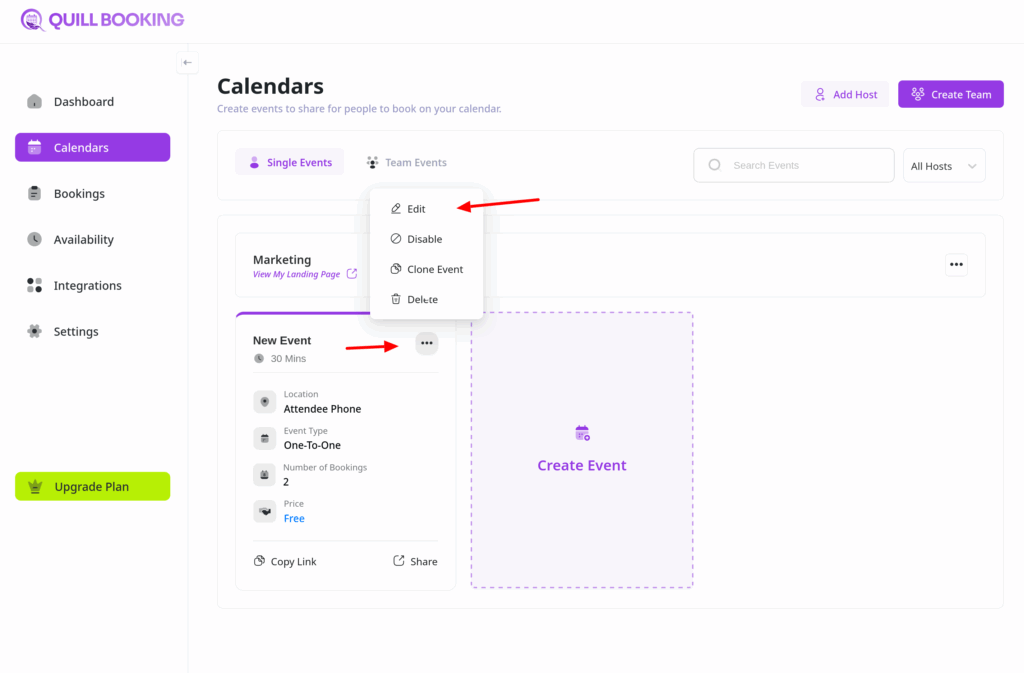
- Open the Calendars section from your QuillBooking navigation bar.
- Choose the specific event you want to configure and click the Edit button.
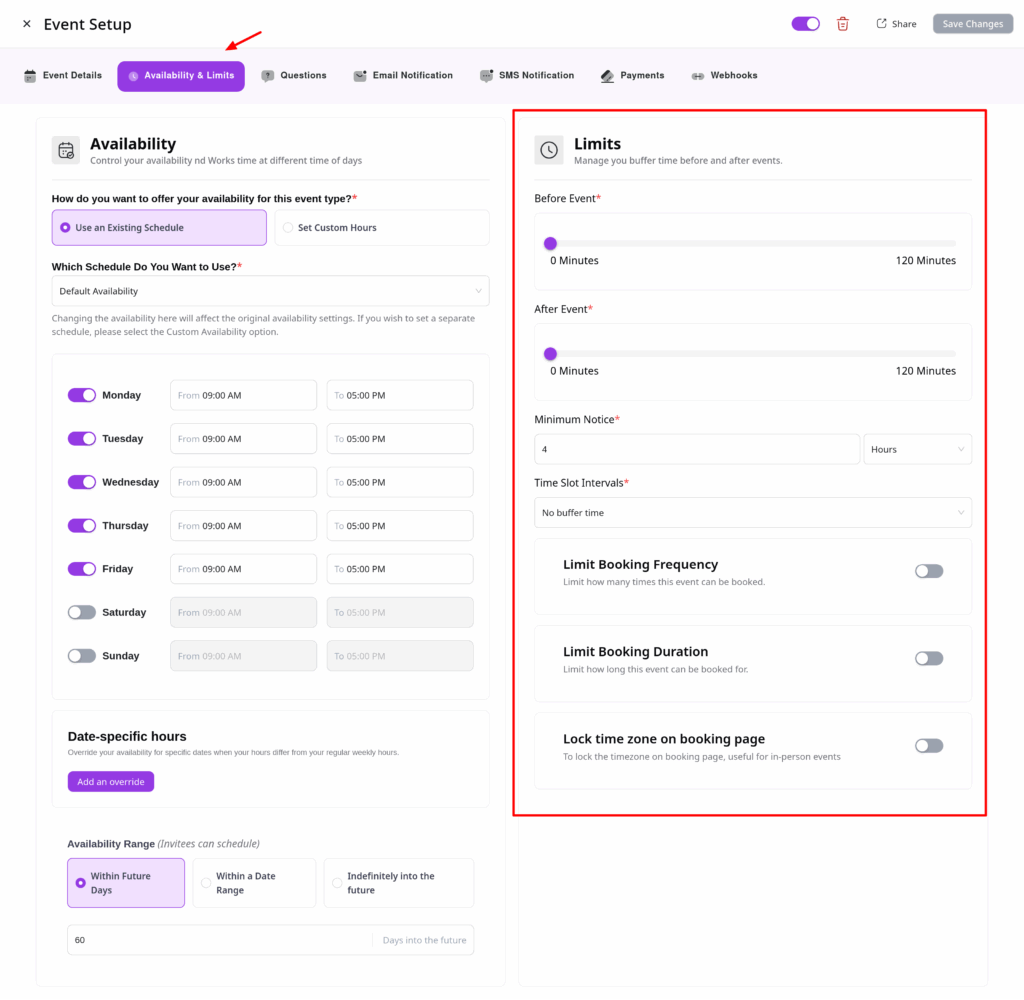
From the tabs, select the Availability & Limits tab.
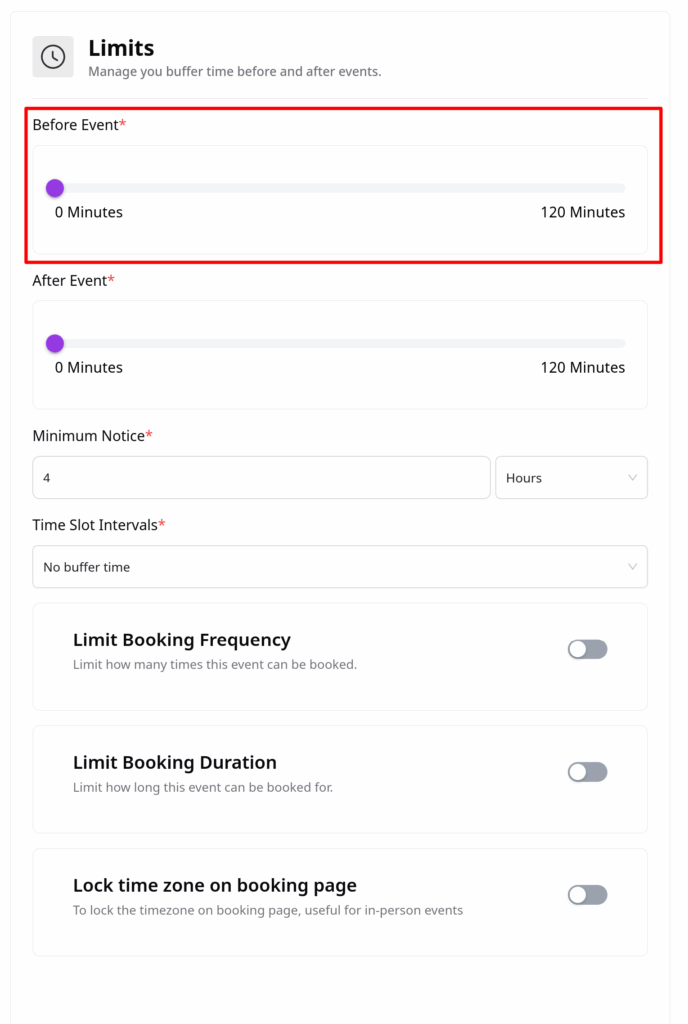
Before the Event
Set a buffer time before each meeting to prevent back-to-back bookings. Just enter your desired break duration in the pre-event buffer field.
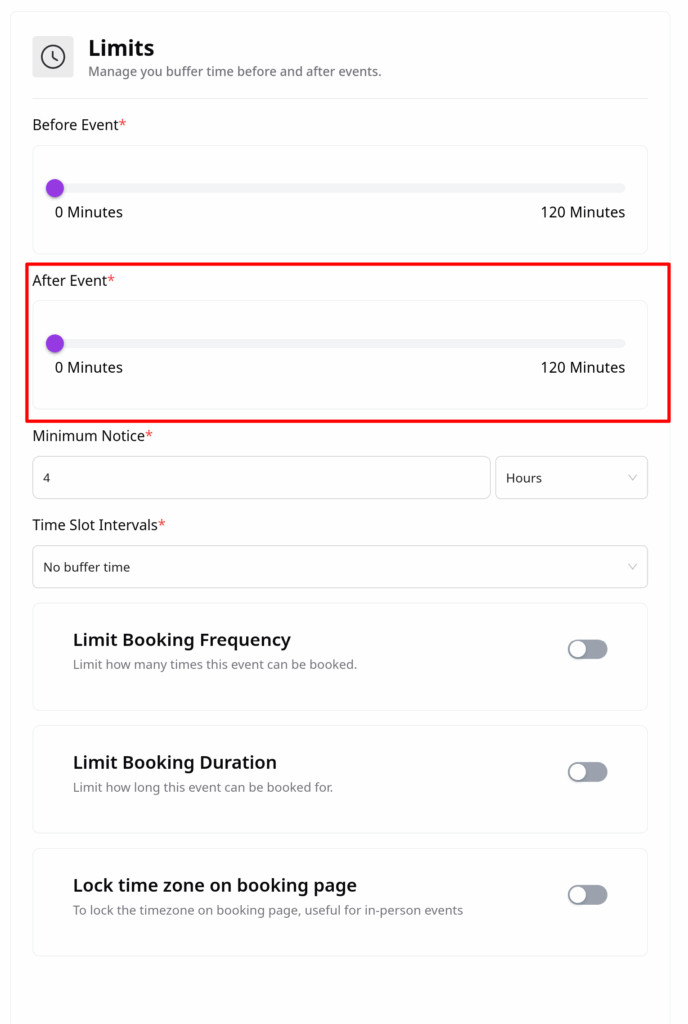
After the Event
You can also add a buffer time after each meeting to allow for breaks or wrap-ups before the next event begins.
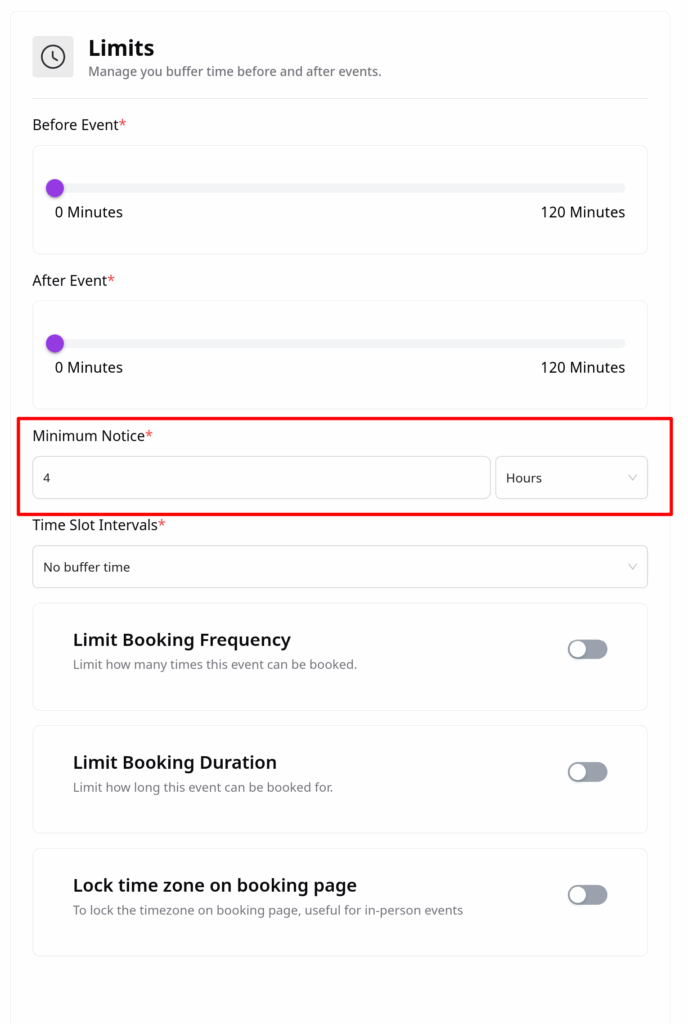
Minimum Notice
Define how much advance notice is required before someone can book a meeting.
Example: If you set the notice period to 1 hour, no one can book a slot starting within the next hour.
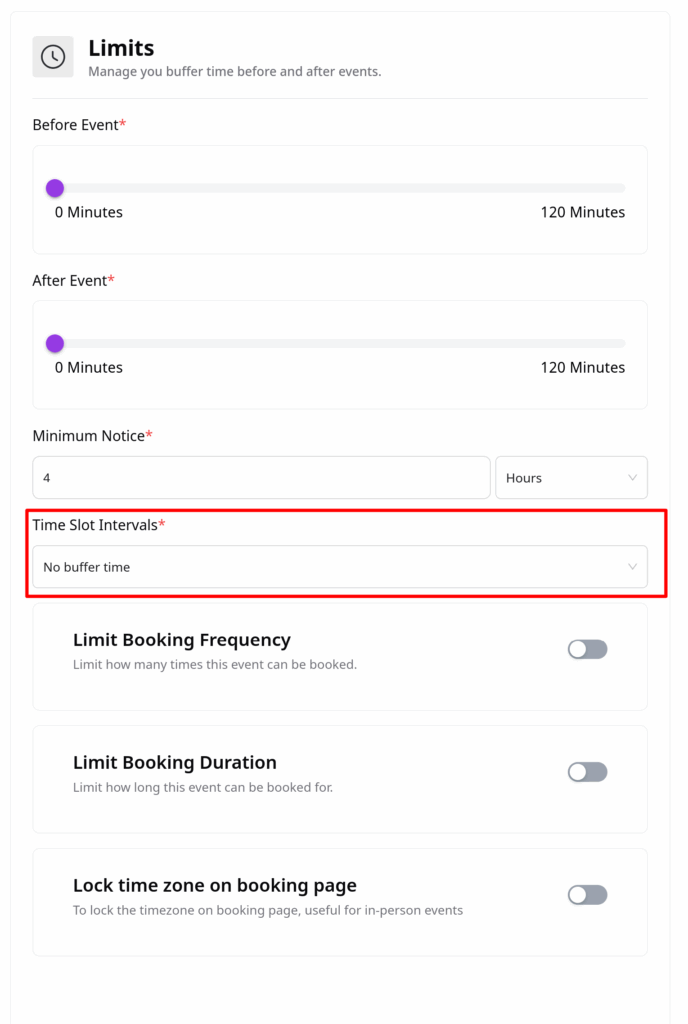
Time-slot Intervals
Customize how your available times are divided with time-slot intervals.
Example:
- 30-minute interval → shows: 2:00 → 2:30
- 10-minute interval → shows: 2:00 → 2:10 → 2:20 → 2:30
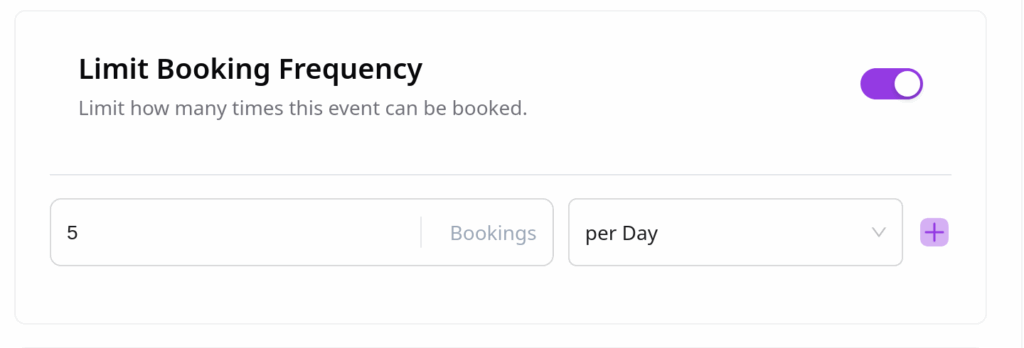
Limit Booking Frequency
Control how often the event can be booked:
- Daily limits
- Weekly limits
- Monthly limits
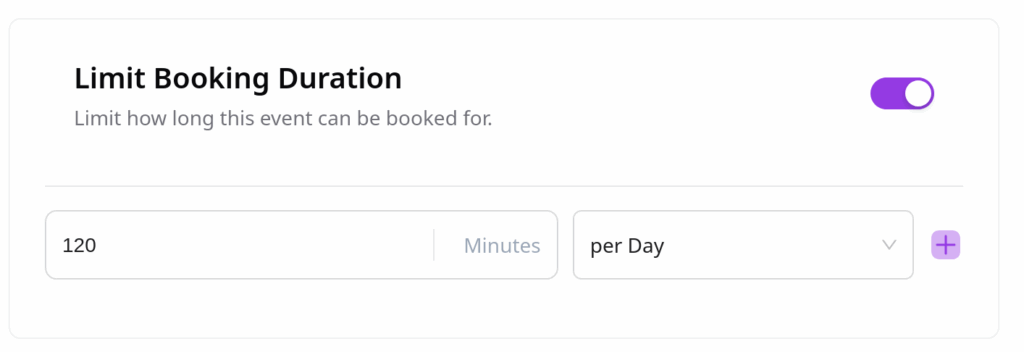
Limit Booking Duration
Set the maximum total duration a user can book across sessions—for example, limiting the total attendance time to 2 hours per week.
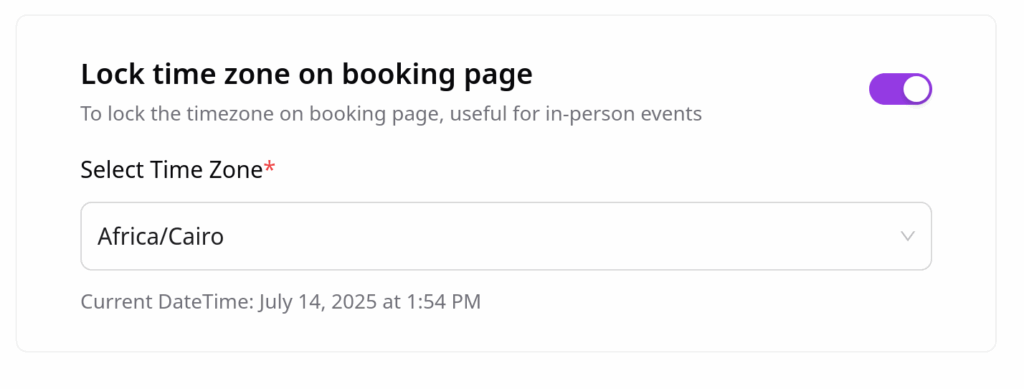
Lock Timezone on Booking Page
Prevent confusion by locking the timezone shown on the booking page:
- Select a specific timezone from the dropdown.
- Attendees will see the event times only in this timezone and won’t be able to change it.
This is especially useful for in-person events or region-specific sessions.
With these booking limits in QuillBooking, you gain full control over your availability and event flow—ensuring a better experience for both you and your attendees.