Quick answer
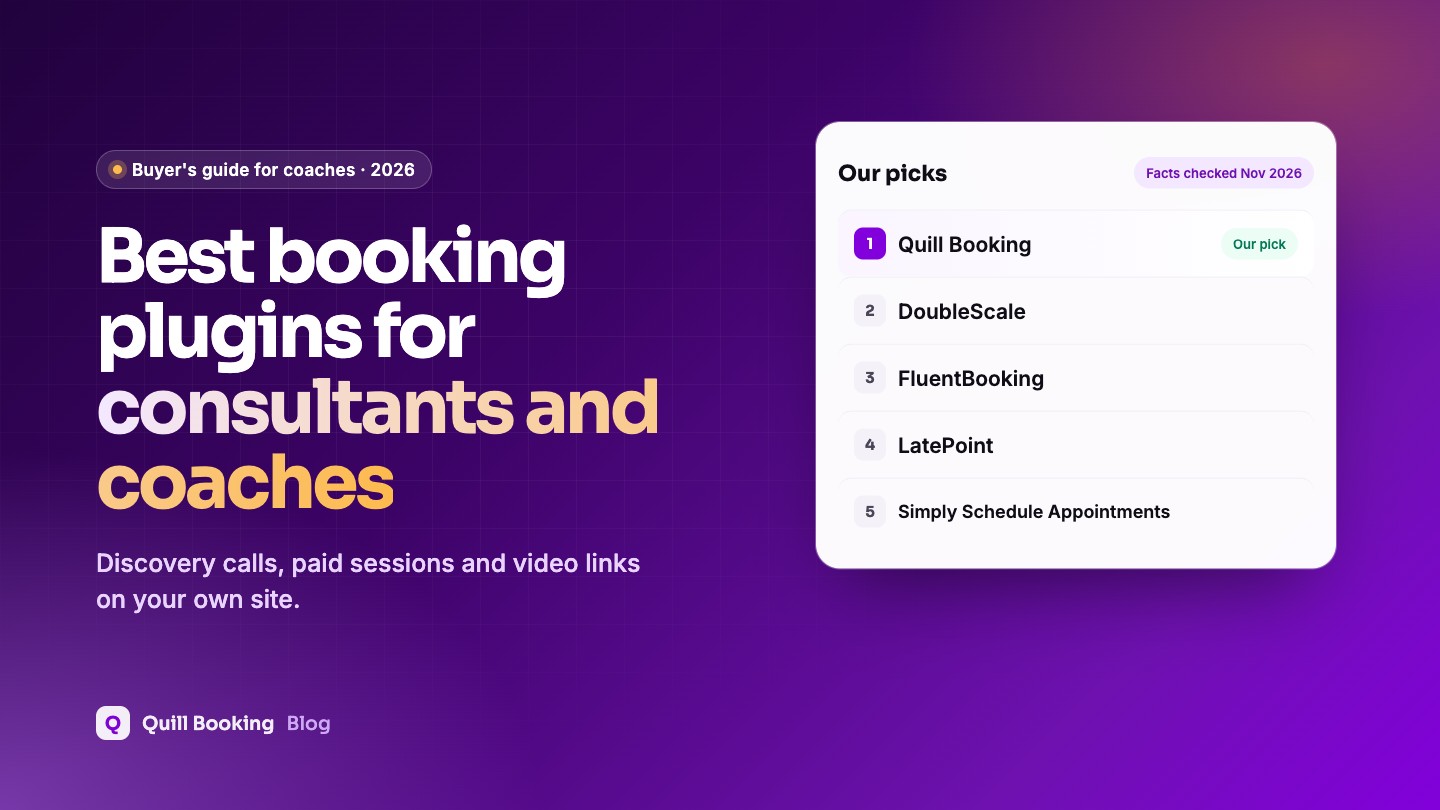
For consultants and coaches, the best booking plugin is Quill Booking, our own: free discovery calls, paid sessions through Stripe or PayPal, automatic Zoom or Meet links and intake questions from $39 a year. DoubleScale adds a client CRM and portal, FluentBooking suits coaches already on FluentCRM, and LatePoint takes payments for free.
Consultants and coaches sell time, so the booking page is often the most important page on the site. It needs to turn a visitor into a discovery call, collect enough context to make that call useful, and make paid sessions as easy to book as free ones.
Disclosure: Quill Booking is our plugin, so we put it first. DoubleScale is a sister product from the same team. We list the same facts for every product, including what each one does not do well, so you can make your own call.
Compared at a glance
| Plugin | Best for | Free version | Paid from (1 site) | Lifetime from |
|---|---|---|---|---|
| Quill Booking | Best overall for consultants and coaches | One-on-one meetings | $39/year | $109 |
| DoubleScale | Best for client management | Yes, booking pages and group events | $99/year | $299 |
| FluentBooking | Best with FluentCRM | Yes, one-on-one | $79/year ($63 first year) | $249 |
| LatePoint | Best free option for paid sessions | Yes, with payments | $99/year ($79 intro) | $249 ($199 intro) |
| Simply Schedule Appointments | Simplest setup | Yes, unlimited calendars | $129/year ($99 intro) | None |
| Amelia | Best for coaching teams with packages | Yes (Lite) | $49/year (Starter) | $299 (Standard) |
What consultants and coaches need from a booking plugin
- A clear free first step, such as a 20 or 30-minute discovery call.
- Paid sessions with payment at booking to avoid no-shows.
- Video links created automatically for every booking.
- A few intake questions about goals and context.
- Buffers between calls so you can write notes.
- Reminders by email, and ideally by text.
How we chose
We checked every product’s own pricing and feature pages and its WordPress.org listing, then judged it on what matters most for this use:
- Free and paid events side by side, such as a free discovery call and a paid strategy session.
- Automatic video links for Zoom, Google Meet or Teams.
- Intake questions so you can prepare.
- Calendar sync with your own calendar.
- Price for a one-person business.
1. Quill Booking: best overall for consultants and coaches
Quill Booking is built around the consultant’s workflow: a free discovery call and a paid session as separate events, each with its own questions, duration and Zoom, Meet or Teams link. Payments, calendar sync and SMS reminders are in every Pro plan, and you can pair it with Quill Forms for a longer application form before the call.
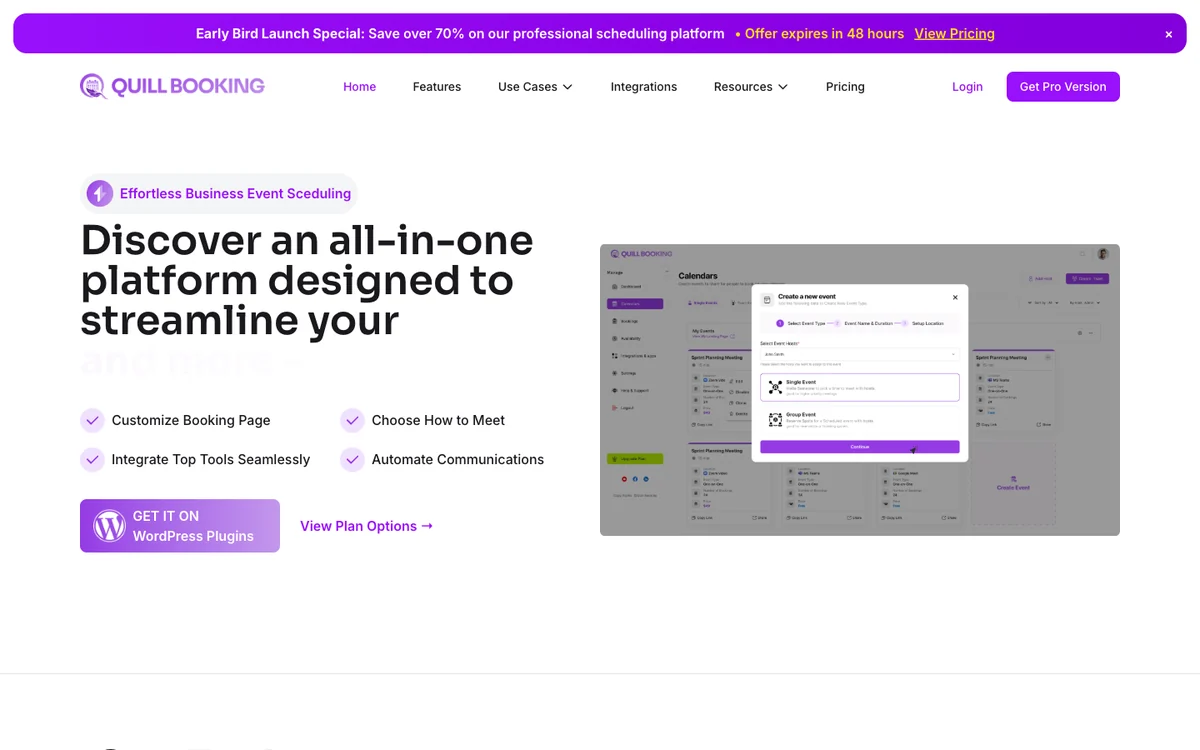
- Free version
- One-on-one meetings
- Paid from
- $39/year, or $109 lifetime
- Calendar sync
- Google, Outlook, Apple (Pro)
- WordPress.org
- 5.0★ (1 rating)
What you get
The free plugin covers one-on-one meetings with availability rules, buffers, booking questions and email confirmations and reminders. Pro adds group, round-robin and collective events, Google, Outlook and Apple Calendar sync, Zoom, Meet and Teams links, Stripe, PayPal and WooCommerce payments, Twilio SMS and WhatsApp, and Zapier, Make and webhooks. Every Pro plan includes every feature; plans differ by the number of sites.
Pros
- Every Pro feature from $39 a year
- Lifetime licence from $109, the lowest here
- Works with Quill Forms for longer intake forms
Cons
- Young plugin with a small WordPress.org user base
- Free version is limited to one-on-one meetings
- Latest WordPress.org release is tested up to WordPress 6.9
Best for: Best overall for consultants and coaches. Visit Quill Booking
2. DoubleScale: best for client management
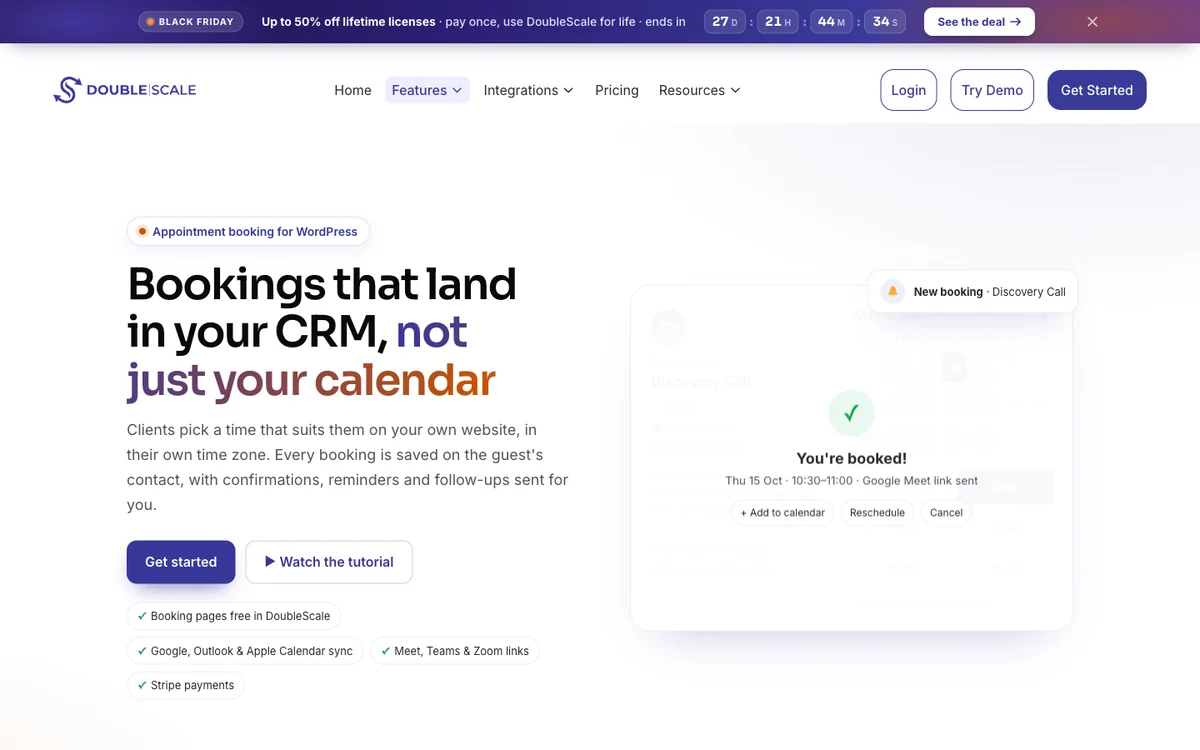
DoubleScale keeps every booking on the client’s record alongside notes, proposals, invoices and a client portal, so a coaching practice can run from one plugin.
- Free version
- Booking pages, group events
- Paid from
- $99/year, 1 site
- Calendar sync
- Google, Outlook, Apple (Basic)
- WordPress.org
- 5.0★ (7 ratings)
What you get
DoubleScale is a WordPress CRM with a built-in booking module, so every booking creates or updates a contact record. The free version includes one-to-one and group events, booking pages, buffers, attendee reschedule and cancel, and email reminders. The Basic plan adds round-robin and collective events, a waiting list, calendar sync, Meet, Zoom and Teams, custom booking questions, SMS and Stripe and PayPal payments.
Pros
- Bookings land in a full CRM with email and automations
- Group events and rescheduling in the free version
- Round-robin and collective team events
Cons
- Small user base
- Calendar sync and custom questions need Basic
- More than you need if you only want a booking page
Best for: Best for client management. Visit DoubleScale
3. FluentBooking: best with FluentCRM
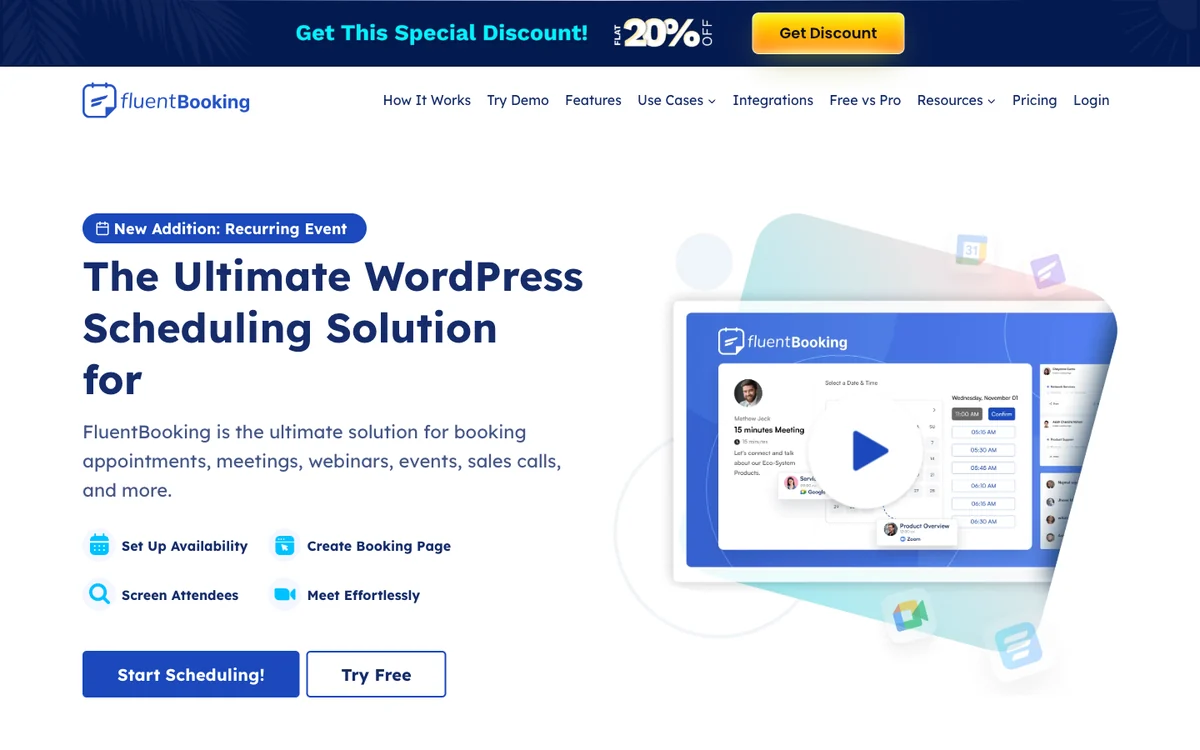
FluentBooking adds booked clients to FluentCRM automatically, so you can trigger nurture emails after a discovery call.
- Free version
- One-on-one meetings
- Paid from
- $79/year ($63 first year)
- Calendar sync
- Google, Outlook, Apple (Pro)
- WordPress.org
- 4.7★ (46 ratings), 20,000+ sites
What you get
FluentBooking is a Calendly-style scheduler from the FluentCRM team. The free version covers one-on-one meetings with unlimited hosts and calendars, booking questions and native FluentCRM and Fluent Forms integrations. Pro adds group, round-robin and one-off events, two-way calendar sync, Zoom, Meet and Teams, Stripe and PayPal, Twilio SMS and WhatsApp, and Zapier, Make and webhooks.
Pros
- Unlimited hosts and calendars for free
- Deep FluentCRM integration
- Round-robin for sales teams
Cons
- Payments and calendar sync are Pro-only
- Best value only if you use other Fluent plugins
- First-year discount renews at full price
Best for: Best with FluentCRM. Visit FluentBooking
4. LatePoint: best free option for paid sessions
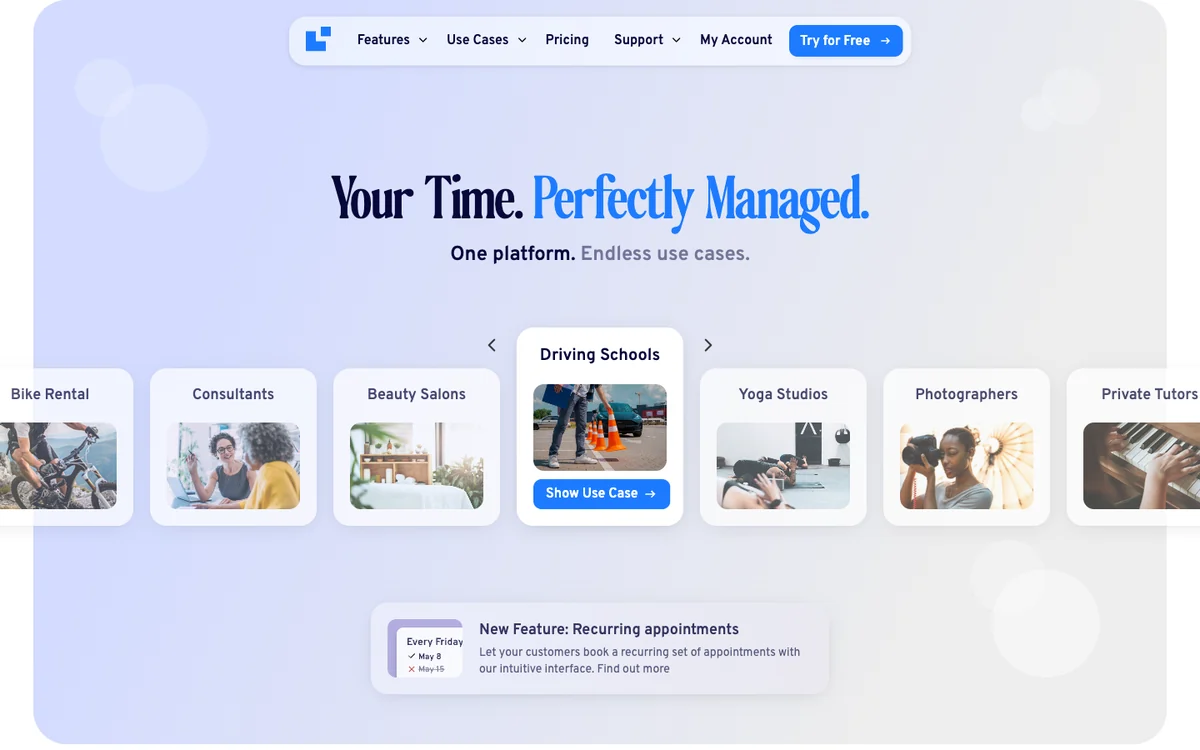
LatePoint’s free version can take Stripe or PayPal payments for sessions, which is unusual for a free plugin.
- Free version
- Unlimited appointments, payments
- Paid from
- $99/year ($79 intro)
- Calendar sync
- Google, Outlook, Apple (Pro)
- WordPress.org
- 4.9★ (107 ratings), 100,000+ sites
What you get
The free plugin includes unlimited appointments, events with capacity, a customer dashboard, email notifications and Stripe, PayPal and Razorpay payments with deposits. Pro adds multiple staff and locations, group and recurring bookings, rescheduling, calendar sync, Zoom, Meet and Teams, SMS and WhatsApp, custom fields and webhooks.
Pros
- Online payments in the free version
- Most installed booking plugin on WordPress.org
- No Wordfence vulnerability reports in 2025 or 2026
Cons
- Custom fields and rescheduling are Pro-only
- Email-only notifications in the free version
- Introductory price renews at full price
Best for: Best free option for paid sessions. Visit LatePoint
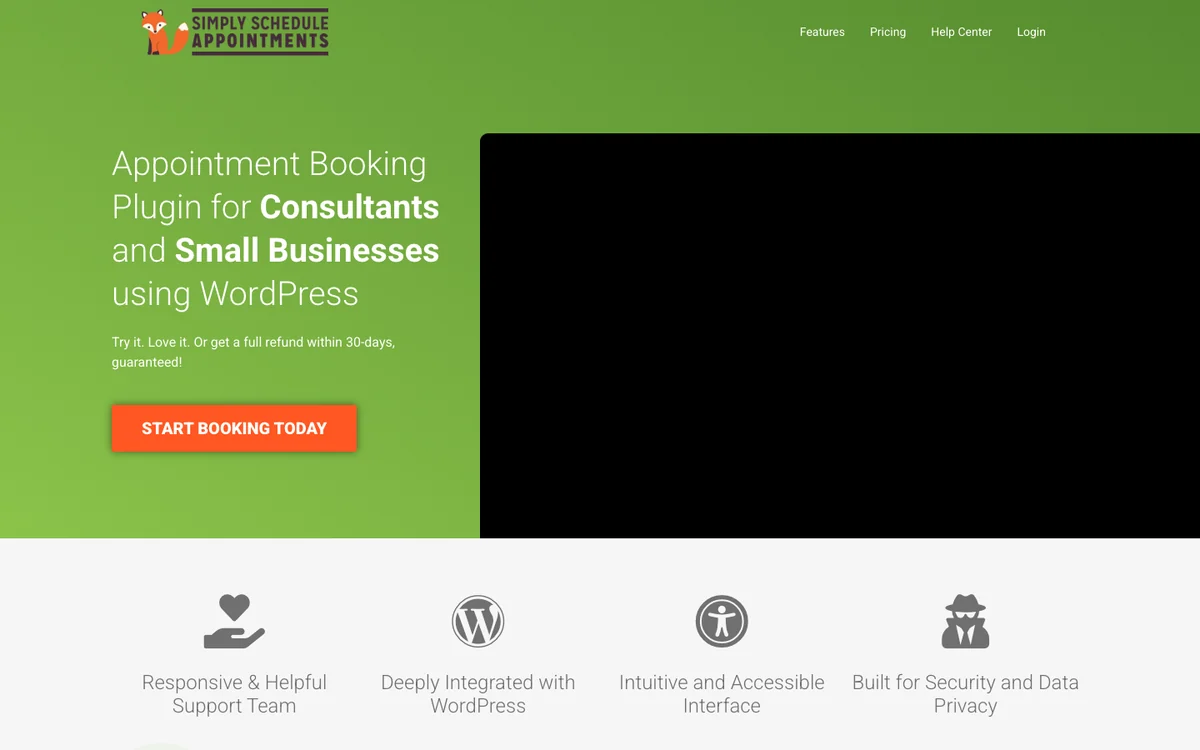
5. Simply Schedule Appointments: simplest setup
Simply Schedule Appointments is quick to set up for a solo practice; payments need its Professional plan.
- Free version
- Unlimited calendars
- Paid from
- $129/year ($99 intro)
- Calendar sync
- Google (Plus)
- WordPress.org
- 5.0★ (155 ratings), 50,000+ sites
What you get
Simply Schedule Appointments is built for a fast setup. The free version includes unlimited booking calendars and appointment types, blackout dates and email notifications. Plus adds Google Calendar, custom fields, Zoom, Meet and group events; Professional ($249) adds Stripe, PayPal, Twilio SMS and webhooks; team scheduling needs Business ($499).
Pros
- Very quick to set up
- 5.0-star rating on WordPress.org
- Unlimited calendars in the free version
Cons
- Payments need the $249 Professional plan
- Team scheduling needs the $499 Business plan
- No lifetime licence
Best for: Simplest setup. Visit Simply Schedule Appointments
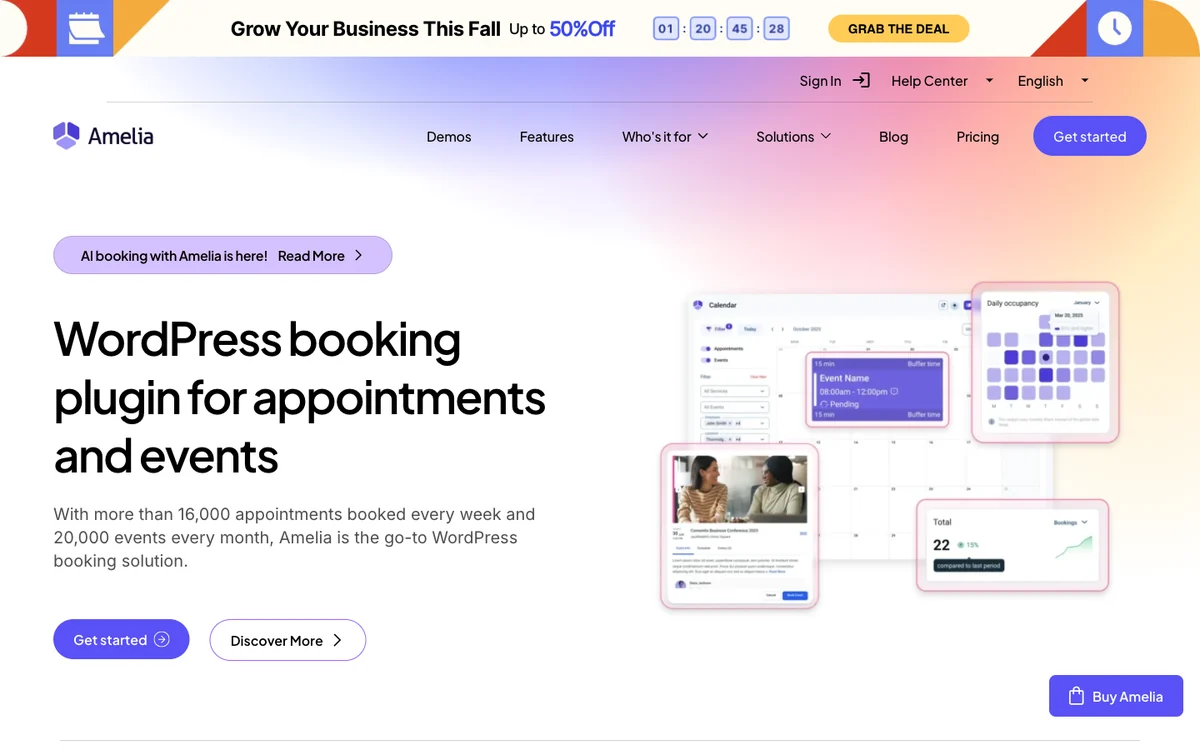
6. Amelia: best for coaching teams with packages
Amelia suits larger coaching businesses that sell packages and run events alongside one-to-one sessions.
- Free version
- Yes (Lite)
- Paid from
- $49/year; most need Standard at $99
- Calendar sync
- Google, Outlook, Apple (Standard)
- WordPress.org
- 4.6★ (793 ratings), 90,000+ sites
What you get
Amelia is built around employees, services and locations, and also sells events. Lite includes a back-end calendar, events, email and SMS notifications and free Square payments. The Standard plan ($99 a year) adds calendar sync, Zoom, Meet and Teams, Stripe, PayPal and WooCommerce, reminders, recurring appointments, custom fields and multiple locations.
Pros
- Strong employee, service and location management
- Square payments in the free version
- Large, active user base
Cons
- Reminders and calendar sync need Standard
- Customer panel is not in the free version
- About 20 Wordfence vulnerability reports in 2025 and 2026, so keep it updated
Best for: Best for coaching teams with packages. Visit Amelia
Frequently asked questions
What is the best scheduling tool for coaches?
If your site runs on WordPress, Quill Booking covers discovery calls, paid sessions, video links and reminders from $39 a year. DoubleScale adds a client CRM and portal, and FluentBooking suits coaches using FluentCRM.
Should coaches charge at booking?
For paid sessions, yes. Payment at booking cuts no-shows and saves you chasing invoices. Keep the first discovery call free.
Can I sell coaching packages with a booking plugin?
Amelia and Bookly offer packages on paid plans. Many coaches instead sell a package through their checkout and send clients a booking link for each session.
Do I need Zoom integration?
It saves time and prevents wrong links. Quill Booking, DoubleScale, FluentBooking, LatePoint and Amelia create Zoom, Meet or Teams links automatically on their paid plans.
Related guides
- How to book Zoom, Google Meet and Teams meetings in WordPress
- How to take payments for appointments in WordPress
- 30 appointment reminder templates
- 9 best WordPress appointment booking plugins
Try Quill BookingBooking pages, calendar sync, video links, payments and reminders on your own WordPress site.
See pricingSources
Checked on November 5, 2026: the WordPress.org plugin directory and the official pricing or product pages of Quill Booking, DoubleScale, FluentBooking, LatePoint, Simply Schedule Appointments, Amelia. Prices change often; if you spot an outdated figure, tell us and we will update this page.