Quick answer
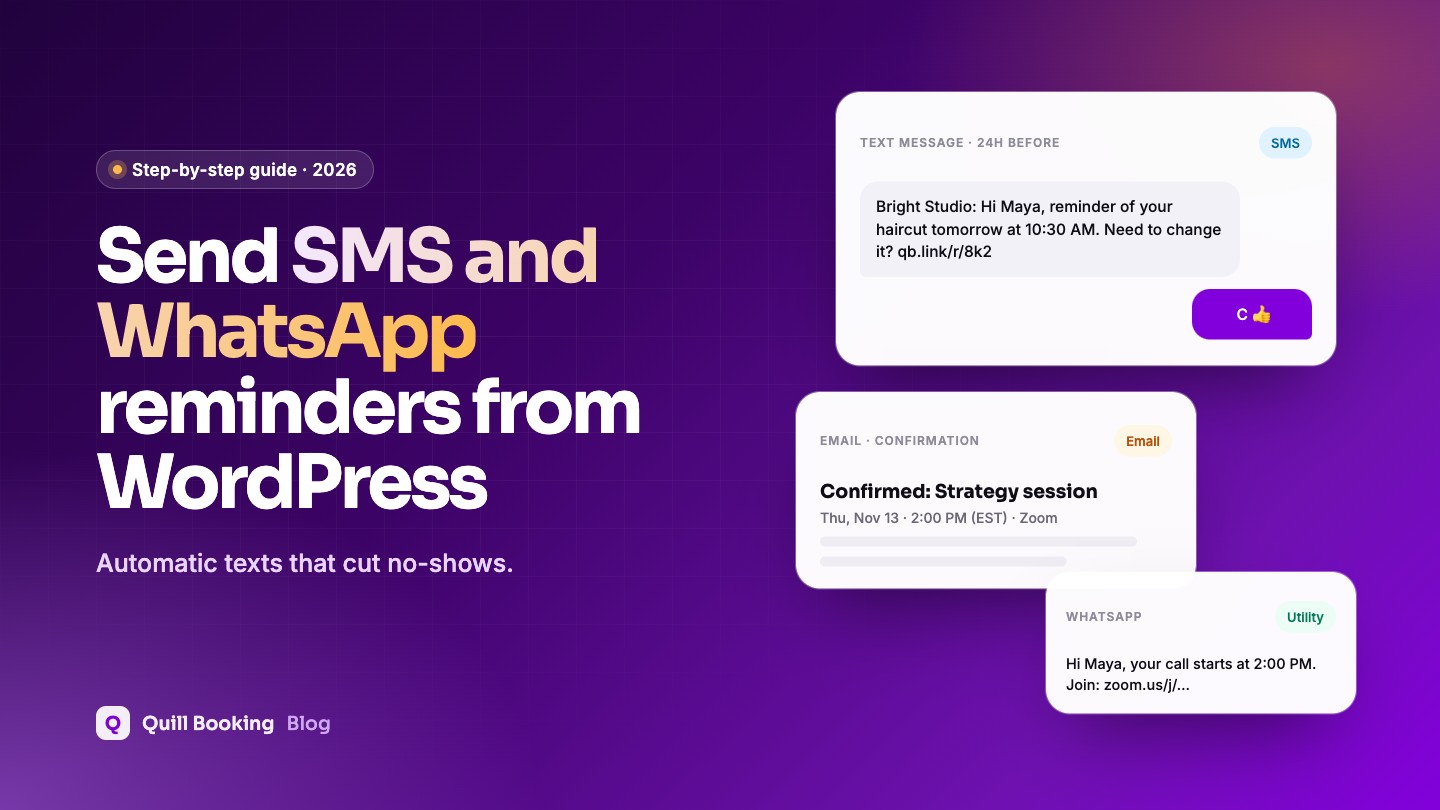
To send SMS and WhatsApp appointment reminders from WordPress, connect a messaging provider such as Twilio to your booking plugin. In Quill Booking Pro: add your Twilio SMS number, WhatsApp number, Account SID and Auth Token under Integrations → SMS Integration, add a phone question to the booking form marked for SMS notifications, then write your messages on each event’s SMS Notification tab.
Text reminders are one of the most effective ways to cut missed appointments: across 21 trials, no-shows fell from 21% to 15% with text notifications (Robotham et al., BMJ Open 2016). Here is how to send them from your WordPress booking page.
Disclosure: We make Quill Booking, so we use it for the screenshots and examples. The advice works with most booking plugins and scheduling tools.
What you need
- A Twilio account with an SMS-capable phone number.
- For WhatsApp, a WhatsApp sender approved in Twilio and approved message templates.
- In the US, A2P 10DLC registration for texts sent from a standard 10-digit number (Twilio guide).
- The client’s consent to receive text reminders.
- Quill Booking Pro for SMS and WhatsApp notifications.
Step 1: Connect Twilio
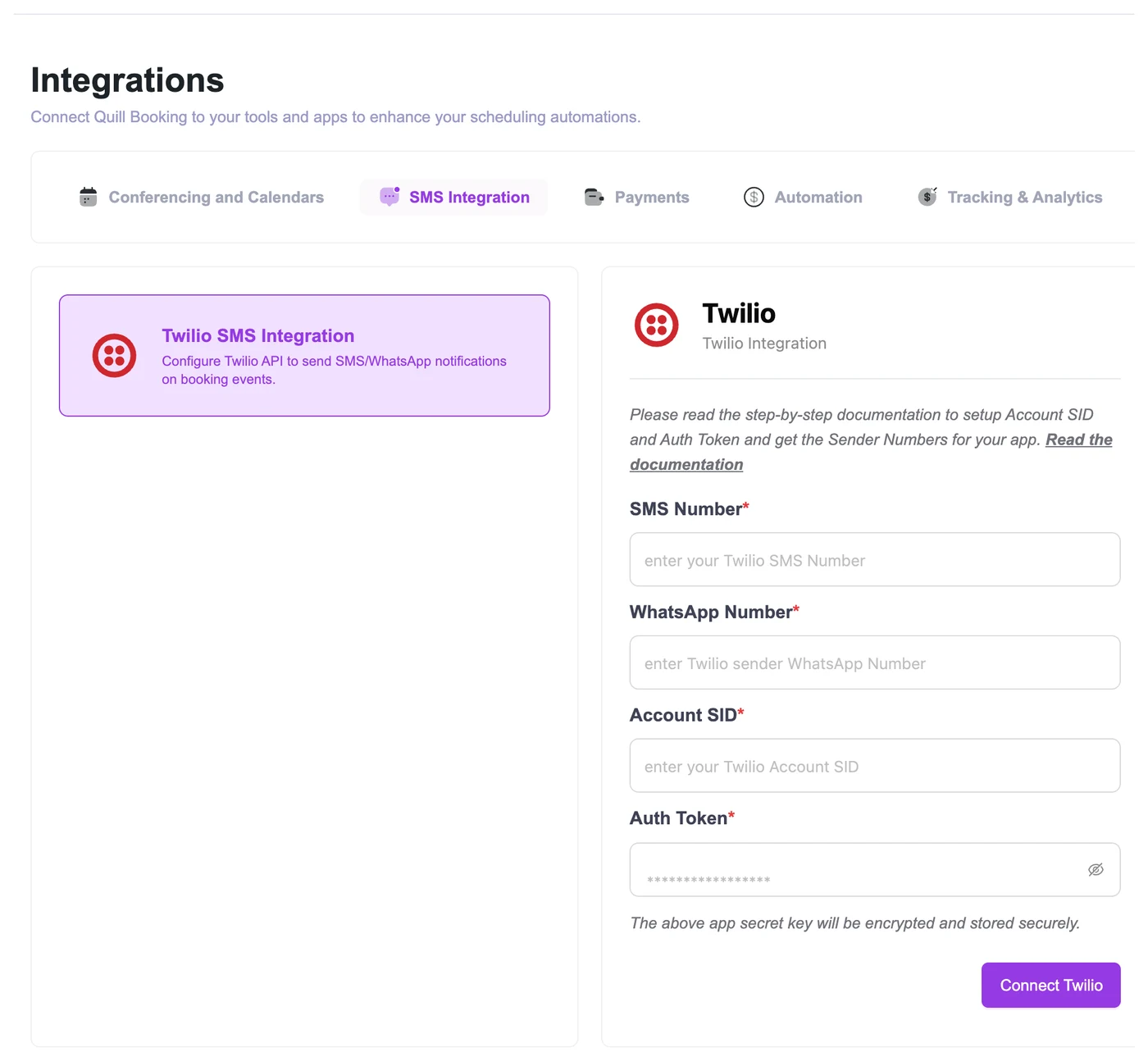
Go to Quill Booking → Integrations, open the SMS Integration tab and select Twilio SMS Integration. From your Twilio Console, copy your SMS number, WhatsApp sender number, Account SID and Auth Token, paste them in and click Connect Twilio.
Step 2: Collect the phone number
Edit the event, open the Questions tab, add a question with the Phone type and tick Use this number for sending SMS notifications. Add a short note such as “We’ll text you a reminder before your appointment.”
Step 3: Write the messages
On the event’s SMS Notification tab, choose SMS or WhatsApp for each notification and edit the text. Use merge tags such as {{guest:name}} and {{booking:start_time timezone="attendee"}}. Keep texts under 160 characters and avoid emojis if you want each message to fit in one SMS segment (Twilio). Our 30 reminder templates include ready-made SMS and WhatsApp wording.
Step 4: Test
- Book with your own mobile number.
- Check the confirmation text arrives and the merge tags are filled in.
- Check the time is shown in your time zone.
- Reply STOP from a test number to confirm opt-out handling in Twilio.
SMS or WhatsApp?
| SMS | ||
|---|---|---|
| Reach | Every mobile phone | Clients who use WhatsApp |
| Setup | Twilio number; US needs 10DLC registration | Approved sender and pre-approved templates |
| Message rules | 160 characters per segment | Business-initiated messages must use approved templates |
| Best for | Universal reminders | Regions where WhatsApp is the main messaging app |
WhatsApp only lets businesses start conversations with pre-approved templates, and reminders belong to the “utility” category (Meta). Meta charges per message, so check current pricing for your region.
Frequently asked questions
Can WordPress send SMS appointment reminders?
Yes, through a booking plugin connected to an SMS provider. Quill Booking Pro, LatePoint Pro, FluentBooking Pro and others use Twilio; Bookly uses its own pay-as-you-go cloud service.
How much do SMS reminders cost?
You pay your provider per message, plus a phone number fee. Prices vary by country; check Twilio’s pricing page for yours.
Do I need permission to text clients?
Usually yes. In the US the TCPA requires prior express consent for automated texts. Ask for the number on the booking form and say it is for reminders.
Can I send WhatsApp reminders?
Yes, through Twilio’s WhatsApp integration with an approved sender and approved utility templates.
Related guides
Text reminders for every bookingQuill Booking Pro sends SMS and WhatsApp reminders through Twilio, from $39 a year.
See pricing