Quick answer
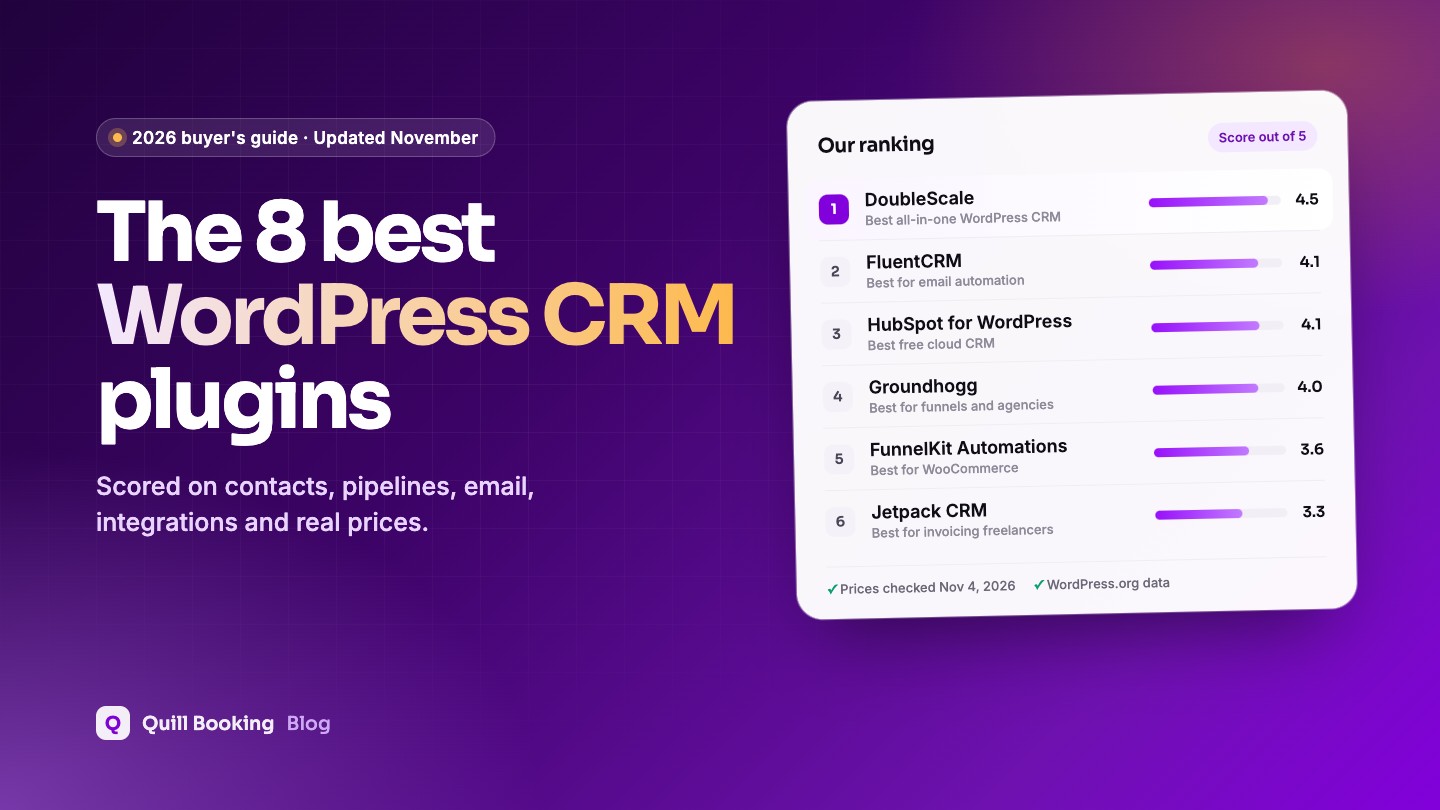
The best WordPress CRM plugin for most businesses in 2026 is DoubleScale. It scored highest on the features CRM buyers rate most important, from contact management to pipelines and email, and it is the only plugin here whose free version also includes booking pages, a helpdesk, invoices and a client portal, all stored in your own WordPress database. Pick FluentCRM if email marketing is your main job, HubSpot for WordPress if you want a free cloud CRM with strong pipelines and don’t mind your data living on HubSpot’s servers, and Groundhogg for funnels and agency sites.
A CRM is only as good as the way it helps you manage contacts, follow deals and stay in touch. We scored every plugin on those core jobs first, using the features CRM users rate most important. Because this is a scheduling blog, we also looked closely at a question most roundups skip: what happens to a lead after someone books a call or fills in a form on your WordPress site.
We compared eight WordPress CRM plugins on contact management, sales pipelines, email automation, integrations, price and data ownership. Every price, limit and rating below was checked on the vendor’s own pricing page, documentation or WordPress.org listing on November 4, 2026.
Disclosure: DoubleScale and Quill Forms are sister products, built by the same team that makes Quill Booking. We rank DoubleScale first because it scored highest on the criteria below, which we publish in full so you can check our work. Every plugin here, DoubleScale included, has a “Cons” list.
WordPress CRM plugins compared at a glance
The table shows the facts most buyers ask about first. “Booking” means the plugin can publish booking pages itself, without a separate scheduling plugin.
| Plugin | Score | Free version | Paid from (per year) | Built-in booking |
|---|---|---|---|---|
| DoubleScale | 4.5 | Yes, unlimited contacts | $99 | Yes |
| FluentCRM | 4.1 | Yes, unlimited contacts | $129 ($103 first year) | Via FluentBooking |
| HubSpot | 4.1 | Yes, 2 users, 1,000 contacts | $240 per seat ($20/mo) | Yes |
| Groundhogg | 4.0 | Yes, unlimited contacts | $240 | Add-on, Plus plan |
| FunnelKit Automations | 3.6 | Yes (Lite) | $149 ($99.50 first year) | No |
| Jetpack CRM | 3.3 | Yes, core CRM | $132 ($11/mo) | No |
| WP ERP | 3.2 | Yes, CRM core | $228 ($19/mo) | No |
| WP-CRM System | 2.6 | Yes, core CRM | $99 | No |
What is a WordPress CRM plugin?
A WordPress CRM plugin is customer relationship management software that runs inside your WordPress dashboard and stores contacts in your site’s own database. It records who your leads and customers are, what they booked or bought, which emails they opened and where each deal stands, without sending that data to a separate cloud service.
There are three kinds, and the difference matters more than any single feature:
- All-in-one CRMs such as DoubleScale and WP ERP cover contacts plus sales, support or accounting in one plugin.
- Marketing-automation CRMs such as FluentCRM, Groundhogg and FunnelKit focus on email lists, tags and automated sequences.
- Connectors to cloud CRMs such as the HubSpot plugin put a WordPress front end on a CRM that lives on someone else’s servers.
DoubleScale’s guide to choosing a WordPress CRM covers these three types, a six-step setup and the most common mistakes in more detail.
Why booking-based businesses need a CRM
If clients book time with you, every booking is a lead record waiting to happen: a name, an email, a phone number, the service they wanted and the answers to your booking questions. Without a CRM, that information sits in a calendar invite and an inbox. With one, it becomes a contact you can tag, follow up with and report on.
In practice, a CRM connected to your booking page lets you:
- Create or update a contact automatically every time someone books, cancels or reschedules.
- Send a follow-up sequence after a discovery call, and a different one after a no-show.
- Move a deal to the next pipeline stage when a paid consultation is booked.
- See every past booking, form entry, email and invoice on one contact timeline.
Bookings are not the most important CRM feature, so they count as one part of our integrations score rather than a category of their own. But if appointments drive your revenue, check the bookings and forms table below before you decide.
How we chose and scored these plugins
We started from the most-installed CRM plugins on WordPress.org and dropped form-to-CRM connectors (such as WP Fusion and Zoho lead forms) and plugins not updated in 2026.
To set the weights, we used Capterra user ratings data from January 2026. The features CRM reviewers most often call highly important are contact management (91%), activity dashboards (86%), customizable fields, sales pipeline management and sales reports (85% each). Email marketing and automation get equal weight because most WordPress CRMs are bought to send email. Each plugin got a 1 to 5 score on six criteria:
| Criterion | Weight | What we checked |
|---|---|---|
| Contacts and customization | 20% | Contact records, companies, custom fields, tags, segments, activity timeline |
| Pipeline and reporting | 20% | Deals and stages, dashboards, sales reports, and which plan unlocks them |
| Email and automation | 20% | Campaigns, sequences, visual automations, sending limits in the free version |
| Integrations and lead capture | 15% | Forms, WooCommerce and booking, built in or through official integrations |
| Value and free plan | 15% | What the free version really includes and the year-one cost of the first paid plan |
| Reliability and data ownership | 10% | Self-hosted or cloud, update frequency, WordPress version tested, ratings |
Here is how each plugin scored. The overall score is the weighted average, rounded to one decimal.
| Plugin | Contacts | Pipeline | Integrations | Value | Reliability | Overall | |
|---|---|---|---|---|---|---|---|
| DoubleScale | 4.5 | 4 | 4.5 | 5 | 5 | 4 | 4.5 |
| FluentCRM | 4.5 | 2 | 5 | 4 | 4.5 | 5 | 4.1 |
| HubSpot | 5 | 5 | 3.5 | 4.5 | 3 | 2.5 | 4.1 |
| Groundhogg | 4.5 | 3.5 | 4.5 | 3.5 | 3.5 | 4.5 | 4.0 |
| FunnelKit Automations | 3.5 | 1.5 | 4.5 | 4 | 4 | 4.5 | 3.6 |
| Jetpack CRM | 4 | 2.5 | 2.5 | 3 | 4 | 4 | 3.3 |
| WP ERP | 4 | 3.5 | 2 | 2.5 | 3.5 | 4 | 3.2 |
| WP-CRM System | 3.5 | 2.5 | 1.5 | 2 | 3.5 | 3 | 2.6 |
1. DoubleScale: best all-in-one WordPress CRM
DoubleScale is a modular CRM that runs inside wp-admin and keeps every record in your own database. You switch on only the modules you need, from contacts and email to booking, helpdesk and invoices.
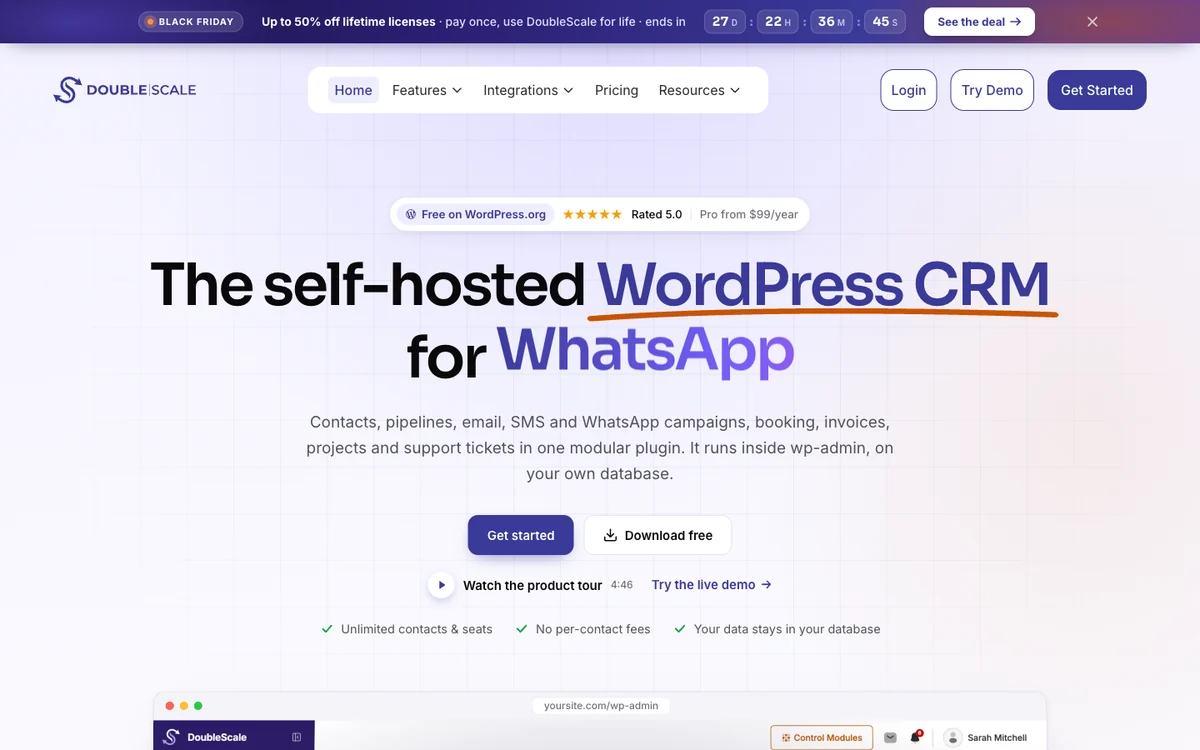
- Free version
- Unlimited contacts and seats
- Paid from
- $99/year, 1 site
- Booking
- Built in, free
- WordPress.org
- 5.0★ (7 ratings)
How it handles bookings and forms
Booking is a native module. The free version publishes booking pages with one-to-one and group events, availability rules, reschedule links and email reminders, and each booking lands on the contact’s timeline. Basic adds round-robin teams, calendar sync, Zoom, Meet and Teams links, and Stripe payments. Of the 17 form integrations, Contact Form 7, WPForms, Fluent Forms and Quill Forms are free; the rest need Basic.
Pros
- Free plan includes booking pages, email, helpdesk, invoices and client portal
- No contact or seat limits on any plan
- Data stays in your own WordPress database
Cons
- Young listing: only 70+ active installs and 7 ratings on WordPress.org
- Pipelines and deals need the Basic plan
- Calendar sync and paid bookings are not in the free version
Best for: Service businesses, consultants and agencies that want bookings, email, support and billing in one place without a per-contact bill.
2. FluentCRM: best for email marketing automation
FluentCRM is the most popular self-hosted email marketing CRM on WordPress.org, with more than 80,000 active installs. The free version has no caps on contacts, campaigns or emails, plus a visual automation builder and data from WooCommerce, Easy Digital Downloads and LMS plugins.
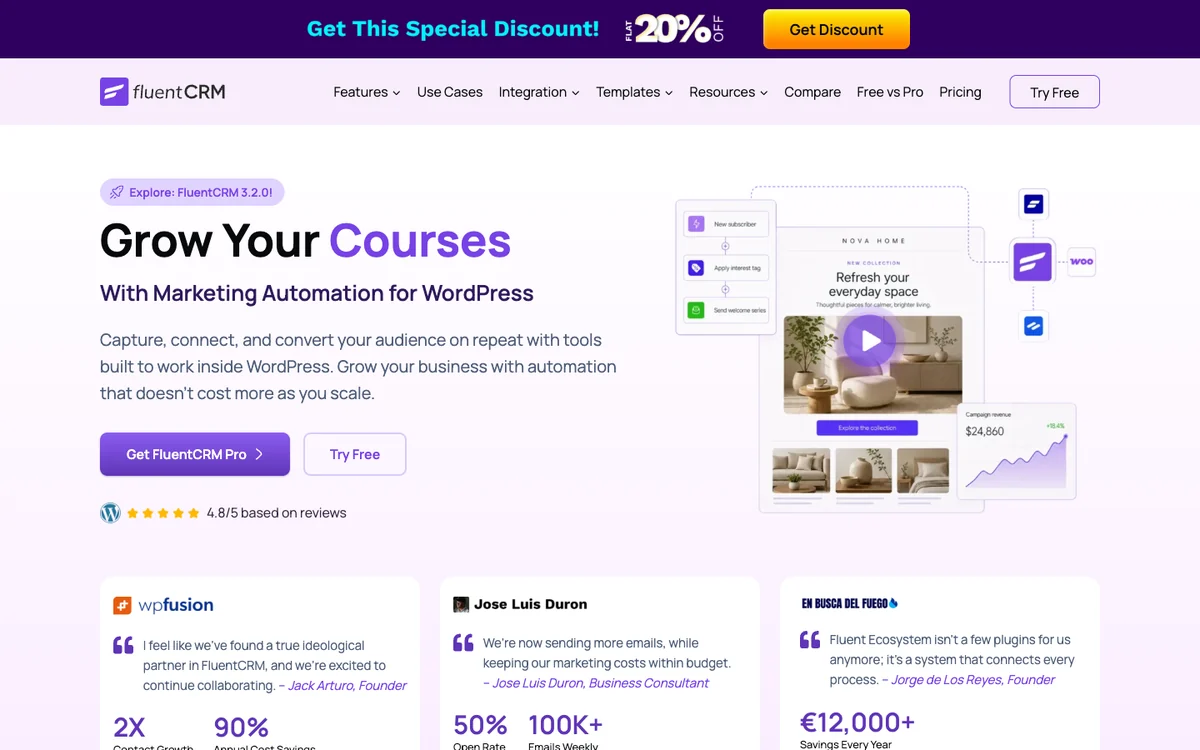
- Free version
- Unlimited contacts and emails
- Paid from
- $129/year ($103 first year)
- Booking
- Via FluentBooking
- WordPress.org
- 4.8★ (250 ratings)
How it handles bookings and forms
FluentCRM has no booking pages of its own. It connects natively to FluentBooking, a separate plugin from the same company, which can start an automation when an appointment is booked. For forms it has built-in opt-in forms and integrations with Fluent Forms, Elementor Pro, Divi and Thrive. WPForms, Gravity Forms and Contact Form 7 are not on its integrations page.
Pros
- Generous free version with unlimited sending
- Mature, well-documented automation builder
- Large user base and frequent updates
Cons
- No deals or sales pipeline that we could find
- Booking requires a second plugin
- Prices shown are first-year prices; check renewal terms
Best for: Content creators, course sellers and stores whose CRM work is mostly newsletters and automated email.
3. HubSpot for WordPress: best free cloud CRM
The HubSpot WordPress plugin connects your site to HubSpot’s cloud CRM. You get free forms, live chat, a contact database, deal pipelines and analytics, but the data lives on HubSpot’s servers rather than in WordPress. It is the most installed CRM plugin here, with 200,000+ active installs.
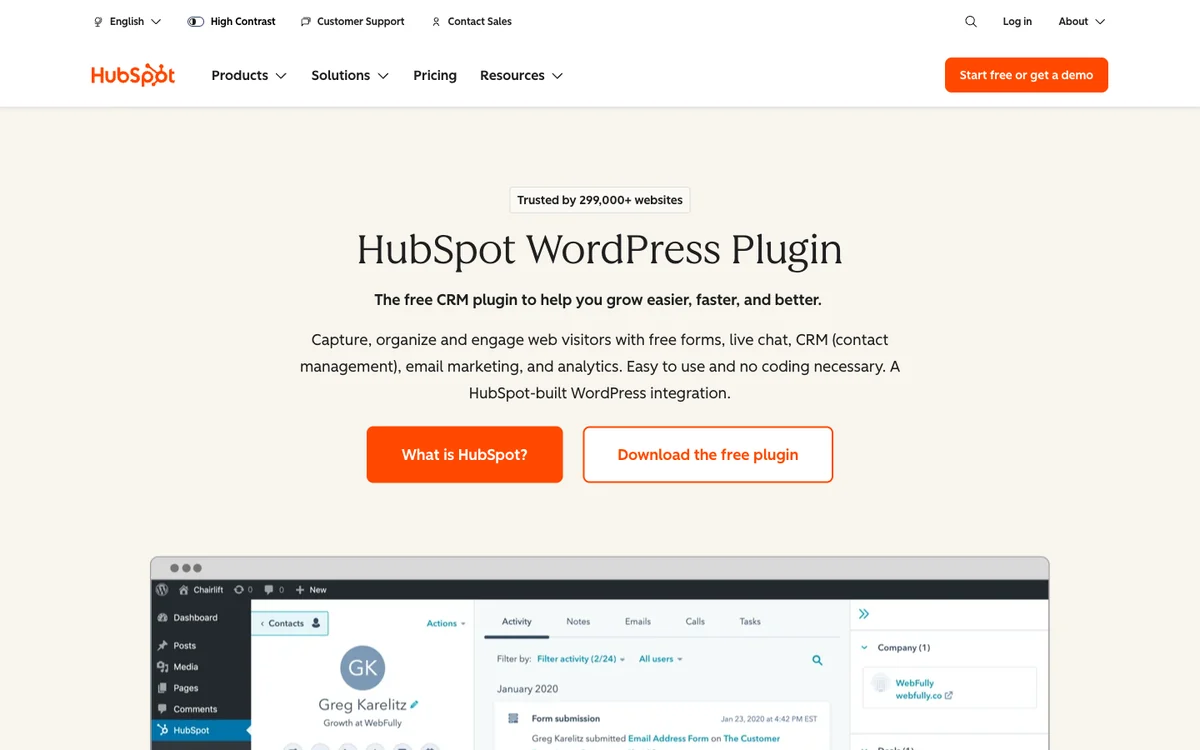
- Free version
- 2 users, 1,000 contacts
- Paid from
- $20 per seat/month
- Booking
- Free meeting links
- WordPress.org
- 4.3★ (207 ratings)
How it handles bookings and forms
HubSpot’s free Meetings tool gives you shareable booking links that sync with Google or Office 365 calendars and log each meeting on the contact. Its own form builder is free, and the plugin also collects submissions from WPForms, Gravity Forms, Ninja Forms, Formidable and Elementor forms. HubSpot shows a limited-time new-customer price below $20 for Starter; plan for $20 per seat at renewal.
Pros
- Strong free pipeline, forms and meeting scheduler
- Huge ecosystem of integrations
- Scales to enterprise sales teams
Cons
- Free plan capped at 2 users, 1,000 contacts and 2,000 emails a month with branding
- Per-seat pricing grows quickly
- Data is stored on HubSpot’s servers, and the plugin was tested only up to WordPress 6.9
Best for: Teams that want a free cloud CRM and expect to grow into HubSpot’s paid sales and marketing tools.
4. Groundhogg: best for funnels and agencies
Groundhogg is an open-source CRM and marketing automation plugin built around a visual “flows” editor. Its free core has no limits on contacts, flows or emails and includes a form builder and broadcasts. Paid plans add integrations and agency features such as white labelling.
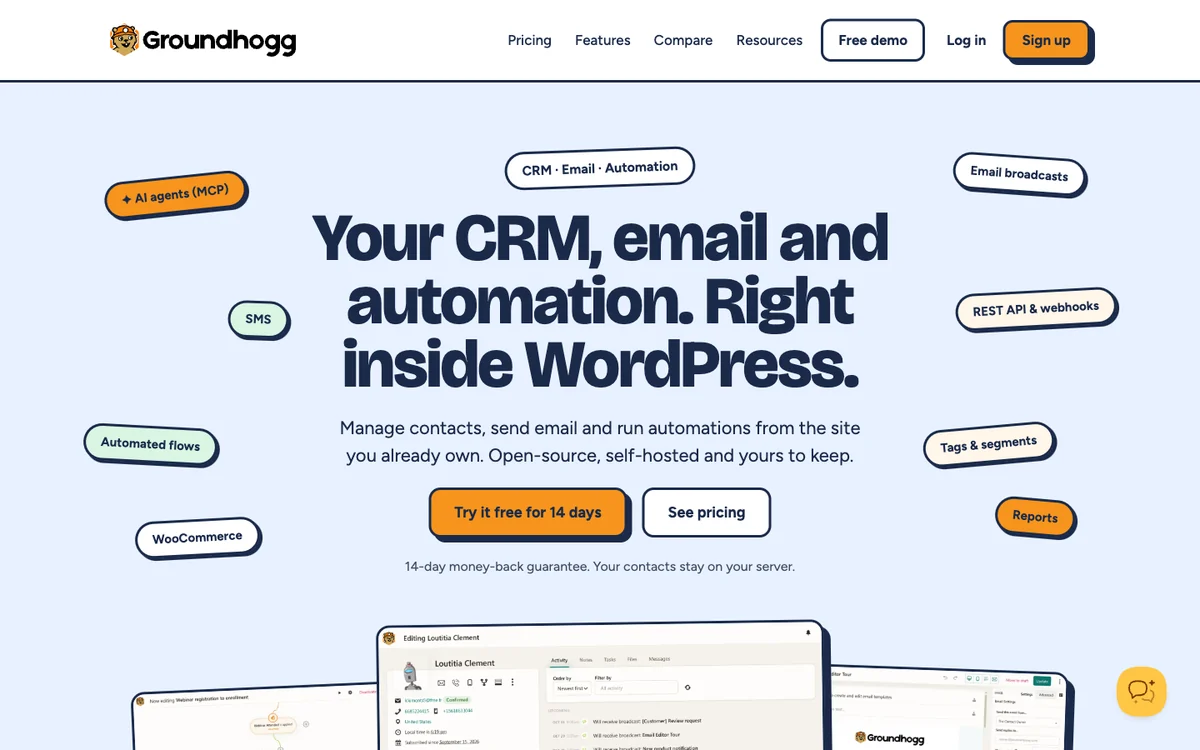
- Free version
- Unlimited contacts and flows
- Paid from
- $240/year (billed annually)
- Booking
- Add-on, Plus plan
- WordPress.org
- 4.8★ (150 ratings)
How it handles bookings and forms
Groundhogg’s Booking Calendar add-on offers booking pages with Google Calendar and Zoom sync and can trigger flows when someone books, but it comes with the Plus plan ($40 a month, billed yearly). Its built-in form builder is available on every plan; integrations with WPForms, Gravity Forms, Contact Form 7, Elementor and others also need Plus.
Pros
- Powerful flow builder for multi-step funnels
- Open source with no contact limits
- White label on the Agency plan
Cons
- Booking, pipelines and form integrations need Plus ($480/year)
- WooCommerce integration needs Pro ($600/year)
- No monthly billing option
Best for: Marketers and agencies who build multi-step funnels and are happy to pay for the Plus plan.
5. FunnelKit Automations: best for WooCommerce stores
FunnelKit Automations is a marketing automation CRM built for WooCommerce. The free Lite version includes pre-built store automations such as abandoned cart recovery, broadcasts and a contact database with no cap on contacts. It has the best rating in this list: 5.0 stars from 346 reviews.
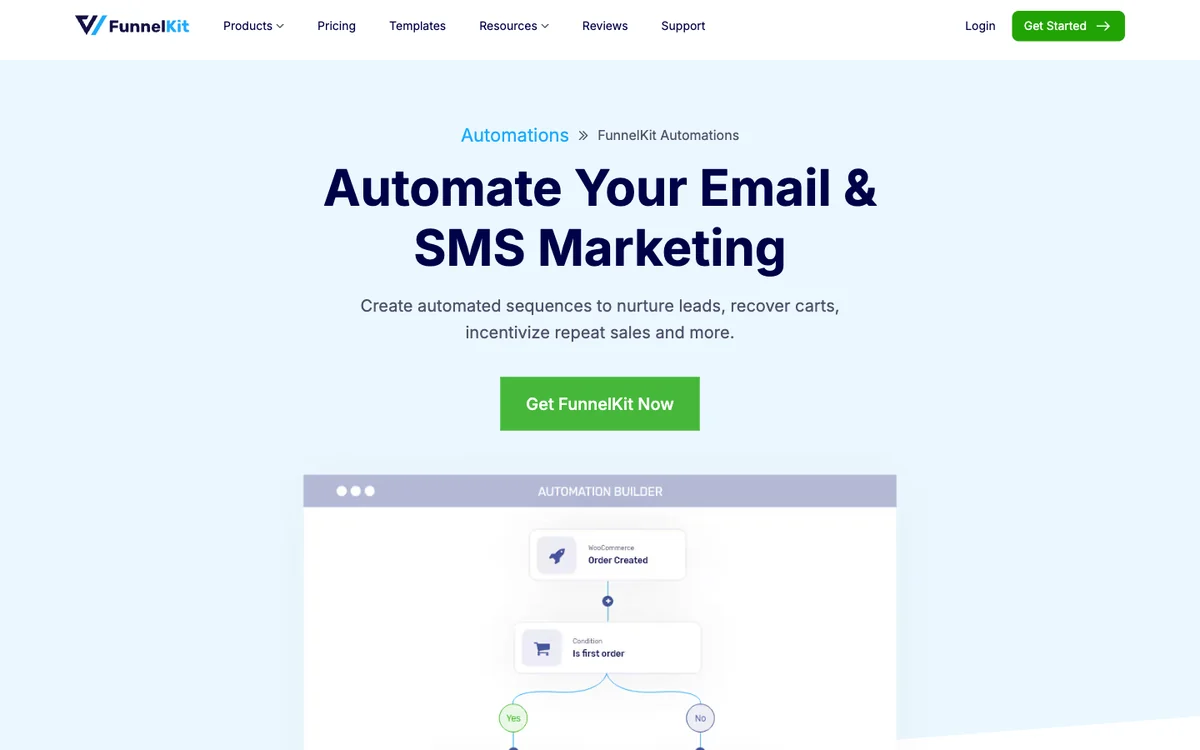
- Free version
- Yes, Lite
- Paid from
- $149/year ($99.50 first year)
- Booking
- None (webhooks only)
- WordPress.org
- 5.0★ (346 ratings)
How it handles bookings and forms
FunnelKit does not offer booking pages or a booking plugin integration; incoming webhooks are the way to bring appointments in. It is stronger on forms, with documented triggers for Contact Form 7, WPForms, Gravity Forms, Fluent Forms, Formidable, Elementor, Divi, Thrive and SureForms.
Pros
- Excellent WooCommerce automations out of the box
- Wide form-plugin coverage
- Top-rated on WordPress.org
Cons
- Not a sales CRM: no pipelines, helpdesk or invoices
- Full visual email builder and advanced actions are Pro
- Introductory price renews at full price
Best for: WooCommerce stores that want cart recovery and post-purchase emails rather than a sales CRM.
6. Jetpack CRM: best for freelancers who invoice
Jetpack CRM, from Automattic, is a lightweight CRM whose free core already includes contacts, companies, quotes, invoices, transactions, a client portal and WooCommerce sync. Extra features come as paid extensions or bundles.
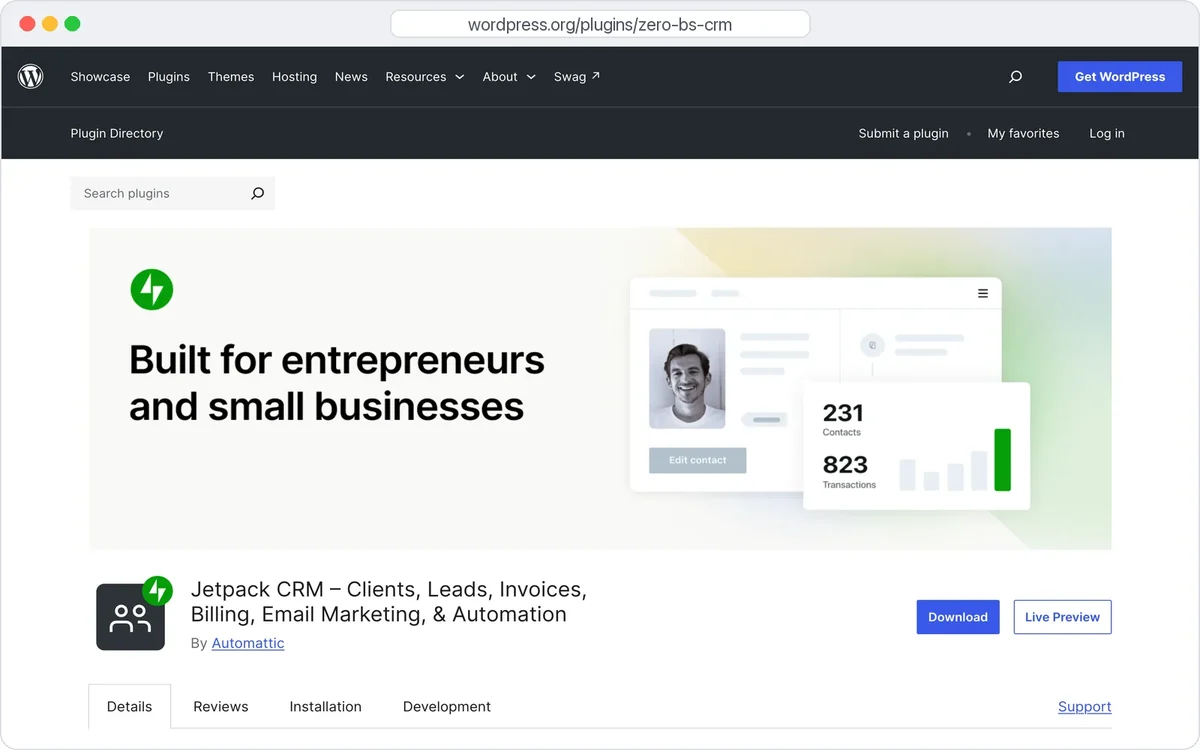
- Free version
- Core CRM with invoices
- Paid from
- $11/month, billed yearly
- Booking
- None
- WordPress.org
- 4.3★ (152 ratings)
How it handles bookings and forms
Jetpack CRM’s own FAQ says it does not include booking or appointment scheduling. Front-end lead forms are free; Gravity Forms and Contact Form 7 connections are $49 extensions, and email campaigns need the paid Mail Campaigns extension.
Pros
- Free quotes, invoices and client portal
- Backed by Automattic
- Pay only for the extensions you need
Cons
- No booking features
- Email campaigns are paid-only
- Extensions add up quickly; the full bundle is $17/month
Best for: Freelancers who mainly need contacts, quotes and invoices and send email from another tool.
7. WP ERP: best CRM with HR and accounting
WP ERP bundles three free core modules: CRM, HR and accounting. The CRM covers contacts, companies, activity logs, internal meeting and call scheduling and basic reports, and the accounting module handles invoices. Paid plans are priced per user.
- Free version
- CRM, HR and accounting core
- Paid from
- $19/month (1 user)
- Booking
- Internal scheduling only
- WordPress.org
- 4.4★ (149 ratings)
How it handles bookings and forms
You can schedule meetings and calls from a contact’s profile, but there are no public booking pages and no booking-plugin integration. The only form integration we found is Gravity Forms sync on the Growth plan. Note that the pricing page lists two different yearly figures, so confirm the price at checkout.
Pros
- CRM, HR and accounting in one free core
- Free invoicing through the accounting module
- Unlimited users in the free core
Cons
- Deals pipeline and WooCommerce need the Growth plan
- Per-user pricing
- Few lead-capture options
Best for: Small companies that want CRM, staff records and accounting in one WordPress suite.
8. WP-CRM System: best for simple client records
WP-CRM System is a simple CRM with unlimited records and users in the free version. It covers contacts, projects, tasks, opportunities and campaigns, with paid extensions for forms, WooCommerce, invoicing, a client area and Mailchimp sync.
- Free version
- Unlimited records and users
- Paid from
- $99/year (3 extensions)
- Booking
- None
- WordPress.org
- 3.9★ (15 ratings)
How it handles bookings and forms
There is no booking feature or booking integration. Ninja Forms and Gravity Forms connections are paid extensions, and email marketing works only through the Mailchimp sync extension.
Pros
- Simple, no-frills record keeping
- Unlimited users in the free version
- Projects and tasks included
Cons
- Lowest rating in this list (3.9 stars, 15 ratings)
- Every integration is a paid extension
- Small user base of about 700 sites
Best for: Very small teams that only need a shared client list inside WordPress.
Bookings and forms: how each CRM gets its leads
This is the part most CRM roundups skip. If your leads arrive through a booking page or a form, check this table before anything else.
| Plugin | Own booking pages | Booking route | Own forms | Form plugins (official) |
|---|---|---|---|---|
| DoubleScale | Yes (free) | Native module | Yes | 17, incl. CF7, WPForms, Fluent Forms, Quill Forms (free) |
| FluentCRM | No | FluentBooking plugin | Yes | Fluent Forms, Elementor Pro, Divi, Thrive |
| HubSpot | Yes (free) | Meetings tool | Yes | WPForms, Gravity, Ninja, Formidable, Elementor |
| Groundhogg | Add-on (Plus) | Booking Calendar add-on | Yes | WPForms, Gravity, CF7, Elementor and more (Plus) |
| FunnelKit Automations | No | Webhooks | Yes | CF7, WPForms, Gravity, Fluent, Formidable, Elementor |
| Jetpack CRM | No | None | Yes | Gravity Forms, CF7 ($49 each) |
| WP ERP | No | Internal scheduling | No | Gravity Forms sync (Growth) |
| WP-CRM System | No | None | No | Ninja Forms, Gravity Forms (paid) |
A real example: a booking from a DoubleScale booking page creates the contact, logs the appointment on their timeline and can start a follow-up automation, with nothing extra to install.
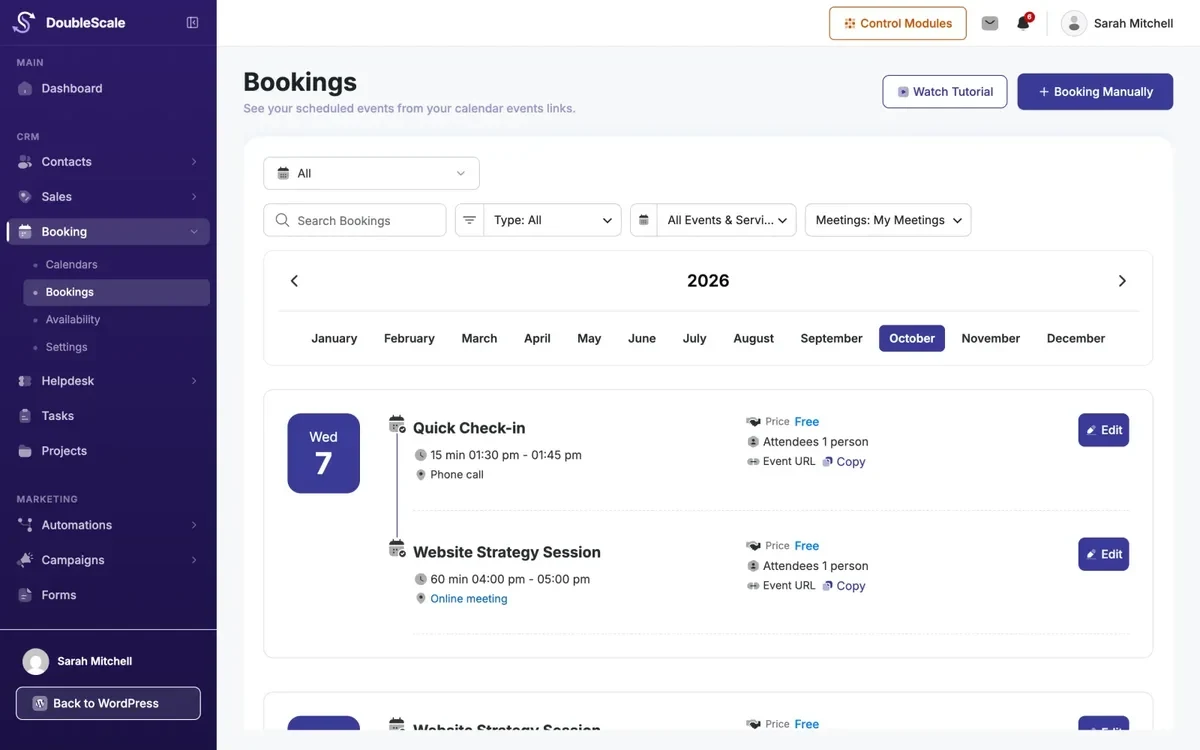
Already use a dedicated booking plugin? Quill Booking Pro sends every booking to Zapier, Make or any webhook, so you can pass new appointments to any CRM in this list that accepts webhooks or has a Zapier app. For forms, Quill Forms connects to DoubleScale for free.
What a WordPress CRM really costs in year one
Free versions are a good start, but most businesses end up paying for one feature: pipelines, booking, SMS or form integrations. Here is the year-one cost for one site on the cheapest paid plan, and on the plan you need for bookings plus a sales pipeline.
| Plugin | Cheapest paid plan | Plan with booking + pipeline | Pricing model |
|---|---|---|---|
| DoubleScale | $99 (Basic) | $99 (Basic) | Per site; lifetime from $299 |
| FluentCRM | $129 ($103 first year) | Needs FluentBooking; no pipeline | Per site |
| HubSpot | $240 per seat (Starter) | Free meetings + pipeline | Per seat |
| Groundhogg | $240 (Basic) | $480 (Plus) | Per site, annual only |
| FunnelKit Automations | $149 ($99.50 first year) | Not available | Per site |
| Jetpack CRM | $132 (Freelancer) | No booking | Per site + extensions |
| WP ERP | $228 (Starter, 1 user) | Growth: $468 (3 users) | Per user |
| WP-CRM System | $99 (Plus) | No booking | Per site + extensions |
Tip: per-seat and per-user pricing (HubSpot, WP ERP) costs more as your team grows, while per-site pricing (DoubleScale, FluentCRM, Groundhogg) stays flat no matter how many people log in.
Which WordPress CRM should you choose?
- You want contacts, pipelines, email and support in one self-hosted plugin: DoubleScale. It also suits service businesses, because booking pages are included.
- Email newsletters and automations are your main job: FluentCRM.
- You want a free cloud CRM and plan to grow a sales team: HubSpot for WordPress.
- You build funnels for clients: Groundhogg, on the Plus plan or higher.
- You sell with WooCommerce and care most about cart recovery: FunnelKit Automations.
- You are a freelancer who mostly sends quotes and invoices: Jetpack CRM.
- You also need HR and accounting: WP ERP.
How to connect your booking page and forms to a WordPress CRM
- Map where leads come from. List every booking page, contact form, checkout and newsletter box on your site.
- Pick a CRM that hears all of them. Use the bookings and forms table above. Native integrations are more reliable than chains of webhooks.
- Decide which fields matter. Name, email and phone, plus the service booked and any qualifying answers. Create matching custom fields in the CRM.
- Connect and send a test. Make a test booking and submit each form once, then check that the contact, fields and tags arrived.
- Add one automation first. A confirmation or follow-up email after a booking is the easiest win. Add more once it works.
- Set up email deliverability. Send through an SMTP provider and authenticate your domain (SPF, DKIM, DMARC) so reminders reach the inbox.
Common mistakes when choosing a WordPress CRM
- Comparing free plans only. Check which plan unlocks the one feature you will need in six months, usually pipelines, booking or SMS.
- Ignoring renewal prices. Several plugins show first-year discounts. Budget for the renewal price.
- Running two CRMs. A booking tool with its own contact list plus a CRM means duplicate, conflicting records. Choose one source of truth.
- Forgetting the data question. Cloud CRMs are convenient, but self-hosted plugins keep customer data in your own database, which can make GDPR requests and exports simpler.
Related guides
- 9 best WordPress appointment booking plugins in 2026: how to take bookings that feed your CRM.
Frequently asked questions
What is the best CRM plugin for WordPress?
For most businesses, DoubleScale is the best WordPress CRM plugin in 2026. It scored highest across contact management, pipelines, email automation and integrations, and its free version adds booking pages, a helpdesk and invoices in one self-hosted plugin. FluentCRM is the strongest choice if you mainly need email marketing, and HubSpot is the best free option if you prefer a cloud CRM.
Is there a free CRM plugin for WordPress?
Yes. DoubleScale, FluentCRM, Groundhogg, FunnelKit Automations, Jetpack CRM, WP ERP and WP-CRM System all have free versions on WordPress.org, and most do not limit contacts. HubSpot’s plugin is free too, but its free CRM is capped at 2 users and 1,000 contacts.
Which WordPress CRM has built-in appointment booking?
DoubleScale includes booking pages in its free version. HubSpot offers free meeting links through its cloud Meetings tool. Groundhogg sells a Booking Calendar add-on with its Plus plan, and FluentCRM connects to the separate FluentBooking plugin. The other plugins in this list have no public booking pages.
How do I send bookings from a booking plugin to my CRM?
Use a native integration if your CRM has one. If not, use webhooks or an automation tool. For example, Quill Booking Pro can send each new booking to Zapier, Make or a webhook URL, which can then create or update the contact in your CRM.
Is the HubSpot WordPress plugin really free?
The plugin and HubSpot’s free CRM cost nothing, but the free plan allows 2 users, 1,000 contacts and 2,000 marketing emails a month with HubSpot branding. Paid Starter seats list at $20 per seat per month.
Will a CRM plugin slow down my WordPress site?
A well-built CRM plugin loads its code in the admin area and only adds small scripts to public pages, such as forms or booking widgets, so visitors should not notice a difference. Large contact lists and email sending are the heavier jobs; use a proper SMTP provider and real cron jobs on busy sites.
Is a self-hosted WordPress CRM better than a cloud CRM?
It depends on your priorities. A self-hosted plugin keeps customer data in your own database and usually costs the same no matter how many contacts you have. A cloud CRM such as HubSpot needs no server upkeep and offers a larger ecosystem, but prices rise per seat or per contact.
Which WordPress CRM is best for WooCommerce?
FunnelKit Automations is the most focused on WooCommerce, with cart recovery and post-purchase flows in its free version. FluentCRM and DoubleScale also work with WooCommerce data; DoubleScale imports customers for free and adds WooCommerce triggers and abandoned-cart flows on paid plans.
The bottom line
Start with the core: contacts, a pipeline you will actually use, and email that reaches the inbox. DoubleScale covers all three in one self-hosted plugin with no per-contact fees, and adds booking, support and invoicing when you need them. If email marketing is all you need, FluentCRM is excellent, and HubSpot remains the easiest free cloud CRM to start with.
Try DoubleScale freeInstall the free plugin from WordPress.org and switch on the booking and CRM modules you need.
Get DoubleScaleSources
All facts were checked on November 4, 2026 on these pages: the WordPress.org plugin directory for every plugin listed; DoubleScale pricing; FluentCRM pricing and integrations; Groundhogg pricing; HubSpot CRM pricing; FunnelKit pricing; WP ERP pricing; Jetpack CRM pricing and FAQ; WP-CRM System pricing. Prices change often; if you spot an outdated figure, tell us and we will update this page.