Quick answer
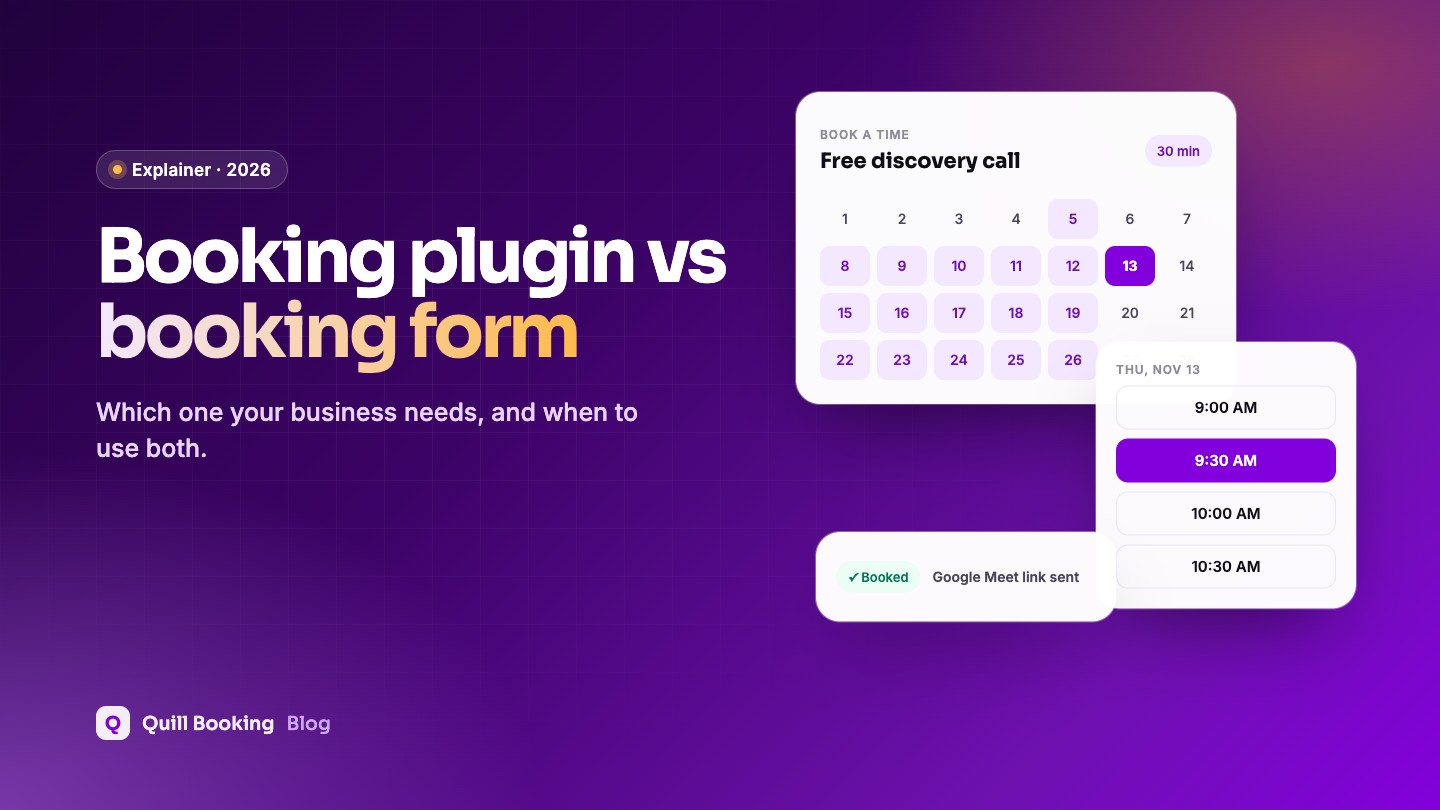
Use a booking plugin when clients should pick a real, available time and get it confirmed instantly, with reminders and calendar sync. Use a booking request form when every request needs your review first, such as quotes, events or custom jobs. Many businesses combine them: a form for qualifying questions that ends with a live booking step.
“Booking form” can mean two different things: a form that asks for a preferred date and time and waits for you to reply, or a scheduling tool that books a real slot. Choosing the wrong one creates either endless back-and-forth or bookings you did not want.
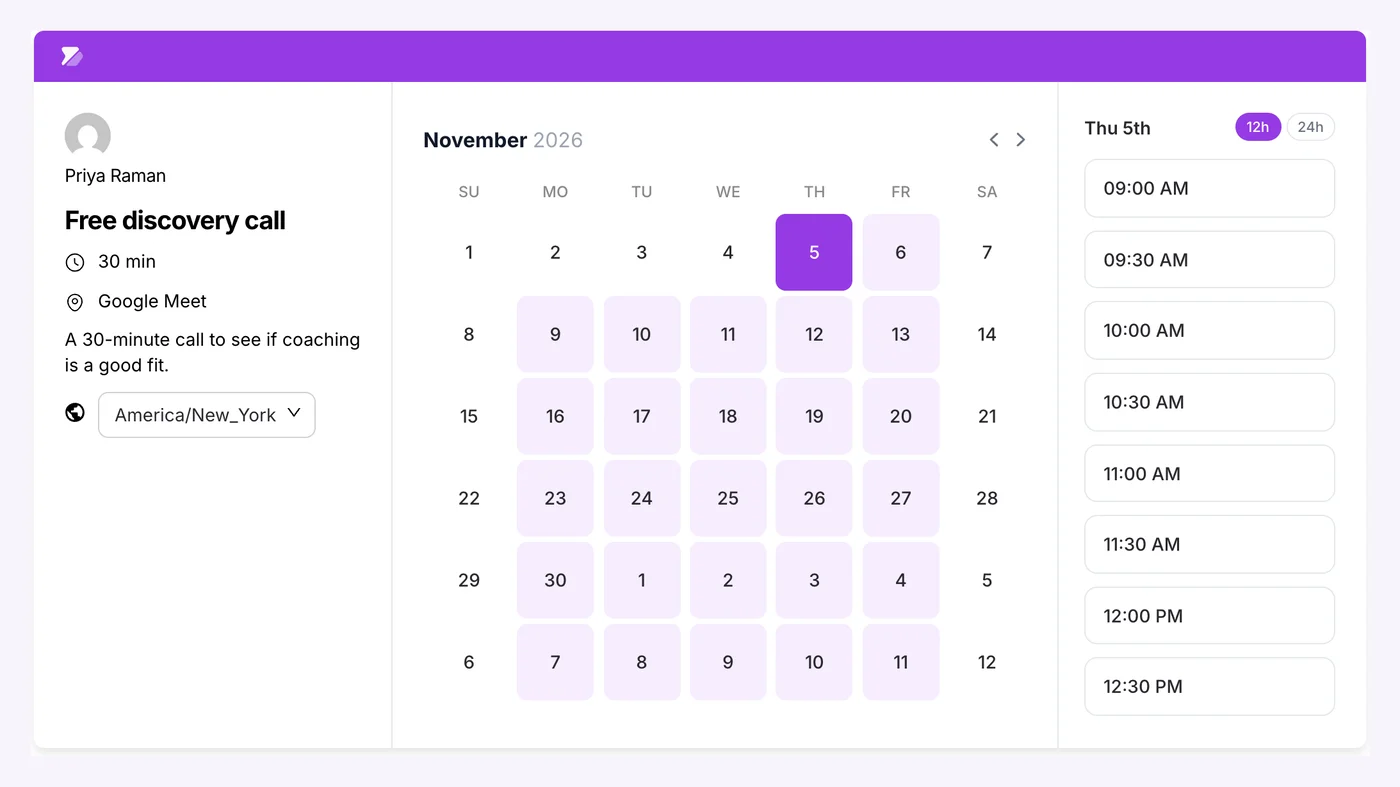
Disclosure: We make Quill Booking, so we use it for the screenshots and examples. The advice works with most booking plugins and scheduling tools.
The difference in one table
| Booking plugin | Booking request form | |
|---|---|---|
| Client picks | A real available slot | A preferred date or time |
| Confirmation | Instant | After you reply |
| Double-booking protection | Yes, with calendar sync | No, you check manually |
| Reminders and video links | Automatic | Manual |
| Payments at booking | Yes, on most paid plans | Usually not |
| Best for | Appointments, calls, classes | Quotes, events, custom jobs |
When a booking plugin is the right choice
- Appointments of a fixed length, such as consultations, treatments or lessons.
- You want clients to book outside office hours without waiting for you.
- You need reminders, video links or payments.
- Several people take bookings.
When a request form is the right choice
- Every job is different and needs a quote first.
- Dates depend on other things, such as venue availability for an event.
- You only take a handful of bookings and want to vet each one.
The best of both: a form with a booking step
Conversational forms such as Quill Forms can ask qualifying questions first and then show a live booking calendar with the Quill Booking block, so qualified clients book straight away and others are routed elsewhere. See how to add an intake form to bookings.
Frequently asked questions
What is the difference between a booking form and a booking plugin?
A booking request form collects a preferred time and waits for you to confirm. A booking plugin shows real availability and confirms the booking instantly, with reminders and calendar sync.
Can I use a contact form for appointments?
You can, but you will confirm every time by email and risk double bookings. A booking plugin removes that back-and-forth.
Can a form and a booking calendar work together?
Yes. Quill Forms’ Quill Booking block adds a live booking step to the end of a form, after your qualifying questions.
Which is better for small businesses?
If you sell appointments of a set length, a booking plugin saves the most time. If every job needs a quote, start with a request form.
Related guides
- How to add an intake form to bookings
- How to add a booking calendar to WordPress
- How to embed a booking calendar in Elementor or Gutenberg
Real availability, instant confirmationQuill Booking is free on WordPress.org, and works with Quill Forms.
Get it free